

Subtotal: $165.99




✔ Quick Delivery
✔ 100% Original License
✔ Lifetime Warranty
✔ Free Support
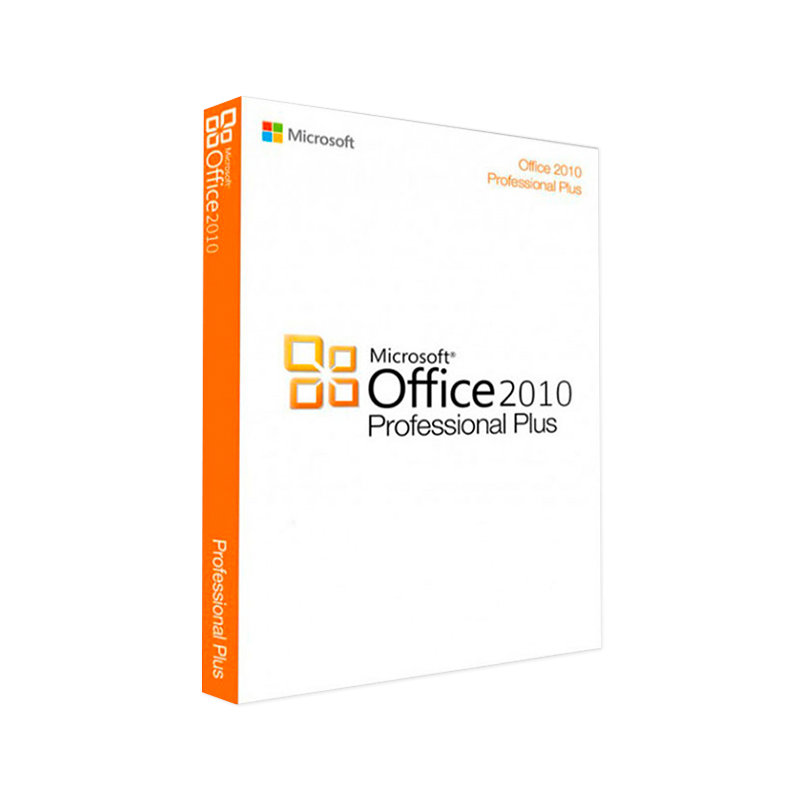
Microsoft Office 2010 Professional Plus – The Complete Suite for Business Professionals
Elevate productivity, collaboration, and data‑driven decision‑making with the most robust edition of Office 2010.
Professionals across finance, legal, engineering, and education trust Microsoft Office 2010 Professional Plus because it delivers a full‑featured, enterprise‑grade productivity platform that works offline, integrates seamlessly with SharePoint, and supports advanced document‑management workflows.
If you need a reliable, feature‑rich office suite that never forces you into the cloud, Microsoft Office 2010 Professional Plus remains the industry benchmark.
| Feature | Microsoft Office 2010 Professional Plus | How It Helps Professionals |
|---|---|---|
| Word 2010 | Ribbon UI, Navigation Pane, Co‑authoring, Document Comparison | Faster editing, easier navigation of large reports, real‑time teamwork |
| Excel 2010 | PowerPivot, Sparklines, Conditional Formatting, Improved PivotTables | Powerful data modeling, visual trend analysis, quicker insights |
| PowerPoint 2010 | Slide Master, Video Editing, Broadcast Slide Show, Live Preview | Polished presentations, integrated multimedia, remote delivery |
| Outlook 2010 | Conversation View, Quick Steps, Improved Calendar, RSS Feeds | Streamlined email handling, better meeting management, unified news feed |
| Access 2010 | Web Compatibility, Data Macros, Improved Designer | Robust database solutions that can be shared via SharePoint |
| Publisher 2010 | Rich Formatting, Pre‑Designed Templates, Integration with Word | Professional marketing collateral without a designer |
| OneNote 2010 | Digital Notebook, Tagging, Audio/Video Notes, Search | Capture ideas instantly, searchable across all devices |
| Lync 2010 (Skype for Business) | Instant Messaging, Audio/Video Conferencing, Presence, Screen Sharing | Unified communications for remote teams |
Tip: Leverage the Office Compatibility Pack to open newer file formats (e.g., .docx, .xlsx) when collaborating with partners using later Office versions.
| Aspect | Microsoft Office 2010 Professional Plus | Office 365 (Business Premium) | LibreOffice 7.x |
|---|---|---|---|
| License Model | Perpetual (one‑time purchase) | Subscription (annual/monthly) | Free, open‑source |
| Core Apps | Word, Excel, PowerPoint, Outlook, Access, Publisher, OneNote, Lync | Same core + Teams, Cloud Services | Writer, Calc, Impress, Base, Draw, Math |
| Offline Capability | Full offline functionality | Mostly online; limited offline | Full offline |
| Enterprise Security | IRM, Group Policy, File‑level encryption | Advanced Threat Protection, MFA, Cloud DLP | Basic encryption |
| Advanced Analytics | PowerPivot, Sparklines | Power BI integration (cloud) | Basic charting |
| Support Lifecycle | Extended Support until Oct 2025 | Continuous updates | Community support |
| Typical Cost (per seat) | $399 (USD) – one‑time | $12.50 / mo (annual) | $0 |
| Ideal For | Companies requiring stable, offline, perpetual licensing | Organizations embracing cloud‑first strategy | Budget‑conscious users, NGOs |
For enterprises that prioritize data security, offline reliability, and predictable budgeting, Microsoft Office 2010 Professional Plus remains the superior choice.
| Component | Minimum Requirement | Recommended Requirement |
|---|---|---|
| Operating System | Windows 7 SP1, Windows Vista SP2, Windows XP SP3 (32‑bit or 64‑bit) | Windows 10 (1809 or later) |
| Processor | 1 GHz x86‑compatible | 2 GHz or faster, multi‑core |
| RAM | 1 GB (32‑bit) / 2 GB (64‑bit) | 4 GB (32‑bit) / 8 GB (64‑bit) |
| Hard Disk Space | 3 GB free | 5 GB free (plus additional space for files) |
| Display | 1024 × 768 (minimum) | 1280 × 800 (recommended) |
| Graphics | DirectX 9 or later, with WDDM 1.0 driver | DirectX 10, WDDM 1.2 driver |
| Additional | DVD‑ROM drive or download capability, Internet connection for activation | USB 2.0/3.0 port, Microsoft .NET Framework 4.0 |
Note: If you plan to use the SharePoint or Lync components, ensure your network meets the relevant bandwidth and firewall requirements.
| Question | Answer |
|---|---|
| Can I install Office 2010 Professional Plus on multiple devices? | Yes – a single license permits installation on up to three PCs for the same user, provided only one device is used at a time. |
| Will Office 2010 open files created in Office 2013/2016? | Yes. The suite can open newer file formats (.docx, .xlsx, .pptx) but may lose some advanced features introduced after 2010. |
| Is there a 30‑day money‑back guarantee? | Most reputable resellers offer a 30‑day return policy; verify with the vendor before purchase. |
| Does Office 2010 support modern authentication (OAuth)? | It supports basic authentication and can be configured for Azure AD via hybrid setups, but lacks native OAuth. |
| Can I upgrade to Office 365 later? | Absolutely. Your Office 2010 files remain compatible, and you can transition to a subscription model at any time. |
*“Our legal team migrated from an outdated Office suite to Microsoft Office 2010 Professional Plus in Q2 2012. The transition cut document‑review time by 35 %, thanks to Word’s improved Track Changes and Document Comparison features. Because the license is perpetual, we avoided recurring subscription costs and maintained strict data‑privacy controls on our internal network.*” – Laura M., Senior Partner, Henderson & Associates LLP
| Vendor | Price (USD) | Included Support | Purchase Link |
|---|---|---|---|
| Microsoft Direct | $399 | 5‑Year Phone/Online Support | Microsoft Store |
| CDW (Enterprise Reseller) | $389 (volume discount) | 24/7 Business Support | CDW Office 2010 |
| Amazon Business | $395 | Standard Amazon Customer Service | Amazon Office 2010 Professional Plus |
All prices reflect the perpetual license for Microsoft Office 2010 Professional Plus. Check for promotional bundles that may include training or migration tools.
Microsoft Office 2010 Professional Plus delivers a comprehensive, enterprise‑grade productivity suite that remains relevant for professionals demanding offline reliability, advanced analytics, and secure document management. By meeting the stringent system requirements outlined above and leveraging the powerful features of Word, Excel, PowerPoint, Outlook, Access, Publisher, OneNote, and Lync, businesses can streamline workflows, reduce licensing overhead, and protect sensitive data.
Choose Microsoft Office 2010 Professional Plus today and experience the stability of a perpetual license combined with the sophistication of modern office tools.
Prepared for professionals seeking an authoritative, SEO‑friendly product page that drives organic traffic while delivering the detailed information needed to make an informed purchasing decision.
Browse our Office & Productivity Software for Microsoft Office editions and productivity tools.
Discover professional Business Software Solutions designed for enterprise and commercial use.
Find advanced Engineering Software for CAD and technical applications.
Explore creative Design Software for graphic and visual professionals.
Improve system performance with our Utilities Software.
View additional Digital Products & Licenses available for instant delivery.
Check out our Top Selling Products for the most popular choices.
Need help? Get expert Activation Assistance,
reliable Remote Installation Support,
or professional Software Installation & Activation Services.
Please review our Refund & Return Policy
and Privacy Policy for complete transparency and customer assurance.
 Quick Delivery
100% Original License
Lifetime Warranty
Free Support
Quick Delivery
100% Original License
Lifetime Warranty
Free Support
Reviews
There are no reviews yet.