


Subtotal: $143.98
14%
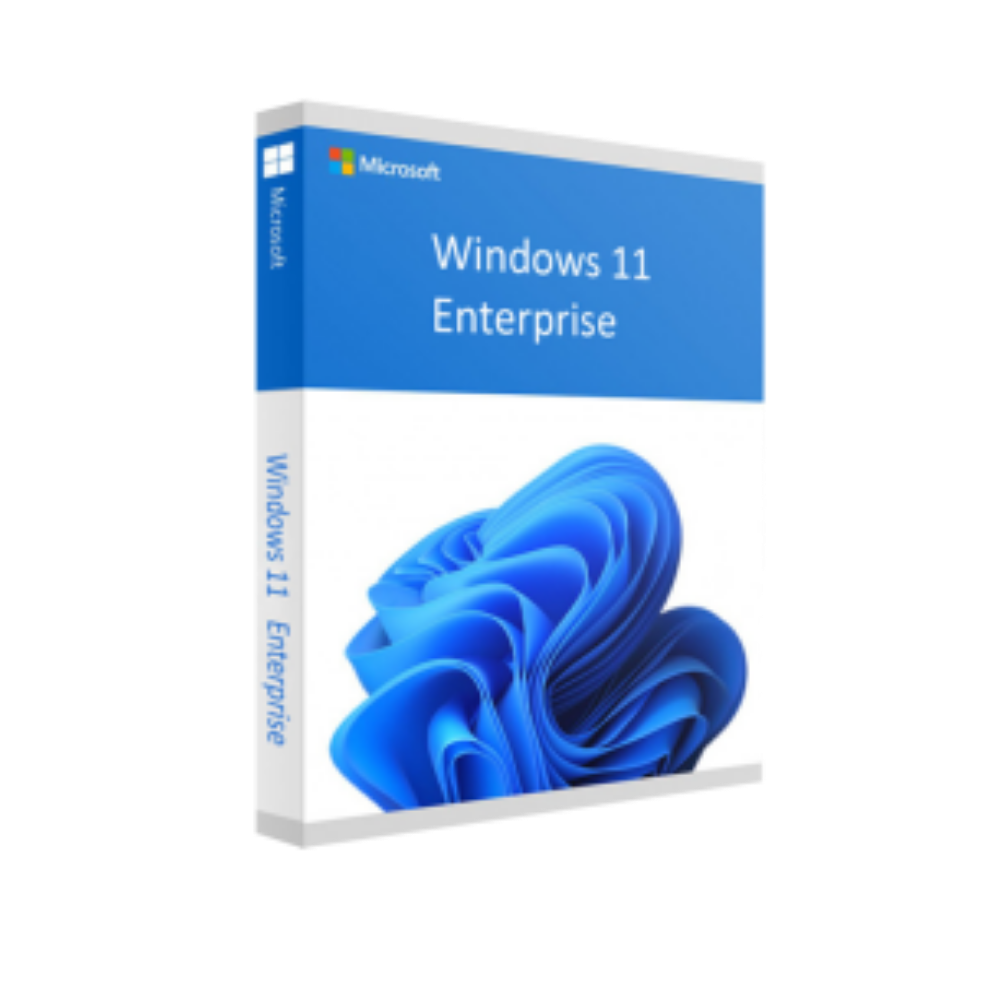

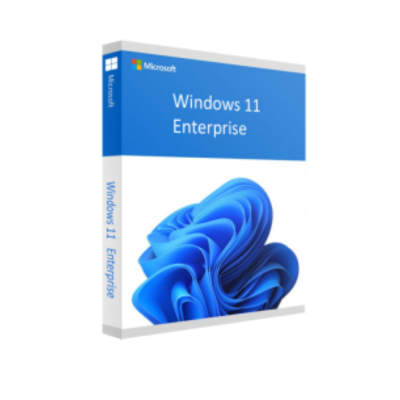
Windows 11 Enterprise 64 bit – Microsoft License
In Stock
✔ Quick Delivery
✔ 100% Original License
✔ Lifetime Warranty
✔ Free Support
In Stock
Description
Microsoft Windows 11 Enterprise – The Ultimate OS for Today’s Professionals
Designed for large‑scale organizations, mission‑critical workloads, and security‑first environments, Microsoft Windows 11 Enterprise combines the sleek, productivity‑boosting experience of Windows 11 with the advanced management, deployment, and protection tools that modern enterprises demand.
Why Choose Windows 11 Enterprise?
Windows 11 Enterprise is more than just an operating system – it’s a complete, enterprise‑grade platform that empowers IT departments and end‑users alike. Below are the core reasons why forward‑thinking companies make the switch:
- Unified Endpoint Management – Seamless integration with Microsoft Endpoint Manager (Intune) and Group Policy for centralized control.
- Zero‑Trust Security – Built‑in Windows Hello, BitLocker, Device Guard, and Credential Guard protect data from the moment a device powers on.
- Enhanced Productivity – New Snap Layouts, Widgets, and Microsoft Teams integration keep teams connected and focused.
- Future‑Ready Architecture – Supports hybrid cloud scenarios, ARM‑based devices, and the latest processor technologies.
- Long‑Term Servicing – Up to 10 years of security updates and feature releases, guaranteeing stability for mission‑critical deployments.
These capabilities translate into lower total cost of ownership, faster onboarding, and reduced risk across the organization.
Key Features for Professionals
| Feature | Enterprise‑Level Benefit | How It Helps Your Business |
|---|---|---|
| Microsoft Endpoint Manager | Unified device management across Windows, macOS, iOS, and Android. | Simplifies IT administration and enforces consistent policies. |
| Windows Autopilot | Zero‑touch provisioning. | New devices are ready for work out of the box, saving time and resources. |
| Advanced Threat Protection (ATP) | Real‑time ransomware and malware detection. | Minimizes downtime and protects sensitive data. |
| Virtual Desktop Infrastructure (VDI) Support | Optimized for Azure Virtual Desktop and third‑party VDI solutions. | Enables secure remote work without sacrificing performance. |
| Dynamic Refresh | Seamless feature updates without interrupting user sessions. | Keeps the OS current while preserving productivity. |
| Enterprise State Roaming | Synchronizes user settings across devices. | Guarantees a consistent experience on any corporate laptop. |
| Secure Boot & TPM 2.0 | Hardware‑based root of trust. | Prevents unauthorized firmware and OS tampering. |
All of the above is delivered while maintaining the familiar Windows 11 interface that professionals love.
Windows 11 Enterprise vs. Other Windows Editions
| Aspect | Windows 11 Enterprise | Windows 11 Pro | Windows 11 Home |
|---|---|---|---|
| Target Audience | Large enterprises, government, education | Small‑business & power users | General consumers |
| Device Management | Microsoft Endpoint Manager, Group Policy, Autopilot | Limited Group Policy, basic MDM | No centralized management |
| Security | BitLocker, Device Guard, Credential Guard, Advanced Threat Protection | BitLocker (limited), Windows Defender | Windows Defender only |
| Virtualization | Hyper‑V, Windows Sandbox, VDI optimization | Hyper‑V (limited) | None |
| Update Cadence | Long‑Term Servicing Channel (LTSC) optional | Semi‑annual channel | Semi‑annual channel |
| Pricing Model | Volume licensing, subscription, CSP | Retail & OEM | Retail & OEM |
| Support Lifecycle | Up to 10 years | 5 years mainstream + 5 years extended | 5 years mainstream + 5 years extended |
The table highlights why Windows 11 Enterprise is the only logical choice for organizations that need robust security, comprehensive management, and a predictable support roadmap.
Pricing Overview – Transparent & Flexible
Understanding windows 11 enterprise price is essential for budgeting. Microsoft offers several licensing models to suit different procurement strategies:
| Licensing Option | Typical Cost (USD) | Best For |
|---|---|---|
| Enterprise Agreement (EA) | $8–$12 per device / year (depends on volume) | Organizations with ≥250 PCs |
| Microsoft Products and Services Agreement (MPSA) | $7–$10 per device / year | Mid‑size enterprises (50–250 PCs) |
| Cloud Solution Provider (CSP) Subscription | $6–$9 per device / month (pay‑as‑you‑go) | Companies preferring OPEX over CAPEX |
| Microsoft 365 E3/E5 Bundles (includes Windows 11 Enterprise) | $32–$57 per user / month | Organizations seeking full productivity suite + OS |
Note: Pricing can vary based on region, contract length, and any applicable Microsoft discounts. Contact a certified Microsoft reseller for a custom quote.
Why the Investment Pays Off
- Reduced downtime from integrated security → lower incident‑response costs.
- Streamlined deployments via Autopilot → fewer IT labor hours.
- Extended support (up to 10 years) → predictable budgeting.
Windows 11 Enterprise Upgrade Path
If your organization is on Windows 10 Enterprise, windows 11 enterprise upgrade is straightforward:
- Eligibility Check – Verify hardware meets the minimum system requirements (see table below).
- License Validation – Ensure you have an active Enterprise subscription or qualify for a free upgrade under the Windows 10 Enterprise E3/E5 license.
- Pilot Deployment – Use Windows Autopilot or Microsoft Endpoint Configuration Manager to roll out a test group.
- Full‑Scale Migration – Leverage Shared PC mode for thin clients and Azure AD Join for cloud‑first environments.
Most enterprises complete the upgrade within 4–6 weeks, depending on device count and custom configurations.
System Requirements for Windows 11 Enterprise
| Component | Minimum | Recommended |
|---|---|---|
| Processor | 1 GHz or faster with 2 or more cores on a compatible 64‑bit processor or System on a Chip (SoC) | 2 GHz or faster with 4 or more cores (Intel 12th Gen or AMD Ryzen 5000 series) |
| RAM | 4 GB | 8 GB or more |
| Storage | 64 GB or more available space | 256 GB SSD or larger (NVMe preferred) |
| System firmware | UEFI, Secure Boot capable | UEFI with Secure Boot enabled |
| TPM | TPM version 2.0 | TPM 2.0 with firmware support |
| Graphics card | DirectX 12 compatible with WDDM 2.0 driver | DirectX 12 or higher, WDDM 2.5 or later |
| Display | >9” with HD (720p) resolution | >13” with Full HD (1080p) or higher |
| Internet connection | Required for updates & Microsoft account | Required for Microsoft 365 integration, Azure services |
| Other | Microsoft account for initial setup (optional for enterprise) | Azure AD join, BitLocker, Windows Hello support |
Tip: For optimal performance in virtualized or remote work scenarios, allocate at least 2 vCPU cores and 8 GB RAM per virtual machine.
Frequently Asked Questions (FAQ)
- Q: Is Windows 11 Enterprise compatible with existing line‑of‑business applications?
A: Yes. Windows 11 maintains backward compatibility with most Win32, .NET, and Office 365 apps. Use the Microsoft Application Compatibility Toolkit for any legacy validation. - Q: Can I manage Windows 11 Enterprise devices from a non‑Microsoft MDM solution?
A: While full feature parity is achieved with Microsoft Endpoint Manager, third‑party MDMs that support the Intune Data Warehouse API can also manage policies. - Q: What is the difference between Windows 11 Enterprise LTSC and the regular Enterprise channel?
A: LTSC (Long‑Term Servicing Channel) receives only security updates for up to 10 years with no feature changes, ideal for mission‑critical systems like ATMs or medical devices. - Q: Do I need a separate license for Microsoft Teams integration?
A: No. Teams is built into Windows 11 Enterprise and included in all Microsoft 365 subscription bundles. - Q: How does Windows 11 Enterprise help with compliance (e.g., GDPR, HIPAA)?
A: Advanced data‑encryption (BitLocker, Device Guard) and granular audit logging simplify meeting regulatory requirements. See Microsoft Compliance Manager for pre‑built assessments.
How to Purchase Windows 11 Enterprise
- Assess Your Needs – Determine device count, required features (e.g., VDI, LTSC), and preferred licensing model.
- Contact a Microsoft Partner – Certified partners can provide volume‑discount pricing and migration assistance.
- Choose a Licensing Program – EA, MPSA, CSP, or Microsoft 365 bundle.
- Finalize the Agreement – Review the Software Assurance options for free upgrades, training, and support.
- Deploy – Use Windows Autopilot and Microsoft Endpoint Manager for rapid, zero‑touch roll‑out.
For a quick start, click the “Get a Quote” button below and enter your organization’s details. One of our specialists will reach out within 24 hours.
Resources & Further Reading
- Microsoft Official Documentation: Windows 11 Enterprise Overview – Comprehensive guide from Microsoft.
- Independent Review: PCMag – Windows 11 Review – In‑depth analysis of performance and security features.
- Security Best Practices: NIST Cybersecurity Framework – Align your Windows 11 Enterprise deployment with industry‑standard security controls.
Take the Next Step
Elevate your organization’s productivity, security, and manageability with Microsoft Windows 11 Enterprise. Whether you are upgrading from Windows 10 or deploying a fresh fleet of devices, our enterprise‑grade solution is built to scale with your business.
Contact us today to discuss licensing options, implementation timelines, and how Windows 11 Enterprise can transform your IT landscape.
windows 11 enterprise price, microsoft windows 11 enterprise, windows 11 enterprise pricing, windows 11 enterprise upgrade, windows 11 enterprise.
Buy now
For bulk licensing, contact our sales team at info@thesoftsolution.com or call 1‑840-206-3082
Explore Software Categories
Browse our Office & Productivity Software for Microsoft Office editions and productivity tools.
Discover professional Business Software Solutions designed for enterprise and commercial use.
Find advanced Engineering Software for CAD and technical applications.
Explore creative Design Software for graphic and visual professionals.
Improve system performance with our Utilities Software.
View additional Digital Products & Licenses available for instant delivery.
Check out our Top Selling Products for the most popular choices.
Installation & Activation Support
Need help? Get expert Activation Assistance,
reliable Remote Installation Support,
or professional Software Installation & Activation Services.
Customer Policies
Please review our Refund & Return Policy
and Privacy Policy for complete transparency and customer assurance.
Related products

Recently Viewed Products
14%
Reviews
There are no reviews yet.