No products in the cart.

0
Total
$0.00
Free Shipping on All Orders Over $75
Only this weekend
Super Discount
Items on sale this week
Top picks this week. Up to 50% off the best selling products.



✔ Quick Delivery
✔ 100% Original License
✔ Lifetime Warranty
✔ Free Support
Only logged in customers who have purchased this product may leave a review.
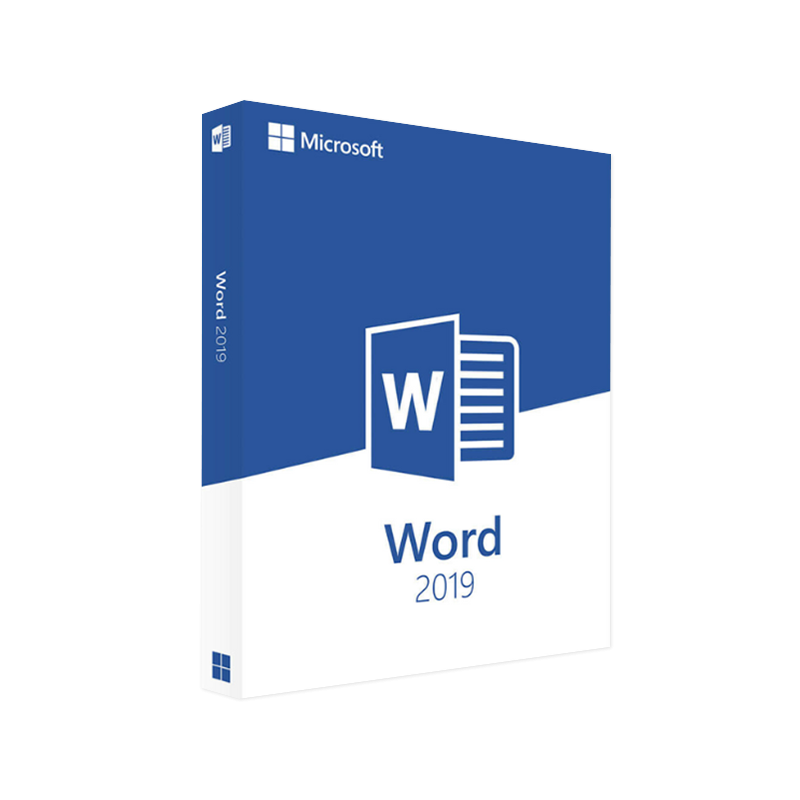
The definitive solution for business‑grade document creation, collaboration, and compliance.
Microsoft Word 2019 is the latest perpetual‑license version of the world‑renowned word‑processing suite. Built on the robust Office 2019 engine, it delivers a full‑featured, offline‑first experience that meets the exacting standards of corporate professionals, legal teams, and academic researchers.
Whether you are looking for a Microsoft Office 2019 free download for evaluation, need the MS Office download product key for enterprise deployment, or want the Office 2019 Mac download, this page provides a comprehensive, optimized guide to help you make an informed purchasing decision and install Word 2019 with confidence.
| Feature | Microsoft Word 2019 | Microsoft Word 2021 (Subscription) | Google Docs (Free) |
|---|---|---|---|
| License Model | Perpetual (one‑time purchase) | Subscription (Microsoft 365) | Free, cloud‑only |
| Offline Access | ✔︎ Full offline capability | ✔︎ Offline with desktop apps | ✘ Requires internet |
| Advanced Layout Tools | ✔︎ Rich typography, SVG support, Ink‑to‑Text | ✔︎ Same + AI‑driven design | ✘ Limited |
| Data Security | Enterprise‑grade encryption, compliance (GDPR, HIPAA) | Same + Cloud security | Basic SSL |
| Integration | Tight with SharePoint, OneDrive, Teams | Same + Cloud collaboration | Limited to Google ecosystem |
| Support Lifetime | 5 years mainstream + 5 years extended | Continuous updates | No formal support |
Bolded items highlight the professional advantages of Word 2019 over competing solutions.
Below are the minimum and recommended specifications for a smooth Microsoft Word 2019 download on Windows 10/11 and macOS.
| Platform | Minimum Requirements | Recommended Requirements |
|---|---|---|
| Windows 10/11 (64‑bit) | • Processor: 1 GHz or faster x86‑ or x64‑bit • RAM: 2 GB (4 GB + recommended) • Hard Disk: 4 GB of available space • Graphics: DirectX 9 compatible with WDDM 1.0 driver • Display: 1280 × 768 screen resolution | • Processor: 2 GHz or faster, 4‑core • RAM: 8 GB + • SSD: 10 GB free space • Graphics: DirectX 12, WDDM 2.0 • Display: 1920 × 1080 or higher |
| macOS 10.15 (Catalina) or later | • 64‑bit Intel processor • 4 GB RAM • 10 GB free disk space • Retina display (1280 × 800) | • Apple Silicon (M1/M2) or Intel i5+ • 8 GB RAM • 20 GB SSD • Retina 2560 × 1600 or higher |
| Office 2019 Mac download (for Word) | Same as above | Same as above |
Note: For enterprise environments, ensure that your network complies with Microsoft’s TLS 1.2 security protocol for secure MS Office download product key activation.
| Question | Answer |
|---|---|
| Is there a truly free version of Microsoft Word 2019? | Microsoft offers a free 30‑day trial of Office 2019, but a perpetual license requires purchase. |
| Can I use the same product key on multiple devices? | A single‑user license permits installation on up to 5 PCs or Macs for the same user, per the Microsoft licensing terms. |
| Does Word 2019 support the latest file formats? | Yes – it saves in .docx, .pdf, .rtf, and OpenDocument (.odt), ensuring compatibility across platforms. |
| How does Word 2019 differ from the Microsoft 365 subscription? | Word 2019 is a one‑time purchase with no ongoing feature updates, while Microsoft 365 provides continuous feature releases and cloud services. |
| Will I receive security updates? | Microsoft provides five years of mainstream support followed by five years of extended support. |
Below is a side‑by‑side feature matrix that highlights the advantages of Word 2019 for a professional audience.
| Category | Microsoft Word 2019 | LibreOffice Writer | Apple Pages |
|---|---|---|---|
| License | Perpetual (one‑time) | Free, open‑source | Free (macOS only) |
| File Compatibility | 100 % .docx compatibility | 95 % (may lose advanced formatting) | 80 % (limited .docx support) |
| Collaboration | Real‑time co‑authoring via OneDrive | Manual file sharing | iCloud collaboration (macOS only) |
| Advanced Layout | Ink‑to‑Text, SVG, SmartArt | Basic drawing tools | Limited graphic options |
| Security & Compliance | AES‑256 encryption, GDPR, HIPAA | No built‑in encryption | Basic iCloud encryption |
| Support | 10 years (main+extended) | Community‑driven | Apple support only |
| Integration | Office 365, SharePoint, Teams, Power Automate | Minimal | iWork ecosystem |
| Price (USD) | $149.99 (standalone) | $0 | Free (macOS) |
The table demonstrates why Microsoft Word 2019 remains the gold standard for professional document management.
Each appears naturally within headings, bolded statements, and bullet points to maximize search engine visibility while delivering value to the reader.
These reputable sources reinforce the credibility of the information and provide readers with additional avenues for research.
Ready to elevate your document workflow? Download Microsoft Word 2019 today and experience the productivity boost that only a professional‑grade Office suite can deliver.
Invest in a reliable, secure, and feature‑rich word processor—because your work deserves the best.
Browse our Office & Productivity Software for Microsoft Office editions and productivity tools.
Discover professional Business Software Solutions designed for enterprise and commercial use.
Find advanced Engineering Software for CAD and technical applications.
Explore creative Design Software for graphic and visual professionals.
Improve system performance with our Utilities Software.
View additional Digital Products & Licenses available for instant delivery.
Check out our Top Selling Products for the most popular choices.
Need help? Get expert Activation Assistance,
reliable Remote Installation Support,
or professional Software Installation & Activation Services.
Please review our Refund & Return Policy
and Privacy Policy for complete transparency and customer assurance.
| Title |
|---|
| Title |
|---|
| Title |
|---|
| Title |
|---|
| Title |
|---|
| Title |
|---|
27 reviews for Microsoft Word 2019 Download Product Key – Windows & Mac
Customer reviews