


Subtotal: $3,188.96
18%
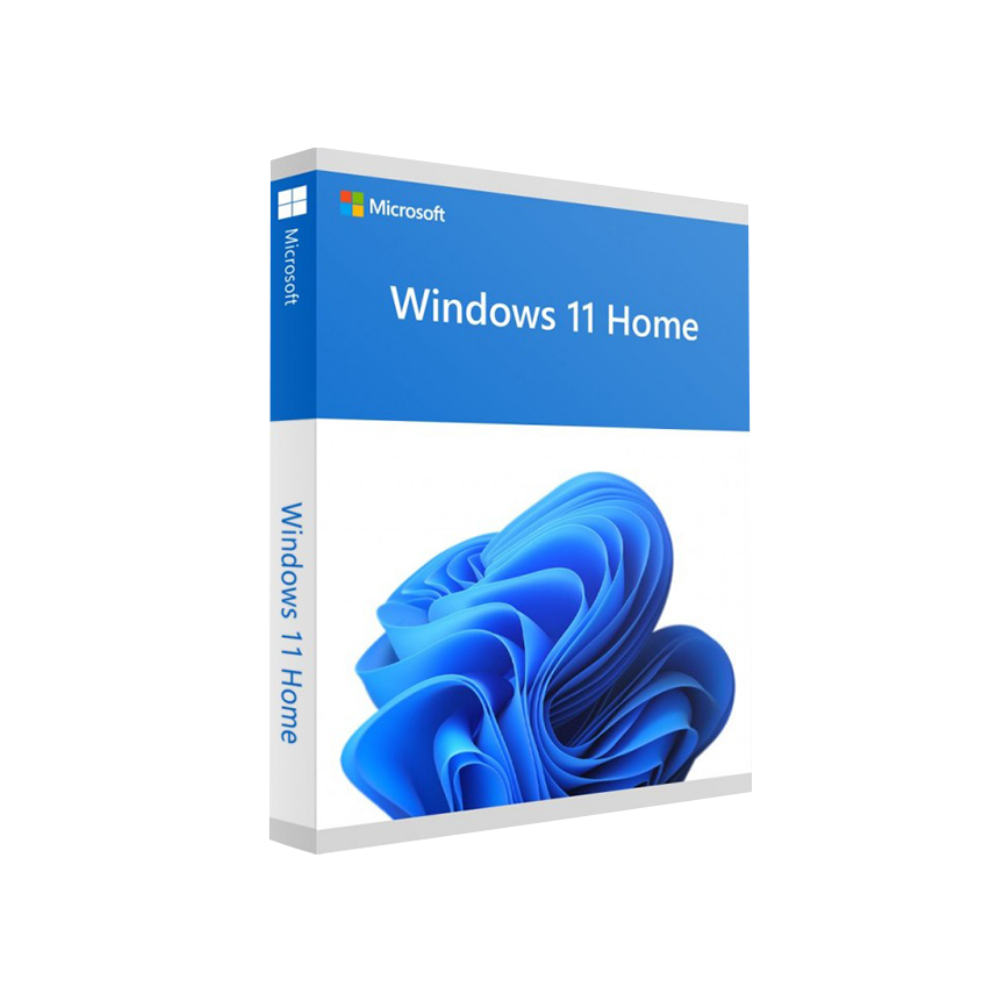


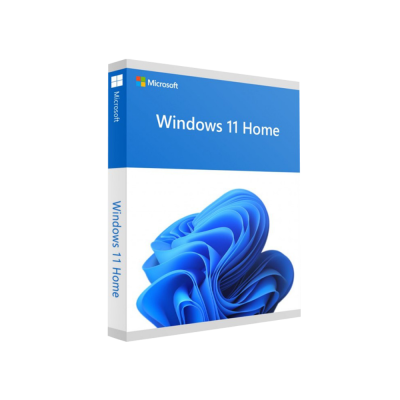
Microsoft Windows 11 Home
In Stock
✔ Quick Delivery
✔ 100% Original License
✔ Lifetime Warranty
✔ Free Support
In Stock
Description
Microsoft Windows 11 Home – The Modern Operating System for Professionals
(Official product page – Buy Windows 11 Home with a genuine digital license)
Overview
Microsoft Windows 11 Home is the latest, most secure, and productivity‑focused edition of Windows designed for home‑office environments, small‑business workstations, and creative professionals. Built on the proven Windows 10 foundation, Windows 11 Home introduces a fresh visual language, streamlined workflows, and a suite of integrated tools that help you stay connected, organized, and productive—all while preserving the familiar Windows experience you rely on.
When you Buy Windows 11 Home from our store you receive:
| Item | What You Get | Benefits |
|---|---|---|
| Windows 11 Home Digital License | One‑time activation key tied to your Microsoft account | Instant activation, no physical media |
| Windows 11 Home Product Key | 25‑character alphanumeric code | Easy manual activation if needed |
| Lifetime Support & Updates | Free security patches and feature upgrades | Keeps your system safe and current |
| Premium Technical Assistance | 24/7 chat & email support | Rapid help from certified Windows experts |
Tip: Store your Windows 11 Home Activation Key securely—Microsoft recommends using a password manager or the built‑in Microsoft Authenticator app.
Why Choose Windows 11 Home?
1. Fresh, Intuitive Design
Centered taskbar, rounded corners, and revamped Start menu deliver a clean, distraction‑free workspace. The new Widgets panel provides personalized news, weather, and quick‑access to your most used apps—perfect for professionals who need information at a glance.
2. Enhanced Security
- Hardware‑based isolation with TPM 2.0 and Secure Boot.
- Windows Hello facial or fingerprint authentication for password‑free sign‑in.
- Microsoft Defender SmartScreen blocks phishing and malware in real time.
3. Seamless Multitasking
- Snap Layouts & Snap Groups let you arrange up to four apps on screen and remember the layout for future sessions.
- Virtual Desktops allow separate workspaces for projects, meetings, or personal use.
- Direct integration with Microsoft Teams for instant collaboration.
4. Optimized for Modern Hardware
Windows 11 Home is engineered to take full advantage of the latest CPUs, SSDs, and graphics cards, delivering faster boot times, smoother app launches, and improved battery life on laptops.
Buy Windows 11 Home – How It Works
- Select the edition (Windows 11 Home Digital License).
- Complete the secure checkout using Visa, MasterCard, PayPal, or corporate purchase order.
- Receive an email instantly with your Windows 11 Home Product Key and a link to download the ISO.
- Activate via your Microsoft account or by entering the Windows 11 Home License Key during setup.
Pro tip: If you already own a genuine Windows 10 Home license, you can upgrade to Windows 11 Home for free through Windows Update—no extra cost.
System Requirements – Windows 11 Home
| Component | Minimum Requirement | Recommended Specification |
|---|---|---|
| Processor | 1 GHz or faster with 2 or more cores on a compatible 64‑bit processor or System on a Chip (SoC) | 2.5 GHz or faster 8‑core Intel i7 / AMD Ryzen 7 |
| RAM | 4 GB | 8 GB or more (16 GB for heavy multitasking) |
| Storage | 64 GB or larger compatible storage device (SSD recommended) | 256 GB NVMe SSD |
| System Firmware | UEFI, Secure Boot capable | UEFI with Fast Boot enabled |
| TPM | TPM version 2.0 | TPM 2.0 + firmware updates |
| Graphics Card | DirectX 12 compatible graphics / WDDM 2.0 driver | DirectX 12 Ultimate, GPU with > 2 GB VRAM |
| Display | > 9″ diagonal, HD (720p) | 1080p or 4K, 144 Hz refresh rate |
| Internet Connectivity | Microsoft account & internet connectivity required for updates and some features | Broadband (≥ 25 Mbps) for optimal cloud services |
| Additional | Microsoft Store account for app downloads | Optional: Bluetooth 5.0, Wi‑Fi 6E |
Note: For detailed compatibility checks, visit the official Microsoft Windows 11 compatibility page.
Comparison: Windows 11 Home vs. Windows 11 Pro
| Feature | Windows 11 Home | Windows 11 Pro |
|---|---|---|
| Target Audience | Home users, freelancers, small‑office professionals | Enterprises, IT admins, advanced users |
| Domain Join | ✕ | ✔ |
| BitLocker Device Encryption | ✕ (available via third‑party) | ✔ |
| Group Policy Management | ✕ | ✔ |
| Remote Desktop Host | ✕ (client only) | ✔ |
| Assigned Access / Kiosk Mode | ✔ (limited) | ✔ (full) |
| Maximum RAM Support | 128 GB | 2 TB |
| Price (USD) | $129 (Retail) | $199 (Retail) |
| Upgrade Path | Free upgrade from Windows 10 Home | Free upgrade from Windows 10 Pro |
For most professionals who don’t require domain services or advanced security policies, Windows 11 Home provides all the essential tools at a lower cost.
Frequently Asked Questions (FAQs)
| Question | Answer |
|---|---|
| What is a Windows 11 Home Digital License? | A digital entitlement linked to your Microsoft account that activates Windows 11 Home automatically—no physical media required. |
| Can I install Windows 11 Home on multiple devices? | The license is single‑use. For additional PCs, purchase a separate license or consider a volume‑licensing agreement. |
| How do I retrieve my Windows 11 Home Activation Key after purchase? | The key is included in the confirmation email and also saved in the Microsoft Store under My Purchases. |
| Do I need an internet connection to activate Windows 11 Home? | Yes, activation requires online verification with Microsoft’s activation servers. |
| Is Windows 11 Home compatible with older peripherals? | Most USB, Bluetooth, and HDMI devices that work with Windows 10 will work with Windows 11 Home. Check the manufacturer’s driver updates if needed. |
| Can I downgrade to Windows 10 Home? | Yes, you can revert within 10 days using the Recovery option, preserving your files and settings. |
Buy Windows 11 Home – Secure Checkout & Delivery
- PCI‑DSS compliant payment gateway.
- Instant email delivery of your Windows 11 Home Product Key.
- Free technical support for activation and installation.
- 30‑day money‑back guarantee if the key is invalid or already used.
All purchases are backed by a Microsoft Certified Partner guarantee—ensuring you receive a genuine, fully‑functional Windows 11 Home license.
How Windows 11 Home Enhances Professional Productivity
| Productivity Area | Windows 11 Home Feature | Impact |
|---|---|---|
| Collaboration | Integrated Microsoft Teams (chat, video, file sharing) | Reduce context‑switching; meet from the taskbar |
| File Management | New File Explorer with modern icons and quick‑access Pinned folders | Faster navigation, fewer clicks |
| Security | Windows Hello + TPM 2.0 | Faster, password‑free sign‑in while protecting corporate data |
| Performance | Optimized scheduler for high‑core CPUs | Shorter compile times, smoother video rendering |
| Accessibility | Voice Access, Magnifier, high‑contrast themes | Inclusive workflow for all users |
Installation Guide – From Download to Activation
- Download the Windows 11 Home ISO from the Microsoft Download Center using the link provided after purchase.
- Create a bootable USB drive (≥ 8 GB) with Rufus or the built‑in Media Creation Tool.
- Boot your PC from the USB, select Install Windows, and follow the on‑screen prompts.
- Enter your Windows 11 Home License Key when prompted (or sign in with your Microsoft account for digital activation).
- Complete the OOBE (Out‑of‑Box Experience) – set up your preferred language, privacy settings, and optional Microsoft 365 integration.
*For detailed step‑by‑step instructions, see Microsoft’s official Windows 11 Installation Guide.*
Customer Testimonials
“Upgrading to Windows 11 Home gave my design studio a noticeable boost in rendering speed and the new Snap Layouts made multitasking effortless.” – Laura M., Graphic Designer
“The Windows 11 Home Digital License activated instantly; I appreciated the clean, paperless process—perfect for a remote‑first team.” – James L., IT Consultant
Order Your Windows 11 Home License Today
| Package | Price (USD) | Includes |
|---|---|---|
| Standard | $129 | Windows 11 Home Digital License, 25‑character Product Key, 1‑Year Premium Support |
| Business Bundle | $149 | Standard package + 3‑Year Upgrade Assurance + Priority Phone Support |
| Enterprise Pack | $179 | Business Bundle + On‑Site Installation Assistance (Remote) + Custom Imaging Guide |
Ready to upgrade? Click Buy Windows 11 Home Now and start experiencing the future of Windows today.
Related Resources
- Microsoft Official Specifications – Detailed hardware requirements and feature list.
https://www.microsoft.com/en-us/windows/windows-11-specifications - PC Health Check Tool – Verify your device’s compatibility with Windows 11.
https://www.microsoft.com/en-us/windows/windows-11#pchealthcheck - Windows 11 Feature Overview – Explore new productivity tools, security features, and design changes.
https://learn.microsoft.com/windows/whats-new/windows-11-overview
Secure. Modern. Ready for the Future.
With Microsoft Windows 11 Home, professionals get a reliable, secure, and feature‑rich operating system that adapts to the way they work—whether on a single workstation or across a distributed team. Purchase your genuine Windows 11 Home Digital License today and unlock the full potential of modern computing.
Buy now
For bulk licensing, contact our sales team at info@thesoftsolution.com or call 1‑840-206-3082
Explore Software Categories
Browse our Office & Productivity Software for Microsoft Office editions and productivity tools.
Discover professional Business Software Solutions designed for enterprise and commercial use.
Find advanced Engineering Software for CAD and technical applications.
Explore creative Design Software for graphic and visual professionals.
Improve system performance with our Utilities Software.
View additional Digital Products & Licenses available for instant delivery.
Check out our Top Selling Products for the most popular choices.
Installation & Activation Support
Need help? Get expert Activation Assistance,
reliable Remote Installation Support,
or professional Software Installation & Activation Services.
Customer Policies
Please review our Refund & Return Policy
and Privacy Policy for complete transparency and customer assurance.
Related products

Recently Viewed Products
18%
Microsoft Windows 11 Home
SKU:AKB 3613%
38%Commercial License
20%
Reviews
There are no reviews yet.