


Subtotal: $379.98
6%
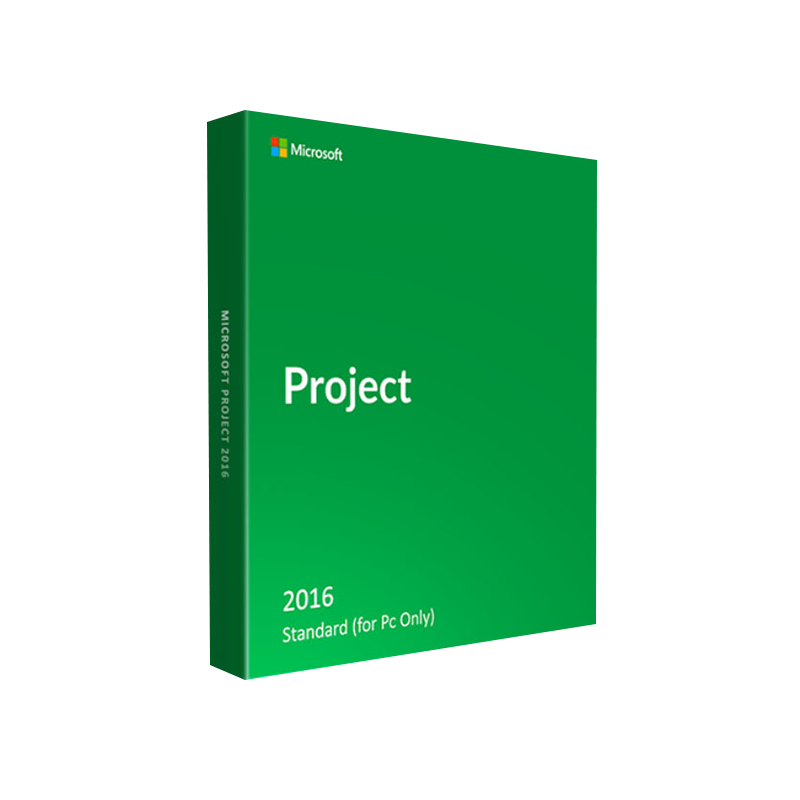



Buy Microsoft Project 2016 Standard License –Lifetime Activation
In Stock
✔ Quick Delivery
✔ 100% Original License
✔ Lifetime Warranty
✔ Free Support
In Stock
Description
Buy Microsoft Project 2016 Standard – Empower Your Team with Proven Project‑Management Power
Overview
Microsoft Project 2016 Standard is the industry‑trusted solution for planning, executing, and delivering projects on time and within budget. Designed for professionals who need a robust yet intuitive tool, the Standard edition gives you full access to the core capabilities of Microsoft Project without the additional overhead of the Professional suite.
Whether you are a project manager, a team lead, or a business analyst, buying Microsoft Project 2016 Standard today equips you with the same powerful engine that powers the Microsoft Office Project Professional 2016 platform, while keeping licensing simple and cost‑effective.
Key takeaway: Microsoft Project 2016 Standard delivers the essential features you need to manage schedules, resources, and budgets—perfect for small‑to‑medium sized teams that demand reliability and Microsoft‑level integration.
Why Choose Microsoft Project 2016 Standard?
| ✅ Feature | 📈 Benefit for Professionals |
|---|---|
| Gantt Chart View | Visualize task dependencies and timelines at a glance. |
| Resource Management | Allocate people, equipment, and material resources efficiently. |
| Baseline Tracking | Compare planned vs. actual progress to identify variances early. |
| Integrated Calendar | Sync with Outlook for seamless meeting and deadline management. |
| Rich Reporting | Generate on‑demand project reports (status, cost, resource). |
| Collaboration Ready | Share project files via SharePoint or OneDrive for Business. |
| Multi‑Project Consolidation | Consolidate up to 10 projects for portfolio oversight. |
| Security & Compliance | Leverage Microsoft’s enterprise‑grade security standards. |
These capabilities make Microsoft Project 2016 Standard the ideal bridge between the simplicity of Excel‑based planning and the full‑scale power of MS Project Professional 2016.
Detailed Feature Set
1. Intelligent Scheduling Engine
- Automatically calculates critical paths, identifies slack, and adjusts dates when task dependencies change.
- Supports fixed‑duration, fixed‑units, and fixed‑work task types—giving you granular control over how effort is allocated.
2. Resource Allocation & leveling
- Track availability across people, equipment, and material resources.
- Use the built‑in resource leveling tool to resolve overallocation without manual rework.
3. Cost Management
- Assign standard and overtime rates, then monitor cost variance in real time.
- Generate cost‑based reports to keep stakeholders informed of budget health.
4. Reporting & Dashboards
- Choose from a library of pre‑built visual reports (Gantt, Earned Value, Resource Overview).
- Export to PDF, Excel, or PowerPoint for executive‑level presentations.
5. Collaboration & Integration
- Seamlessly sync tasks and milestones with Outlook and SharePoint.
- Export project data to Microsoft Excel for deeper analytics.
6. Multi‑Project Consolidation
- Consolidate up to 10 projects into a single master schedule, enabling portfolio-level oversight without upgrading to Professional.
7. Compliance & Security
- Built on the Microsoft 365 security framework, ensuring data encryption at rest and in transit.
System Requirements
| Component | Minimum Requirement | Recommended Specification |
|---|---|---|
| Operating System | Windows 7 SP1 (64‑bit) / Windows 8.1 (64‑bit) / Windows 10 (64‑bit) | Windows 10 Pro/Enterprise (64‑bit) |
| Processor | 1 GHz or faster x86‑ or x64‑bit | 2.0 GHz or faster, 4‑core |
| RAM | 1 GB (32‑bit) / 2 GB (64‑bit) | 8 GB or more |
| Hard Disk Space | 3 GB of available space | 10 GB SSD for optimal performance |
| Display | 1024 × 768 or higher | 1920 × 1080 (Full HD) or higher |
| Graphics | DirectX 9 compatible graphics card | DirectX 11 or later |
| Software Dependencies | .NET Framework 4.5 or later, Internet Explorer 11 | .NET Framework 4.8, Microsoft Edge (Chromium) |
| Additional | Internet connection for activation & updates | High‑speed broadband for Office 365 integration |
Tip: For teams that plan to integrate Microsoft Project 2016 Standard with SharePoint or OneDrive, ensure you have the latest Office 365 updates installed to avoid compatibility issues.
Microsoft Project 2016 Standard vs. Professional – Quick Comparison
| Feature | Microsoft Project 2016 Standard | Microsoft Project Professional 2016 |
|---|---|---|
| Core Scheduling & Gantt Charts | ✅ | ✅ |
| Resource Management | ✅ (basic) | ✅ (advanced with demand management) |
| Portfolio Management | Consolidate up to 10 projects | Consolidate unlimited projects, create Project Online portfolios |
| Enterprise Connectivity | SharePoint integration | SharePoint, Project Server, Project Online |
| Reporting | Pre‑built visual reports | Custom report builder, SQL Server Reporting Services |
| Cost Management | Standard cost tracking | Advanced cost‑rate tables, multi‑currency support |
| Collaboration | OneDrive & SharePoint sync | Full Project Server collaboration |
| License Price (USD) | $499 (per seat) | $1,299 (per seat) |
| Ideal For | Small‑to‑medium teams, departmental projects | Large enterprises, multi‑project portfolios |
Bottom line: If your organization does not require enterprise‑level portfolio management, Microsoft Project 2016 Standard provides the same reliable scheduling engine at a fraction of the cost.
How to Purchase & Install
- Select your license – Choose the number of seats you need.
- Add to cart – Click Buy Now to proceed to the secure checkout.
- Receive the product key – An email with your license key and download link arrives instantly.
- Download & install – Follow the Microsoft Project Professional 2016 download instructions (the installer works for both Standard and Professional editions).
- Activate – Enter the product key during installation or via the Help → Activate Product menu.
All purchases are backed by a 30‑day money‑back guarantee and a 1‑year technical support plan.
Frequently Asked Questions (FAQ)
| Question | Answer |
|---|---|
| Can I upgrade from Standard to Professional later? | Yes. Purchase a Professional upgrade license and retain all your existing project files. |
| Is Microsoft Project 2016 Standard compatible with Office 365? | Absolutely. You can store project files on OneDrive for Business and sync tasks with Outlook. |
| Do I need a separate server for multi‑project consolidation? | No. Consolidation is handled locally within the application; only Project Server requires a dedicated server, which is a Professional feature. |
| What is the difference between “Microsoft Project Professional 2016 download” and “Microsoft Project 2016 Standard”? | The download link is the same installer; the license key determines which edition (Standard or Professional) you activate. |
| Can I try the software before buying? | A 30‑day trial is available on the official Microsoft site – see the Microsoft Project Professional 2016 trial page. |
Buy Microsoft Project 2016 Standard Today
Take control of your projects with a proven, Microsoft‑backed solution.
- Fast, secure download – Get the installer instantly after purchase.
- Unlimited support – Access our dedicated help desk for installation and usage queries.
- Compliance‑ready – Meet ISO, GDPR, and other regulatory standards with built‑in security.
Buy Now
Click the Buy Now button above, enter your details, and start managing projects like a pro.
External Resources
- Microsoft Official Product Page – Detailed specs and licensing options: https://www.microsoft.com/en-us/microsoft-365/project/project-management-software
- Wikipedia – Microsoft Project – History and version comparison: https://en.wikipedia.org/wiki/Microsoft_Project
- TechRadar Review of Project 2016 – Independent performance analysis: https://www.techradar.com/reviews/microsoft-project-2016
For bulk licensing, contact our sales team at info@thesoftsolution.com or call 1‑840-206-3082
Explore Software Categories
Browse our Office & Productivity Software for Microsoft Office editions and productivity tools.
Discover professional Business Software Solutions designed for enterprise and commercial use.
Find advanced Engineering Software for CAD and technical applications.
Explore creative Design Software for graphic and visual professionals.
Improve system performance with our Utilities Software.
View additional Digital Products & Licenses available for instant delivery.
Check out our Top Selling Products for the most popular choices.
Installation & Activation Support
Need help? Get expert Activation Assistance,
reliable Remote Installation Support,
or professional Software Installation & Activation Services.
Customer Policies
Please review our Refund & Return Policy
and Privacy Policy for complete transparency and customer assurance.
© 2026 YourCompany™ – All rights reserved. Microsoft, Windows, and Office are trademarks of the Microsoft corporation.
Related products
12%
Microsoft PowerPoint 2024
SKU:AKB 0211%
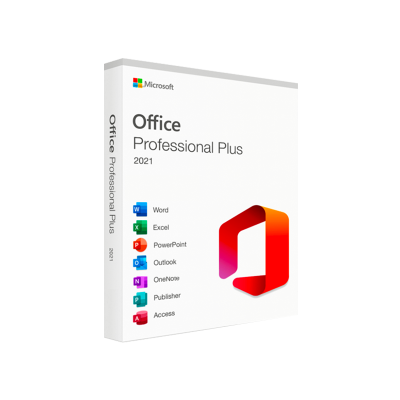
Microsoft Office 2021 Professional Plus
SKU:AKB 0341%
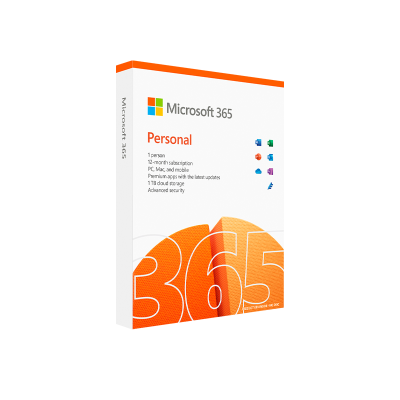
Microsoft 365 Personal – 1-Year Subscription
| Title | Default Title |
|---|
21%
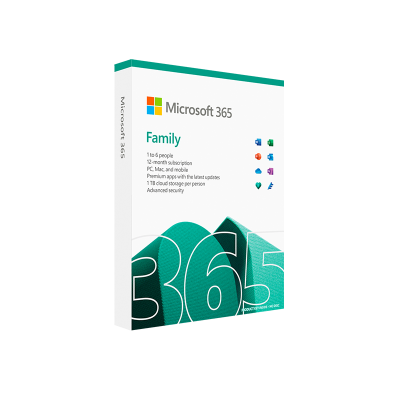
Microsoft 365 Family – 12-Month Subscription
| Title | Default Title |
|---|

Reviews
There are no reviews yet.