
No products in the cart.
71%
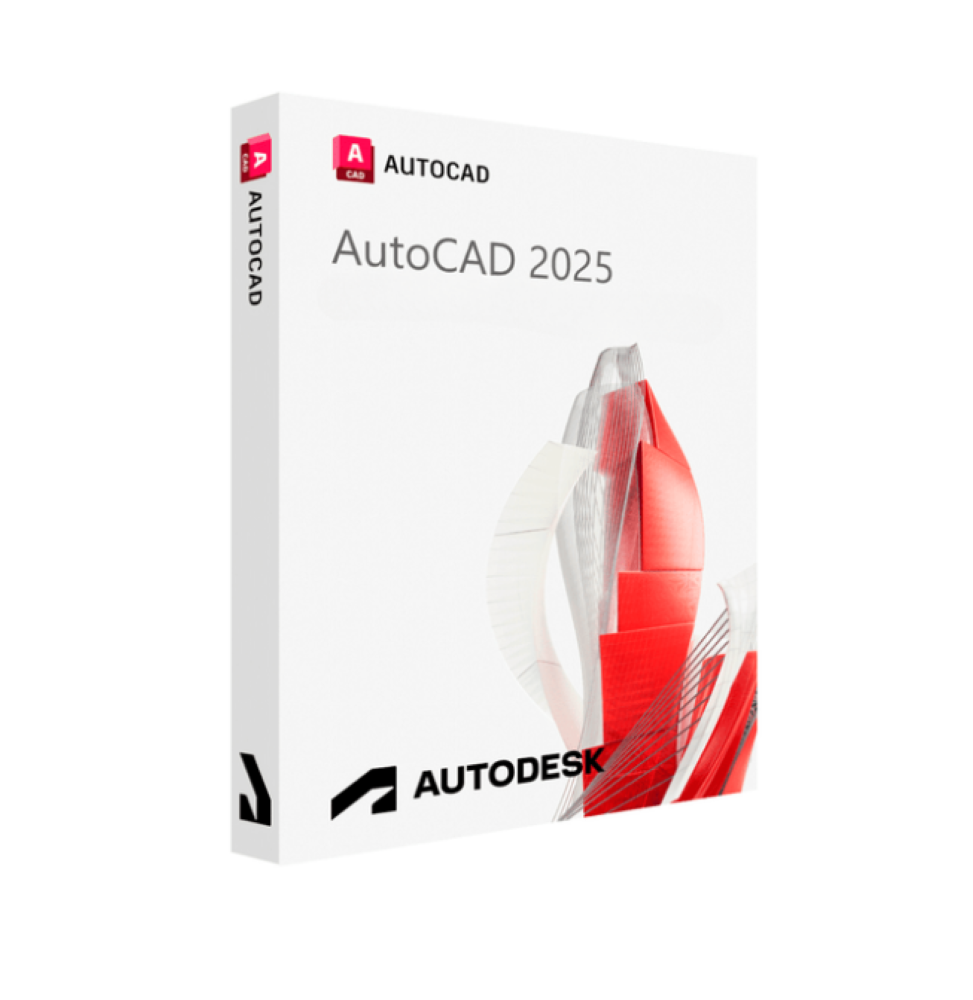




Autodesk AutoCAD 2025 for Windows and Mac
In Stock
100% Original License
Delivered on your email
Quick delivery and Support
In Stock
Description
Autodesk AutoCAD 2025 – The Industry‑Standard CAD Solution for Windows & Mac
Autodesk AutoCAD 2025 delivers the most powerful, reliable, and versatile computer‑aided design (CAD) platform on the market today. Engineered for architects, engineers, contractors, and design professionals, the latest release expands the capabilities you already trust while adding new tools that accelerate workflow, improve collaboration, and future‑proof your projects for 3‑D printing, BIM, and cloud‑based delivery.
“Design with confidence. Build with precision.” – Autodesk
1. Why AutoCAD 2025 Is the Definitive Choice for Professionals
| Benefit | What It Means for You | Business Impact |
|---|---|---|
| Cross‑platform consistency | Identical UI, commands, and file compatibility on Windows and macOS | Eliminate training overhead; seamless hand‑offs between teams |
| Enhanced 3‑D modeling & printing | Direct integration with 3D printing CAD workflows; native STL/OBJ export | Reduce prototyping time; guarantee print‑ready geometry |
| AI‑driven productivity tools | Auto‑Suggest, Predictive Symbol Insertion, and Smart Block generation | Cut drafting time by up to 30 % |
| Robust collaboration | Cloud‑linked Autodesk Docs, real‑time commenting, and version control | Accelerate decision‑making and reduce rework |
| Scalable licensing | Subscription, perpetual, and network licenses for individuals or enterprises | Align costs with project budgets and growth plans |
| Security & compliance | End‑to‑end encryption, ISO 27001 certification, and GDPR‑ready data handling | Protect intellectual property and meet regulatory requirements |
These advantages translate directly into higher billable hours, faster project delivery, and a measurable ROI—the core metrics every design‑focused organization tracks.
2. Core Features – What Sets AutoCAD 2025 Apart
A. Intelligent Drafting Suite
- Dynamic Input & Command Prediction – Real‑time suggestions appear as you type, reducing keystrokes.
- Quick Select Enhancements – Multi‑criteria filters let you isolate layers, blocks, or object types in seconds.
- Parametric Constraints – Apply dimensional rules that automatically update related geometry.
B. Advanced 3‑D Modeling & Rendering
- Direct Modeling Workspace – Push‑pull, fillet, and chamfer tools work on any solid, surface, or mesh.
- Realistic Rendering Engine – Physically based materials and lighting for presentation‑grade visuals without leaving the CAD environment.
- Integrated 3D Printing Workflow – Validate printability, generate supports, and export to STL, OBJ, or 3MF with a single click.
C. Collaboration & Cloud Integration
- Autodesk Docs – Centralized project hub for drawings, models, and mark‑ups.
- Live Review Sessions – Stakeholders can comment directly on the drawing in a web browser.
- Design Automation API – Script repetitive tasks using Python, .NET, or JavaScript.
D. Customization & Extensibility
- AutoLISP, .NET, and Dynamo support for tailored commands and automation.
- Marketplace Add‑ins – Hundreds of certified plug‑ins for BIM, GIS, structural analysis, and more.
- Custom Ribbon & Toolbar Profiles – Save and share UI layouts across the organization.
E. Precision & Documentation
- Enhanced PDF Import/Export – Preserve lineweights, fonts, and layers when moving between CAD and PDF.
- Sheet Set Manager 2025 – Automated sheet creation, numbering, and publishing.
- Annotation Scaling – Automatic adjustment of text and dimensions across multiple scales.
3. System Requirements – Windows vs. macOS
| Component | Windows (10/11, 64‑bit) | macOS (Ventura 13 or later) |
|---|---|---|
| CPU | 2.5 GHz or faster, 4 cores | Apple M1/M2 or Intel i5 (4 cores) |
| RAM | 8 GB (16 GB recommended) | 8 GB (16 GB recommended) |
| GPU | DirectX 11 compatible, 1 GB VRAM | Metal‑compatible GPU, 1 GB VRAM |
| Disk Space | 7 GB (SSD recommended) | 7 GB (SSD recommended) |
| Display | 1920 × 1080 minimum (4K supported) | 1920 × 1080 minimum (Retina supported) |
| OS Version | Windows 10 (1809+) or Windows 11 | macOS Ventura (13.0+) |
| Internet | Broadband for license activation & cloud services | Broadband for license activation & cloud services |
Tip: For optimal performance with large assemblies and high‑resolution renders, we recommend 16 GB RAM and a dedicated graphics card (NVIDIA RTX 3060 or higher / AMD Radeon RX 6600 or higher) on Windows, or the Apple M2 Pro/Max chip on macOS.
4. How AutoCAD 2025 Enables Professionals to Win More Business
Accelerated Project Turn‑around
- AI‑Assisted Drafting reduces routine drawing time, letting you focus on design intent.
- Template Libraries with pre‑configured title blocks, layer standards, and annotation styles guarantee consistency across proposals.
Higher Quality Deliverables
- Precision Modeling eliminates geometry errors that can cause costly field rework.
- Integrated Rendering produces photorealistic visualizations for client presentations, marketing decks, and bid packages.
Seamless Collaboration Across Disciplines
- Cloud‑Based Docs ensure every stakeholder works from the latest revision, eliminating “version‑of‑the‑day” confusion.
- Multi‑User Editing allows concurrent work on large projects, reducing bottlenecks.
Future‑Proofing Your Workflow
- 3‑D Printing Compatibility means prototypes and functional parts can be produced directly from the CAD model.
- BIM Integration via Revit and Navisworks plug‑ins prepares your drawings for the next phase of digital construction.
5. Licensing Options & Pricing (US $)
| License Type | Delivery | Included Features | Annual Cost | Ideal For |
|---|---|---|---|---|
| AutoCAD 2025 – Single‑User | Subscription (cloud) | Full 3D/2D suite, cloud storage (5 GB), updates | $1,785 | Freelancers, small firms |
| AutoCAD 2025 – Multi‑User (Network) | Subscription (site) | All single‑user features + concurrent licensing, admin console | $4,200 (up to 5 seats) | Medium‑size firms |
| AutoCAD LT 2025 – 2‑D Only | Subscription | 2‑D drafting, DWG compatibility, basic PDF tools | $475 | Draftspersons, cost‑sensitive teams |
| Enterprise Agreement | Custom | Unlimited seats, dedicated support, training, on‑prem activation | Negotiated | Large enterprises, OEMs |
| Trial | 30‑day free | Full functionality, no credit card required | Free | Prospective users |
All subscriptions include automatic updates to future releases and access to Autodesk Knowledge Network support.
6. Frequently Asked Questions (FAQ)
Q1 – Can I open and edit DWG files created in older AutoCAD versions?
Yes. AutoCAD 2025 maintains backward compatibility with all DWG formats dating back to AutoCAD 2000. Files can be saved in any earlier version for client‑specific requirements.
Q2 – Is AutoCAD 2025 compatible with third‑party 3‑D printers?
Absolutely. Export options include STL, OBJ, 3MF, and AMF. The built‑in Printability Analyzer checks wall thickness, overhangs, and support requirements before export.
Q3 – How does AutoCAD 2025 differ from AutoCAD LT?
AutoCAD LT offers a lean 2‑D drafting environment without 3‑D modeling, rendering, or advanced customization. AutoCAD 2025 provides the full 3‑D CAD, BIM, and automation toolbox essential for modern design workflows.
Q4 – What support resources are available?
Subscribers receive 24/7 technical support, access to the Autodesk Knowledge Network, live webinars, and optional premium training packages.
Q5 – Can I customize the toolbar for my firm’s standards?
Yes. Use the CUI editor to create custom ribbons, tool palettes, and keyboard shortcuts. Save the configuration as a .cuix file and distribute it across the network.
7. Order Now – Take the Next Step
Ready to transform your design workflow?
- Start a 30‑Day Free Trial – No credit card required. Experience the full power of AutoCAD 2025 on your Windows or Mac workstation.
- Request a Personalized Demo – Our specialists will walk you through industry‑specific scenarios—architecture, mechanical engineering, or construction.
- Contact Sales – Get a quote tailored to your team size, preferred licensing model, and implementation timeline.
8. Summary
Autodesk AutoCAD 2025 for Windows & Mac – The leading CAD drawing program with AI‑driven tools, 3D printing CAD support, and seamless cloud collaboration. Boost productivity, win more projects, and future‑proof your design workflow. Try the free trial now!
Bottom Line
Autodesk AutoCAD 2025 remains the gold standard among CAD computer‑aided design solutions. Whether you’re creating intricate 2‑D schematics, complex 3‑D assemblies ready for 3D printing CAD, or collaborating across global teams, AutoCAD delivers unparalleled precision, speed, and reliability. Choose the platform that professionals worldwide trust—choose AutoCAD 2025.
autocad, cad drawing programs, 3d printing cad, 3d cad programs, cad computer aided design, autocad lt, autodesk autocad.
Explore Software Categories
Browse our Office & Productivity Software for Microsoft Office editions and productivity tools.
Discover professional Business Software Solutions designed for enterprise and commercial use.
Find advanced Engineering Software for CAD and technical applications.
Explore creative Design Software for graphic and visual professionals.
Improve system performance with our Utilities Software.
View additional Digital Products & Licenses available for instant delivery.
Check out our Top Selling Products for the most popular choices.
Installation & Activation Support
Need help? Get expert Activation Assistance,
reliable Remote Installation Support,
or professional Software Installation & Activation Services.
Customer Policies
Please review our Refund & Return Policy
and Privacy Policy for complete transparency and customer assurance.
Support |
Success |
Happy Customers |
Shipping |
Secure |
|---|---|---|---|---|
 Free Support Free Support |
 10+ Years of Success 10+ Years of Success |
 350K+ 350K+ |

Lightning-fast
Shipping in a few seconds |
 SSL Secure Checkout SSL Secure Checkout |
Reviews
There are no reviews yet.