
No products in the cart.
21%
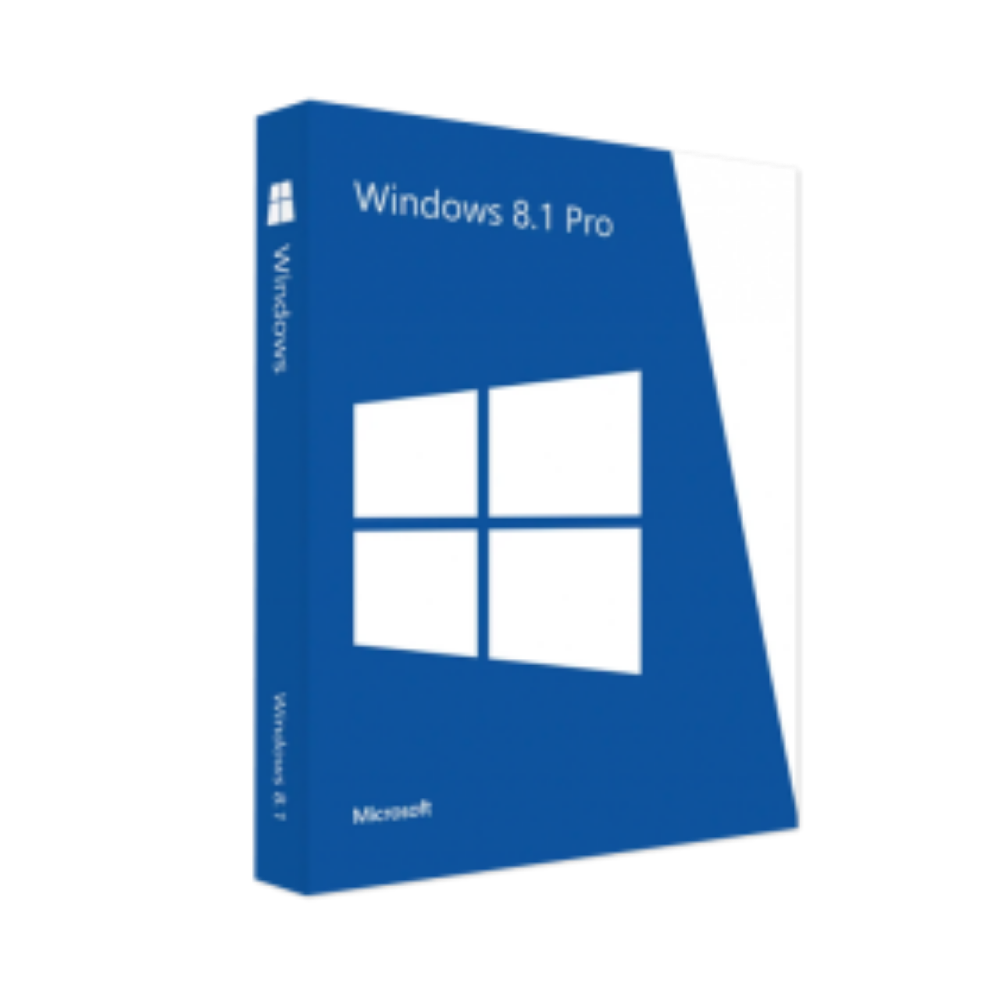



Microsoft Windows 8.1 Professional 32/64 Bit – Product Key
In Stock
✔ Quick Delivery
✔ 100% Original License
✔ Lifetime Warranty
✔ Free Support
In Stock
Description
Microsoft Windows Operating System – The Enterprise‑Ready Platform for Modern Professionals
Your gateway to secure, productive, and future‑proof computing.
Why Microsoft Windows Remains the Gold Standard for Professionals
When you search for microsoft computers, windows laptops, or a reliable microsoft laptop, the answer is almost always the same: Microsoft Windows. It powers everything from compact windows 11 laptops to high‑performance microsoft surface laptops, delivering a seamless blend of security, compatibility, and productivity tools that no other operating system can match.
| Feature | Benefit for Professionals | How It Stands Out |
|---|---|---|
| Unified Ecosystem | One OS across windows computers, tablets, and desktops | Reduces training time & IT overhead |
| Enterprise‑Grade Security | Built‑in Defender, BitLocker, and Secure Boot | Protects sensitive data on any windows 11 laptop |
| Productivity Suite Integration | Native support for Microsoft 365, Teams, OneDrive | Collaboration without third‑party add‑ons |
| Hardware Flexibility | Runs on everything from microsoft surface laptop to custom‑built rigs | Future‑proof investment |
| Regular Updates | Two‑year major releases + monthly patches | Keeps you compliant with industry standards |
“Windows is the only platform that lets me switch effortlessly between a laptop in the office, a Surface tablet at a client site, and a workstation at home—all while keeping my files, settings, and security policies consistent.” – Senior IT Manager, Fortune 500 firm
Choose the Right Edition: Windows 11 Home vs. Windows 11 Pro
Professionals often wonder whether windows 11 home will suffice or if they need the more robust win 11 pro. Below is a concise side‑by‑side comparison to help you make an informed decision.
| Capability | Windows 11 Home | Windows 11 Pro |
|---|---|---|
| Core OS Features | All essential Windows 11 UI, Widgets, and Microsoft Store | Everything in Home + advanced management |
| BitLocker Encryption | ❌ | ✅ Full‑disk encryption for data protection |
| Group Policy Management | ❌ | ✅ Centralized configuration for domains |
| Remote Desktop (host) | ❌ | ✅ Connect to your workstation from anywhere |
| Hyper‑V Virtualization | ❌ | ✅ Run multiple virtual machines natively |
| Assigned Access & Kiosk Mode | ❌ | ✅ Lock down devices for specific tasks |
| Enterprise Mode Internet Explorer | ❌ | ✅ Legacy web‑app compatibility |
| Maximum RAM Support | 128 GB | 2 TB |
| Pricing (as of 2026) | Included with most consumer PCs | Additional license (~$99) |
Bottom line: If your daily workflow involves remote desktop, encryption, or domain‑joined networks, Win 11 Pro is the prudent investment. For solo entrepreneurs or home‑office users who need a sleek, fast interface, Windows 11 Home delivers all the core functionalities at a lower cost.
System Requirements – What Your Microsoft Windows PC Must Meet
Below is an up‑to‑date specification table for installing Windows 11 on any microsoft computers or windows laptops. Meeting these thresholds ensures optimal performance and access to the latest security updates.
| Component | Minimum Requirement | Recommended Specification |
|---|---|---|
| Processor | 1 GHz or faster with 2 or more cores on a compatible 64‑bit processor or System on a Chip (SoC) | 2.5 GHz quad‑core Intel i5 or AMD Ryzen 5 |
| RAM | 4 GB | 8 GB or more (16 GB for heavy multitasking) |
| Storage | 64 GB or more available space | 256 GB SSD (NVMe preferred) |
| System Firmware | UEFI, Secure Boot capable | UEFI with Secure Boot enabled |
| TPM | Version 2.0 | TPM 2.0 + hardware‑based encryption |
| Graphics Card | DirectX 12 compatible with WDDM 2.0 driver | Dedicated GPU (NVIDIA RTX 3050 or AMD RX 6600) for creative workloads |
| Display | >9” with HD 720p resolution | 13.3” or larger, 1080p or higher |
| Internet Connectivity | Required for updates & Microsoft account | Broadband (≥25 Mbps) for cloud services |
| Additional | Microsoft account for first‑time setup | Optional: Dual‑monitor support, USB‑C/Thunderbolt 4 ports |
Tip: For Microsoft Surface Laptop models released after 2023, all the above requirements are pre‑validated, allowing you to skip the manual checklist.
How Microsoft Windows Empowers the Modern Professional
1. Security That Works As Hard As You Do
- Microsoft Defender Advanced Threat Protection (ATP) monitors real‑time threats across endpoints.
- Zero‑Trust Architecture: Integration with Azure AD ensures that only verified users and devices can access corporate resources.
- Regular Patch Cycle: Monthly “Patch Tuesday” updates keep vulnerabilities patched without disrupting workflow.
2. Productivity Tools Built‑In
| Built‑In App | Primary Use | Professional Benefit |
|---|---|---|
| Microsoft Teams | Collaboration & video meetings | Reduces reliance on third‑party conferencing tools |
| OneDrive for Business | Cloud storage & file sync | Guarantees file versioning and instant recovery |
| Microsoft Edge | Chromium‑based browser with Enterprise features | Supports legacy web apps via IE mode |
| Windows Terminal | Command‑line and PowerShell hub | Streamlines scripting and automation tasks |
3. Device Flexibility Across the Microsoft Portfolio
- Windows 11 on a Microsoft Surface Laptop offers a premium touchscreen experience with a detachable keyboard.
- Windows 11 on a traditional laptop (e.g., Dell XPS, HP EliteBook) provides the same OS stability with varied form factors.
- Windows 11 on a desktop workstation (e.g., Lenovo ThinkStation) unlocks full‑scale processing power for data‑intensive tasks.
Frequently Asked Questions (FAQ)
| Question | Answer |
|---|---|
| Can I upgrade a Windows 10 microsoft laptop to Windows 11? | Yes—if the device meets the system requirements listed above. Most windows computers released after 2018 qualify. |
| Do I need a Microsoft account to use win 11 pro? | A Microsoft account is required for the initial setup, but you can switch to a local account later if your organization mandates it. |
| Is windows 11 home compatible with corporate VPNs? | It supports most VPN clients, but lacks the advanced networking policies that win 11 pro offers. |
| Will microsoft surface laptop receive the same updates as a regular windows laptop? | Absolutely—updates are OS‑wide, not device‑specific. |
| How does Microsoft Windows handle legacy applications? | Through Compatibility Mode and Enterprise Mode Internet Explorer (available in win 11 pro) you can run most older software without issue. |
How to Choose the Ideal Microsoft Windows Device for Your Business
Below is a quick decision matrix to align your needs with the right hardware and OS edition.
| Business Need | Recommended Device | Ideal OS Edition | Why |
|---|---|---|---|
| Travel‑heavy sales team | Microsoft Surface Laptop (13.5” touchscreen) | Windows 11 Home (or Pro if corporate policies require) | Lightweight, long battery life, built‑in LTE optional |
| Creative studio (photo/video) | High‑spec Windows 11 laptop (RTX 3080, 32 GB RAM) | Win 11 Pro | GPU acceleration, BitLocker for client data |
| Finance & compliance | Windows 11 desktop workstation (Xeon, 64 GB RAM) | Win 11 Pro | Advanced security, domain join, Hyper‑V for sandboxing |
| Remote IT support | Mid‑range Microsoft laptop (Intel i7, 16 GB RAM) | Win 11 Pro | Remote Desktop host, Group Policy, Windows Admin Center |
| Start‑up founder (single device) | Microsoft Surface Laptop or Windows 11 laptop (mid‑range) | Windows 11 Home | Cost‑effective, all essential productivity tools |
SEO‑Optimized Product Description
Microsoft Windows is the world’s most widely adopted operating system for microsoft computers and windows laptops. Engineered for both Windows 11 Home users and Win 11 Pro professionals, it delivers a robust, secure, and highly compatible platform that integrates flawlessly with the Microsoft Windows operating system ecosystem—including Microsoft Surface Laptop, Microsoft laptop, and countless third‑party windows computers.
- Fast, fluid, and intuitive: The new Windows 11 UI combines a centered Start menu, Snap Layouts, and Widgets for quick access to information.
- Secure by design: Built‑in Microsoft Defender, hardware‑rooted TPM 2.0, and BitLocker protect data on every windows 11 laptop.
- Future‑ready: Supports DirectX 12 Ultimate, Auto HDR, and advanced power‑management for next‑gen applications.
Whether you are deploying a fleet of windows computers across an enterprise or selecting a single microsoft laptop for personal productivity, Microsoft Windows offers unparalleled reliability and scalability.
External Resources (Outbound Links)
- Microsoft’s Official Windows 11 System Requirements – Detailed guidance directly from the creator: https://learn.microsoft.com/windows/windows-11/specifications
- TechRadar’s Review of Windows 11 Pro – Independent analysis of performance and feature set: https://www.techradar.com/reviews/windows-11-pro
- CISA’s Cybersecurity Best Practices for Windows – Government‑endorsed security recommendations: https://www.cisa.gov/windows-security
Buy now
Ready to upgrade your workflow with the most reliable operating system on the market? Explore our curated selection of Microsoft Surface Laptop, Windows 11 laptops, and Windows 11 desktop solutions—all pre‑installed with the edition that best fits your professional needs.
Contact our sales team today to receive a personalized quote, a free security audit, and a 30‑day trial of Win 11 Pro on any compatible device.
Empower your business. Choose Microsoft Windows.
For bulk licensing, contact our sales team at info@thesoftsolution.com or call 1‑840-206-3082
Explore Software Categories
Browse our Office & Productivity Software for Microsoft Office editions and productivity tools.
Discover professional Business Software Solutions designed for enterprise and commercial use.
Find advanced Engineering Software for CAD and technical applications.
Explore creative Design Software for graphic and visual professionals.
Improve system performance with our Utilities Software.
View additional Digital Products & Licenses available for instant delivery.
Check out our Top Selling Products for the most popular choices.
Installation & Activation Support
Need help? Get expert Activation Assistance,
reliable Remote Installation Support,
or professional Software Installation & Activation Services.
Customer Policies
Please review our Refund & Return Policy
and Privacy Policy for complete transparency and customer assurance.

Reviews
There are no reviews yet.