

Microsoft 365


Microsoft 365
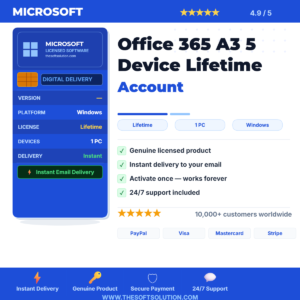
Microsoft 365
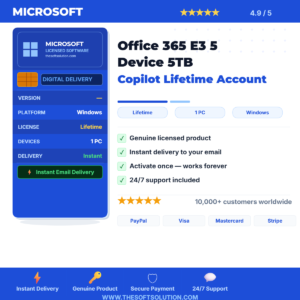
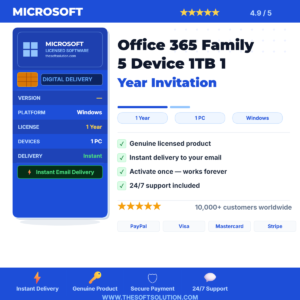
Microsoft 365

Microsoft 365
Why Buy Microsoft 365 from The Soft Solution?
⚡ Instant Delivery
License key emailed within minutes of payment, 24/7 including weekends.
🔒 100% Genuine
All keys sourced from authorized distribution channels only.
📞 Free Activation Help
Our team assists with installation via WhatsApp at no extra charge.
🔄 Money-Back Guarantee
Full refund if your key does not activate. No questions, no delays.
Microsoft 365 — Complete Buying Guide
Microsoft 365 is Microsoft's subscription suite offering always-updated Word, Excel, PowerPoint, Outlook, Teams, and 1TB OneDrive per user across all your devices.
Microsoft 365 Plans Explained
- Microsoft 365 Personal: 1 user, 5 devices, 1TB OneDrive — best for individuals
- Microsoft 365 Family: Up to 6 users, 5 devices each, 1TB OneDrive per user
- Microsoft 365 Business Basic: Cloud-only apps + Teams, ideal for small businesses
- Microsoft 365 Business Standard: Full desktop apps + Teams + business email
- Microsoft 365 Apps for Business: Desktop Office apps only, no Teams included
Frequently Asked Questions
❓ What is the difference between Personal and Family?
Personal covers 1 user on up to 5 devices. Family covers up to 6 users each with 5 devices and 1TB OneDrive — far better value for households.
❓ Does Microsoft 365 work on Mac?
Yes. Microsoft 365 includes native Mac versions of Word, Excel, PowerPoint, Outlook, and OneNote — updated alongside Windows versions.
❓ Can I cancel my subscription?
Yes. Microsoft 365 can be cancelled at any time. You retain access until the end of the paid period.
❓ Do I need internet to use Microsoft 365?
No. Office apps work fully offline. Internet is required for OneDrive sync, Teams, and periodic license verification.
Need help choosing the right Microsoft 365 plan?
Chat with our team on WhatsApp — we reply in minutes.