
Microsoft Windows

Microsoft Windows
Microsoft Windows
Microsoft Windows

Microsoft Windows


Microsoft Windows
Microsoft Windows
Microsoft Windows
Microsoft Windows

Microsoft Windows
Microsoft Windows
Microsoft Windows
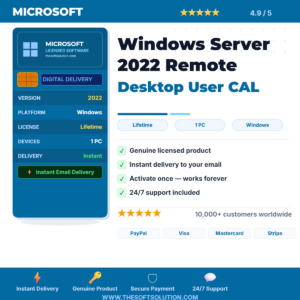
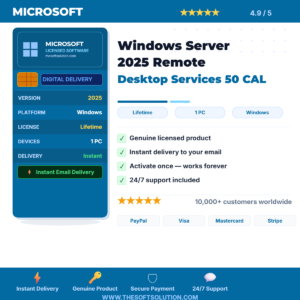
Microsoft Windows
Why Buy Server CALs & RDS from The Soft Solution?
⚡ Instant Delivery
License key emailed within minutes of payment, 24/7 including weekends.
🔒 100% Genuine
All keys sourced from authorized distribution channels only.
📞 Free Activation Help
Our team assists with installation via WhatsApp at no extra charge.
🔄 Money-Back Guarantee
Full refund if your key does not activate. No questions, no delays.
Windows Server CALs & RDS CALs — Buying Guide
Client Access Licenses (CALs) are required for every user or device that accesses Windows Server. RDS CALs are additionally required for Remote Desktop access.
CAL Types Available
- Windows Server User CAL: One CAL per user — ideal when users access from multiple devices
- Windows Server Device CAL: One CAL per device — best for shared workstations
- RDS User CAL: Required for each user connecting via Remote Desktop Services
- RDS Device CAL: Per-device licensing for Remote Desktop access
Frequently Asked Questions
❓ What is a Windows Server CAL?
A license permitting a user or device to access Windows Server services — required in addition to the server OS license.
❓ Do I need RDS CALs if I use Remote Desktop?
Yes. For more than two administrative sessions, RDS CALs are required for every connecting user or device.
❓ User CAL vs Device CAL — which to choose?
Choose User CAL for employees using multiple devices. Choose Device CAL for shared workstations with multiple users.
Need help calculating the right number of CALs?
Chat with our team on WhatsApp — we reply in minutes.