No products in the cart.

0
Total
$0.00
Free Shipping on All Orders Over $75
Only this weekend
Super Discount
Items on sale this week
Top picks this week. Up to 50% off the best selling products.



✔ Quick Delivery
✔ 100% Original License
✔ Lifetime Warranty
✔ Free Support
Only logged in customers who have purchased this product may leave a review.
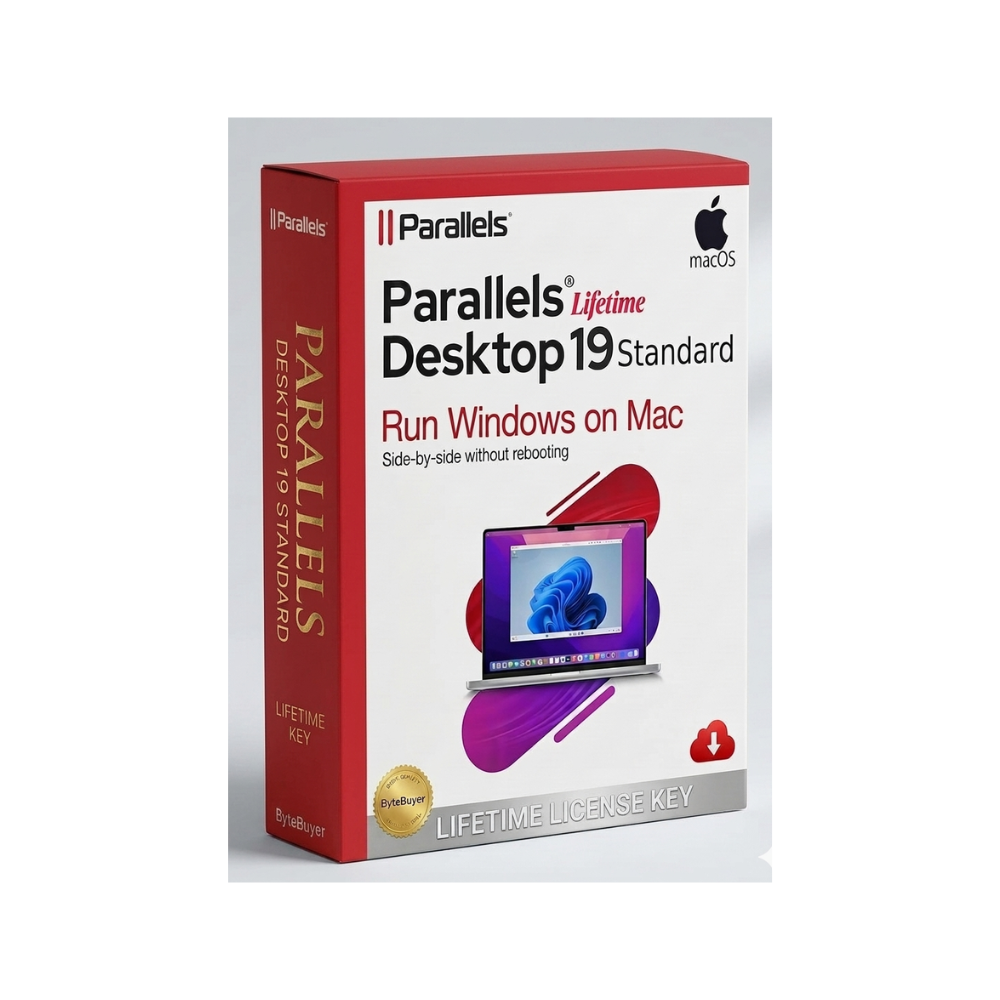
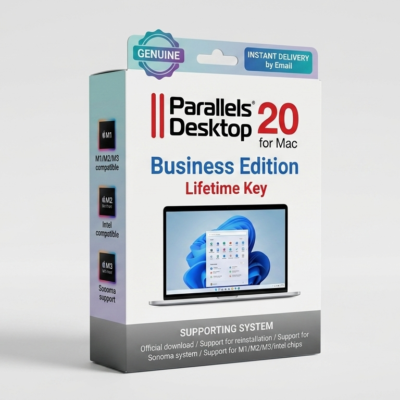
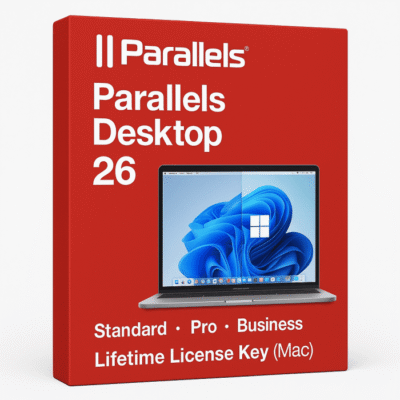
Parallels Desktop 19 Standard Lifetime Key for Mac is a professional virtualization software solution designed for macOS users who need to run Windows, Linux, and other operating systems directly on their Mac without rebooting. It is widely used by developers, designers, students, engineers, and business professionals who require access to Windows-only applications while staying within the macOS environment.
Parallels Desktop is known for its seamless integration between macOS and Windows, allowing users to run both systems side-by-side with smooth performance. You can switch between apps instantly, share files, use drag-and-drop functionality, and copy-paste content across operating systems without interruption. This makes it one of the most efficient virtualization tools available for Mac users.
One of the key advantages of Parallels Desktop 19 Standard is its optimization for Apple Silicon (M1, M2, M3) as well as Intel-based Macs. It provides improved speed, stability, and graphics performance, enabling users to run demanding Windows applications such as Microsoft Office, AutoCAD, Visual Studio, and various business or engineering tools.
The software uses advanced virtualization technology to allocate system resources efficiently. This allows Windows to run smoothly in a virtual machine while macOS continues to function normally. Users can configure CPU, RAM, and storage allocation depending on their workload, making it flexible for both light and heavy usage scenarios.
Parallels Desktop also includes “Coherence Mode,” which allows Windows applications to appear as if they are native macOS apps. This feature significantly improves workflow efficiency by eliminating the need to switch between full desktop environments. It is especially useful for professionals who rely on both ecosystems simultaneously.
Another important feature is support for shared folders and clipboard synchronization. Users can easily transfer files between macOS and Windows environments without needing external storage or cloud services. This enhances productivity and simplifies cross-platform workflows.
For developers and IT professionals, Parallels Desktop enables testing and debugging across multiple operating systems on a single machine. It is commonly used for software testing, application development, cybersecurity research, and enterprise IT environments where multiple OS compatibility is required.
The Standard edition is designed for everyday users and professionals who need essential virtualization features without the advanced enterprise-level tools found in Pro or Business editions. It focuses on stability, ease of use, and performance efficiency.
The “Lifetime Key” model typically refers to a one-time activation license that provides ongoing access to the software version without recurring subscription payments. This makes it attractive for users who prefer long-term software ownership rather than monthly or yearly billing models.
Parallels Desktop is also known for strong compatibility with modern macOS versions, including Ventura, Sonoma, and newer releases. It supports Windows 10, Windows 11, and various Linux distributions, giving users wide flexibility for different workflows.
Overall, Parallels Desktop 19 Standard Lifetime Key for Mac is a powerful and practical solution for anyone who needs Windows functionality on macOS without dual-booting or sacrificing performance.
Reviews
Customer reviews
No reviews found