No products in the cart.

0
Total
$0.00
Free Shipping on All Orders Over $75
Only this weekend
Super Discount
Items on sale this week
Top picks this week. Up to 50% off the best selling products.



✔ Quick Delivery
✔ 100% Original License
✔ Lifetime Warranty
✔ Free Support
Only logged in customers who have purchased this product may leave a review.
The all‑in‑one CAD/CAM/CAE platform that powers today’s professional product‑development teams
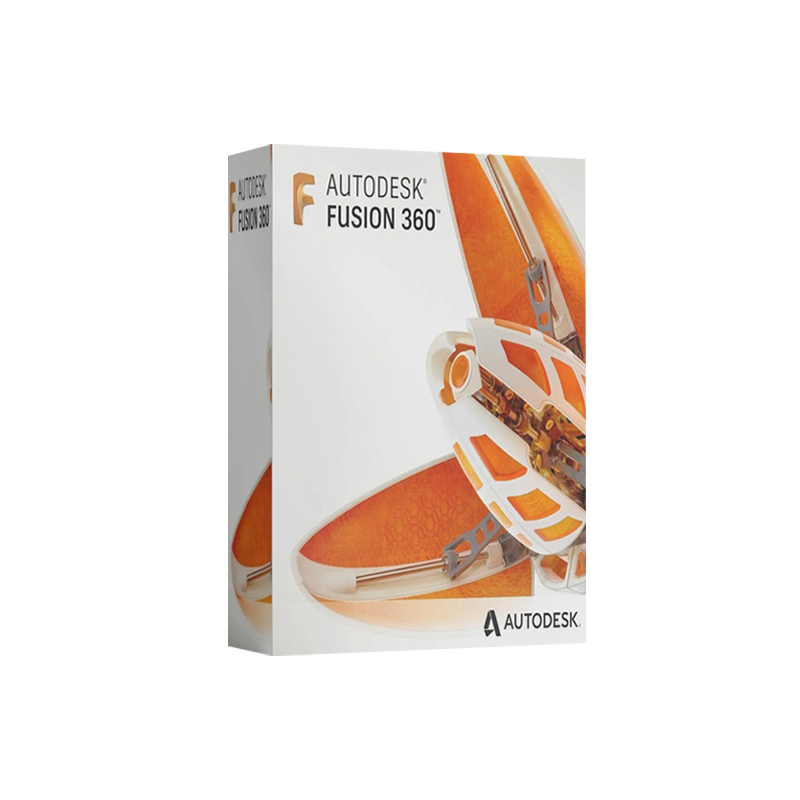
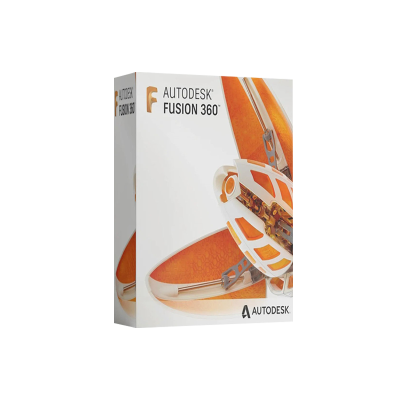
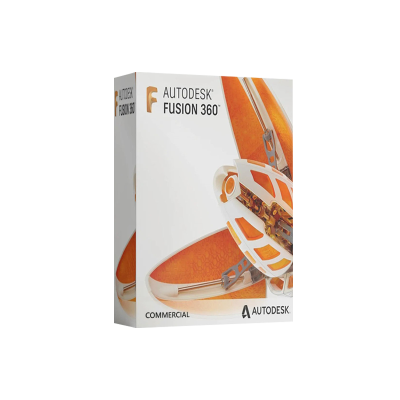
Fusion 360 is more than just a 3‑D modeling tool. It is a cloud‑enabled ecosystem that unifies industrial design, mechanical engineering, simulation, machining, and collaboration in a single, always‑up‑to‑date package. The Commercial License delivers the full feature set, priority support, and flexible deployment options that enterprises demand.
“Fusion 360 has transformed the way our engineering department prototypes and validates concepts – we’re delivering products 30 % faster.” – Senior Mechanical Engineer, Tier‑1 OEM
| Feature | Benefit for Professionals | How It Works |
|---|---|---|
| Parametric & Direct Modeling | Switch seamlessly between design intent and rapid shape changes. | Use Sketch‑Based or Free‑Form tools in the same workspace. |
| Generative Design | Generate optimized, lightweight structures automatically. | AI evaluates load cases, material choices, and manufacturing constraints. |
| Integrated CAM | Prepare CNC toolpaths for 5‑axis milling, turning, and additive processes. | Adaptive Clearing, Multi‑Axis Roughing, and Simulation in‑process. |
| Cloud Collaboration | Real‑time co‑editing, version control, and issue tracking. | Projects stored on Autodesk Drive; role‑based permissions. |
| Advanced Simulation | Validate stress, thermal, modal, and fluid flow without third‑party add‑ons. | Finite Element Analysis (FEA) and Computational Fluid Dynamics (CFD) in‑app. |
| Additive Manufacturing (3‑D Printing) | Export printable STL/OBJ files with built‑in support structures. | Automatic lattice generation, orientation, and print‑time estimation. |
| Automation & API | Automate repetitive tasks with Python or JavaScript scripts. | Custom add‑ins, macros, and webhooks to integrate with PLM/ERP. |
| Data Management | Centralized BOM, revision history, and secure backups. | Autodesk Docs integrates with Fusion 360 for enterprise‑grade governance. |
All of the above features are included with the Autodesk Fusion 360 Commercial License for Windows. No additional plug‑ins or hidden fees.
| License Tier | Included Services | Ideal For |
|---|---|---|
| Commercial (Full) License | Unlimited cloud storage, priority technical support, access to all add‑ons (Generative Design, Simulation, CAM), perpetual updates, multi‑user seats (up to 10 users per subscription) | Medium‑to‑large enterprises, product‑development teams, contract manufacturers |
| Standard (Student/Startup) License | Core CAD tools, limited cloud storage (10 GB), community support, 1‑year free renewable | Educational institutions, early‑stage startups, hobbyists |
| Enterprise License (Volume) | Dedicated account manager, on‑premise licensing option, custom integration services, SLA‑backed uptime guarantees, unlimited seats | Global corporations, regulated industries (aerospace, medical) |
Bold: Only the Commercial License provides unrestricted access to every advanced module and priority support – essential for professional workflows.
| Component | Minimum | Recommended |
|---|---|---|
| Operating System | Windows 10 (64‑bit) – version 1809 or later | Windows 11 (64‑bit) – all current updates |
| Processor | 2 GHz dual‑core (Intel i3 / AMD Ryzen 3) | 3.5 GHz quad‑core (Intel i7 / AMD Ryzen 7) |
| RAM | 4 GB | 16 GB or more (32 GB for large assemblies) |
| Graphics Card | DirectX 11 compatible GPU with 1 GB VRAM (Intel HD Graphics 4000) | Dedicated GPU (NVIDIA GeForce RTX 3060 / Quadro P2200) with 4 GB+ VRAM |
| Storage | 3 GB free SSD space (install location) | 10 GB SSD (fast read/write for large projects) |
| Internet | Broadband connection for license activation & cloud sync | High‑speed (≥ 25 Mbps) for large file transfers & collaborative sessions |
| Additional | .NET Framework 4.8, Visual C++ Redistributable 2015‑2022 | Latest Windows updates, driver updates for GPU |
Fusion 360 runs natively on Windows 10/11 and leverages the cloud for heavy computations, meaning CPU and RAM are primarily used for modeling, while GPU accelerates visualisation and rendering.
Tip: If you require multiple seats, contact Autodesk Sales for a volume‑pricing quote and a dedicated account manager.
| Criteria | Autodesk Fusion 360 (Commercial) | SolidWorks Professional | PTC Creo (Parametric) |
|---|---|---|---|
| Pricing Model | Subscription‑only (monthly/annual) – lower upfront cost | Perpetual license + annual maintenance | Perpetual + maintenance; higher total cost of ownership |
| Cloud Collaboration | Built‑in, real‑time, unlimited users | Requires PDM add‑on (cost extra) | Cloud module optional (additional fee) |
| Generative Design | Fully integrated, no extra license | Available via add‑on (Expensive) | Not native – third‑party plugins only |
| CAM Integration | Native CAM workspace, no extra cost | Requires SolidWorks CAM (separate license) | Requires Mastercam integration (extra cost) |
| Simulation Suite | FEA & CFD included in Commercial | Simulation Premium add‑on required | Simulation add‑on required |
| Scalability | Easy to add seats, cloud‑based scaling | Limited by local licenses | More complex licensing for enterprise |
| Support | Priority technical support with Commercial license | Standard support, premium support extra | Premium support optional |
Bottom line: For professional teams that need a single, unified platform with built‑in advanced capabilities and flexible licensing, Autodesk Fusion 360 Commercial offers the most cost‑effective and future‑proof solution.
| Question | Answer |
|---|---|
| Can I use Fusion 360 on a laptop? | Absolutely. As long as the laptop meets the recommended system requirements (quad‑core CPU, dedicated GPU, SSD), you’ll enjoy full performance. |
| Is my data safe in the cloud? | Autodesk employs ISO 27001‑certified data centers, end‑to‑end encryption, and role‑based access controls. |
| Do I need an internet connection to work offline? | You can work offline for up to 30 days; changes sync automatically when you reconnect. |
| What is the difference between a Commercial License and a Subscription? | “Commercial License” refers to the type of entitlement (full feature set). “Subscription” is the payment model (monthly or annual). |
| Can I export my models to other CAD formats? | Yes – Fusion 360 supports STEP, IGES, STL, OBJ, DWG, DXF and many more. |
| Do I receive updates automatically? | All updates are delivered continuously via the cloud; no manual patches required. |
Ready to accelerate your product development?
Empower your engineers, designers, and makers with the most versatile CAD/CAM/CAE platform on the market. Autodesk Fusion 360 for Windows – Commercial Edition is the strategic advantage your organization deserves.

Browse our Office & Productivity Software for Microsoft Office editions and productivity tools.
Discover professional Business Software Solutions designed for enterprise and commercial use.
Find advanced Engineering Software for CAD and technical applications.
Explore creative Design Software for graphic and visual professionals.
Improve system performance with our Utilities Software.
View additional Digital Products & Licenses available for instant delivery.
Check out our Top Selling Products for the most popular choices.
Need help? Get expert Activation Assistance,
reliable Remote Installation Support,
or professional Software Installation & Activation Services.
Please review our Refund & Return Policy
and Privacy Policy for complete transparency and customer assurance.
16 reviews for Autodesk Fusion 360 for Windows
Customer reviews