No products in the cart.

0
Total
$0.00
Free Shipping on All Orders Over $75
Only this weekend
Super Discount
Items on sale this week
Top picks this week. Up to 50% off the best selling products.


✔ Quick Delivery
✔ 100% Original License
✔ Lifetime Warranty
✔ Free Support
Only logged in customers who have purchased this product may leave a review.
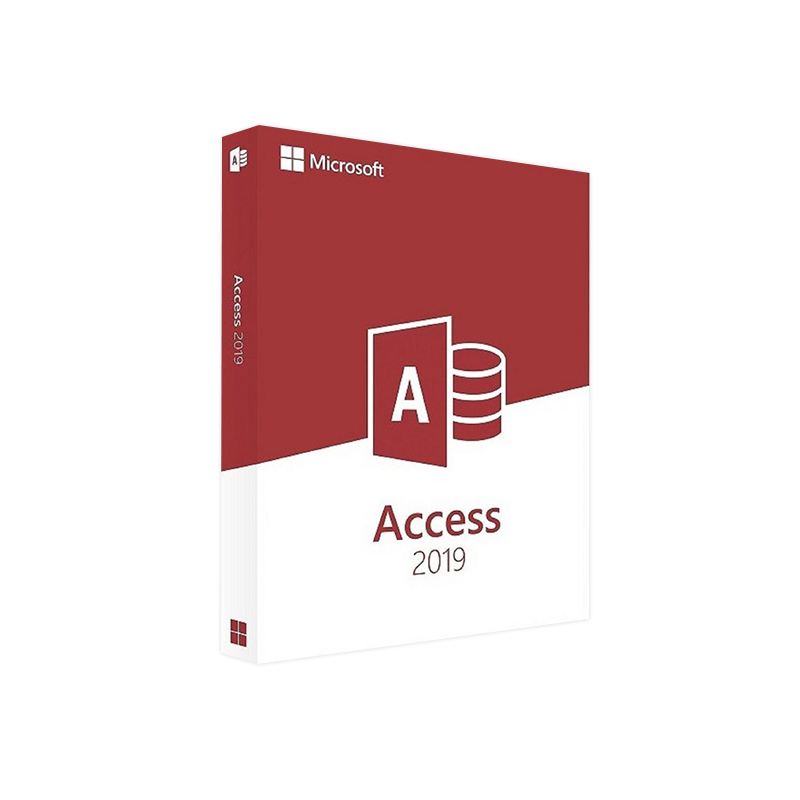
Microsoft Access 2019 – Professional‑Grade Database Management, Ready to Download
(Optimized for IT managers, data analysts, and business‑process engineers)
Microsoft Access 2019 is the latest on‑premises database engine in the Microsoft Office family. Built on the proven AccessDatabaseEngine 2013 architecture, it delivers a modern, high‑performance environment for creating relational databases, sophisticated forms, and powerful reports—without the overhead of a full‑scale server solution.
Key advantage for professionals – Access 2019 combines the ease of a desktop client with the scalability needed for enterprise‑level data‑driven applications.
You can download the installation package instantly, choose the 32‑bit or 64‑bit edition that matches your Windows infrastructure, and start building data solutions that integrate seamlessly with SharePoint, Power Apps, and Microsoft 365.
| Feature | Access 2013 | Access 2019 |
|---|---|---|
| User Interface | Classic Ribbon (Office 2013 style) | Refreshed Ribbon with dark‑mode support |
| Data Types | 22 native types | Added large‑value (MAX) and JSON data support |
| Performance | Standard Jet/ACE engine | Optimized ACE 15.0 engine – up to 30 % faster on large tables |
| Integration | Basic Office 365 linking | Deep integration with Power Automate, Power BI, and Teams |
| Security | Standard database password | Encryption at rest (AES‑256) and row‑level security |
| Support Lifecycle | End of mainstream support Nov 2023 | Mainstream support until Oct 2029, extended support to Oct 2034 |
| Bitness Options | 32‑bit only (some 64‑bit via workarounds) | Native 32‑bit & 64‑bit installers – access 2013 32 bit and access 2013 64 bit compatibility layers |
Bottom line: For any organization still on ms access 2013, the upgrade to Access 2019 adds modern security, performance, and cloud‑friendly collaboration tools—while preserving full compatibility with legacy .accdb files.
| Requirement | Minimum | Recommended |
|---|---|---|
| Operating System | Windows 10 (version 1809) or Windows 11 | Windows 10 Enterprise (version 1909) or later |
| Processor | 1 GHz or faster, x86‑ or x64‑based | 2 GHz or faster, multi‑core (Intel i5/AMD Ryzen 5+) |
| RAM | 2 GB (32‑bit) / 4 GB (64‑bit) | 8 GB or more |
| Hard Disk Space | 4 GB of free space | 10 GB SSD for optimal performance |
| Display | 1280 × 720 px | 1920 × 1080 px or higher, 16‑bit color depth |
| .NET Framework | .NET 4.6 or later | .NET 4.8 |
| Internet | Required for activation & updates | High‑speed broadband for cloud integration |
| Supported Browsers | Microsoft Edge, Chrome, Firefox (latest) | Same, plus Internet Explorer 11 for legacy intranet sites |
| Additional Components | Microsoft Office 2019 (any edition) | Office 365 ProPlus for full cloud features |
Note: The Access 2019 32‑bit installer is ideal when you need compatibility with legacy AccessDatabaseEngine 2013 add‑ins, while the 64‑bit version maximizes memory usage for large data sets.
| Consideration | 32‑bit Access | 64‑bit Access |
|---|---|---|
| Legacy Add‑ins | Full compatibility with older access 2013 32 bit add‑ins and COM components | May require updated 64‑bit versions of add‑ins |
| Memory Limits | Max ~2 GB per process (suitable for small‑medium databases) | Up to 4 GB+ per process – ideal for access 2013 64 bit‑style workloads |
| Office Suite Consistency | Works with a 32‑bit Office installation (default for many enterprises) | Must match a 64‑bit Office suite – useful for data‑intensive environments |
| Performance | Slightly slower on large tables | Faster query execution on large data sets |
| Installation Footprint | Smaller installer (≈600 MB) | Larger installer (≈800 MB) but better future‑proofing |
Recommendation: If your organization still runs ms access 2013 add‑ins that have not been updated, start with the 32‑bit version. For new deployments, especially those handling >2 GB tables, the 64‑bit edition provides the best long‑term performance.
Tip: For environments that still rely on access 2013 data sources, install the AccessDatabaseEngine 2013 Redistributable first – available from the same Microsoft Download Center.
| Question | Answer |
|---|---|
| Can Access 2019 open Access 2013 (*.accdb) files? | Yes. All databases created in access 2013, ms access 2013, or earlier versions open natively in Access 2019. |
| Do I need a separate license for the 64‑bit version? | No. The license is edition‑based (Professional, Standard, etc.) and covers both bitness options. |
| Is there a cloud‑based alternative to Access 2019? | Microsoft recommends Power Apps for low‑code cloud apps, but Access 2019 remains the most feature‑complete desktop solution for complex relational databases. |
| How does Access 2019 integrate with SQL Server? | Use ODBC or the built‑in SQL Server Migration Assistant (SSMA) to link tables, push queries, and synchronize changes in real time. |
| What is the difference between Access 2019 and Access 2021? | Access 2021 adds minor UI tweaks and extended support for newer Windows builds; functional differences are marginal. |
| Feature | Microsoft Access 2019 | FileMaker Pro 19 | LibreOffice Base 7 |
|---|---|---|---|
| Platform | Windows only | macOS & Windows | Windows, macOS, Linux |
| Native Language | VBA (Visual Basic for Applications) | FileMaker scripting | LibreOffice BASIC, Python |
| Maximum Database Size | 2 GB per file | 1 TB (cloud) | 2 GB (per file) |
| Integration with Office Suite | Full (Excel, Outlook, Teams) | Limited | Moderate (Calc, Writer) |
| Enterprise Licensing | Volume Licensing, Microsoft 365 | Per‑seat subscription | Free, open‑source |
| Security | AES‑256 encryption, row‑level security | SSL/TLS, encrypted fields | Basic password protection |
| Support Lifecycle | Mainstream until 2029, extended to 2034 | 2‑year release cycle | Community‑driven updates |
Looking for “microsoft access 2013” or “access 2013 64 bit” compatibility? Access 2019 retains backward compatibility with all Access 2013 file formats, so you can seamlessly transition without data loss.
| Edition | Price (per user) | Includes | Recommended For |
|---|---|---|---|
| Access 2019 Standard | $129.99 | Core Access app, 1‑year updates | Small teams, single‑project databases |
| Access 2019 Professional | $249.99 | Standard + advanced data tools, Power Automate connectors | Larger enterprises, complex data workflows |
| Microsoft 365 Business Premium | $22/mo (annual) | Full Office suite + Access 2019, cloud services | Organizations needing continuous updates and cloud integration |
Download now from the official source to ensure you receive the latest security patches and performance improvements:
Microsoft Access 2019 – Official Download
Microsoft Access 2019 delivers a future‑ready, secure, and highly compatible solution for professional database developers. Whether you are modernizing an ms access 2013 environment or building a brand‑new data application, the Access 2019 download provides the tools you need to turn data into actionable insight—fast, safely, and at scale.
Get started now and experience the power of a desktop database that grows with your organization.
External references
Browse our Office & Productivity Software for Microsoft Office editions and productivity tools.
Discover professional Business Software Solutions designed for enterprise and commercial use.
Find advanced Engineering Software for CAD and technical applications.
Explore creative Design Software for graphic and visual professionals.
Improve system performance with our Utilities Software.
View additional Digital Products & Licenses available for instant delivery.
Check out our Top Selling Products for the most popular choices.
Need help? Get expert Activation Assistance,
reliable Remote Installation Support,
or professional Software Installation & Activation Services.
Please review our Refund & Return Policy
and Privacy Policy for complete transparency and customer assurance.
| Title |
|---|
| Title |
|---|
| Title |
|---|
| Title |
|---|
| Title |
|---|
| Title |
|---|
1 review for Microsoft Access 2019 Download – Full Version License for Windows
Customer reviews
No reviews found