No products in the cart.

0
Total
$0.00
Free Shipping on All Orders Over $75
Only this weekend
Super Discount
Items on sale this week
Top picks this week. Up to 50% off the best selling products.


✔ Quick Delivery
✔ 100% Original License
✔ Lifetime Warranty
✔ Free Support
Only logged in customers who have purchased this product may leave a review.
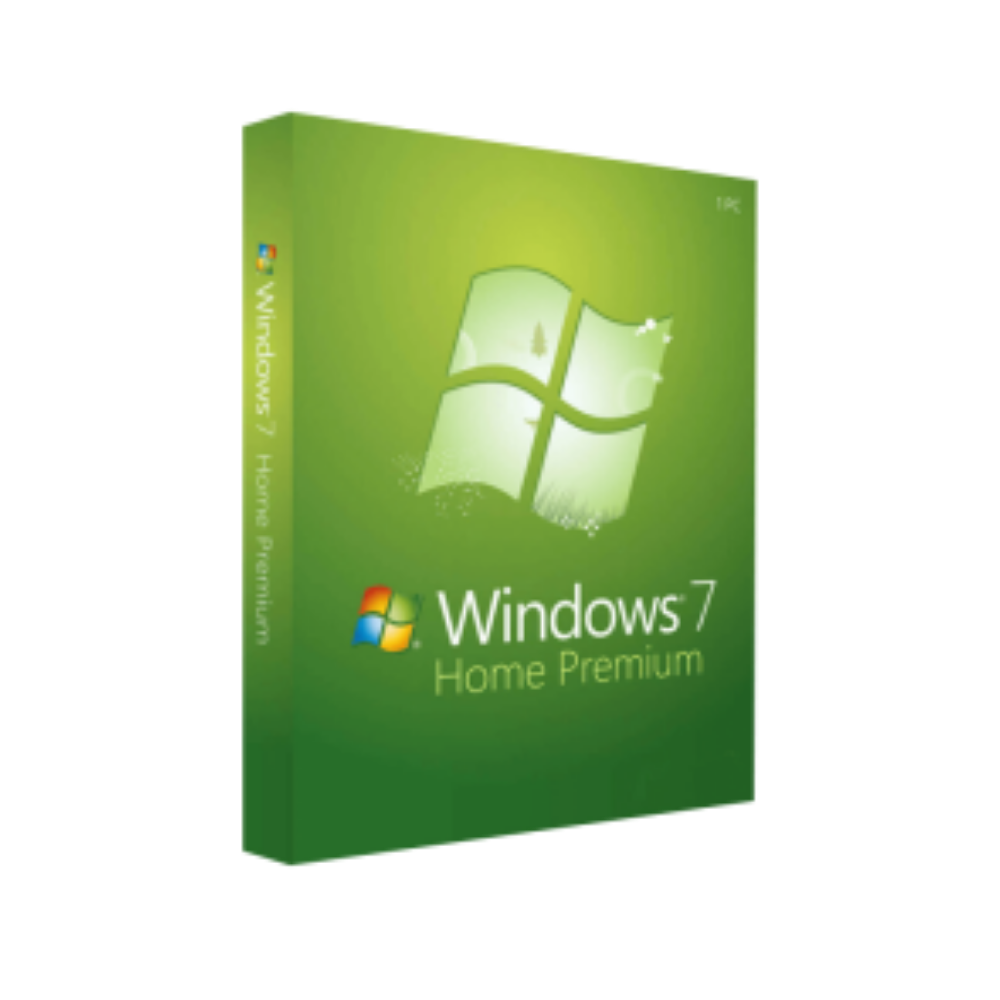
Microsoft Windows 7 Home – Professional‑Grade Performance for Everyday Computing
(Designed for business‑savvy users who demand reliability, security, and ease‑of‑use)
Microsoft Windows 7 Home is the core operating system that powers millions of desktops, laptops, and all‑in‑one PCs worldwide. Built on the proven Windows NT kernel, it delivers a modern, responsive user interface while retaining the familiar Windows experience that professionals rely on every day.
Whether you are running a small‑office workstation, a home‑based development environment, or a multimedia‑rich workstation, Windows 7 Home provides the stability and compatibility you need—without the extra cost of higher‑tier editions.
Key takeaway: Windows 7 Home offers enterprise‑class reliability in a streamlined package, making it the ideal OS for professionals who value performance over unnecessary extras.
| Benefit | Explanation |
|---|---|
| Fast boot‑to‑desktop | Optimized kernel and SuperFetch technology pre‑loads frequently used apps, shaving seconds off startup time. |
| Robust security | Integrated Windows Defender, User Account Control (UAC), and regular security patches protect sensitive data. |
| Broad hardware support | Over 30 000 certified drivers ensure seamless operation with printers, scanners, and specialised peripherals. |
| Enterprise‑ready networking | Native HomeGroup, Wi‑Fi Direct, and VPN support make remote collaboration simple. |
| Low total cost of ownership | No extra licensing fees for unused features—only pay for what you truly need. |
For professionals handling confidential client data, the built‑in security suite provides peace of mind without the need for third‑party add‑ons.
All of these features work out‑of‑the‑box, requiring minimal IT overhead—a critical advantage for busy professionals.
| Feature / Edition | Windows 7 Home | Windows 7 Home Premium | Windows 7 Professional | Windows 7 Ultimate |
|---|---|---|---|---|
| Target Audience | Home users, small‑office professionals | Home entertainment & media lovers | Business users, domain‑joined PCs | Power users & mixed‑environment deployments |
| 64‑bit Support | ✅ windows 7 home edition 64 bit | ✅ win 7 home premium 64 | ✅ 64‑bit | ✅ (includes microsoft windows 7 ultimate 64 bit download) |
| 32‑bit Support | ✅ windows 7 home edition 32 bit | ✅ | ✅ | ✅ |
| Aero Glass UI | ✅ | ✅ | ✅ | ✅ |
| Domain Join | ❌ | ❌ | ✅ | ✅ |
| BitLocker Full‑Disk Encryption | ❌ (Lite via third‑party) | ❌ | ✅ | ✅ |
| Remote Desktop Host | ❌ | ❌ | ✅ | ✅ |
| Media Center | ❌ (add‑on) | ✅ | ✅ | ✅ |
| Windows XP Mode | ❌ | ❌ | ✅ | ✅ |
| Price (USD) | $119 | $149 | $199 | $219 |
| Ideal For | Professionals needing a stable, cost‑effective OS | Users who want home‑theater features | Companies with networked workstations | Organizations requiring every Windows feature |
The table highlights why Windows 7 Home remains the most cost‑efficient choice for professionals who do not need domain‑join or full‑disk encryption.
| Component | Minimum | Recommended |
|---|---|---|
| Processor | 1 GHz or faster (32‑ or 64‑bit) | 2 GHz or faster (dual‑core) |
| RAM | 1 GB (32‑bit) / 2 GB (64‑bit) | 4 GB (32‑bit) / 8 GB (64-bit) |
| Hard Disk Space | 16 GB (32‑bit) / 20 GB (64‑bit) | 40 GB or more |
| Graphics Card | DirectX 9 graphics device with WDDM 1.0 driver | DirectX 10‑compatible GPU, 128 MB VRAM or more |
| Optical Drive | DVD‑ROM drive | DVD‑ROM or USB boot capability |
| Network | Ethernet adapter or IEEE 802.11b/g wireless | Gigabit Ethernet, Wi‑Fi 802.11n/ac |
| Additional | Keyboard, mouse, and internet connection for activation | USB 2.0/3.0 ports, optional webcam |
Tip for Professionals: Allocate at least 8 GB of RAM and a solid‑state drive (SSD) to maximize Windows 7 Home performance in demanding environments such as data analysis, graphic design, or software development.
Professional users often manage multiple installations via volume licensing. While Windows 7 Home does not support volume activation, you can still streamline deployment using tools like Microsoft Deployment Toolkit (MDT) for small batches.
Q1: Can I upgrade from Windows 7 Home to Windows 7 Professional without reinstalling?
A: Yes. Use the Windows Anytime Upgrade feature and enter a Professional product key. The upgrade preserves your files, settings, and installed applications.
Q2: Is win 7 home premium 64 compatible with my existing 64‑bit hardware?
A: Absolutely. Both Windows 7 Home Premium 64‑bit and Windows 7 Home edition 64‑bit share the same kernel and driver model, ensuring full hardware compatibility.
Q3: How does windows 7 premium 64 bit differ from the Home edition for a professional workflow?
A: The Premium edition adds Media Center, DVD‑playback, and expanded networking tools, but it does not include domain join, BitLocker, or Remote Desktop host—features typically required by enterprise users.
Q4: Where can I safely download microsoft windows 7 ultimate 64 bit download?
A: The official source is the Microsoft Download Center (see the outbound link below). Avoid third‑party sites to prevent counterfeit or malicious copies.
Q5: Will Windows 7 Home still receive security updates?
A: Mainstream support for Windows 7 ended on January 13 2020, but Microsoft offers Extended Security Updates (ESU) for eligible customers through 2023. For ongoing protection, consider upgrading to a newer OS or purchasing ESU.
Microsoft Windows 7 Home continues to be a reliable, cost‑effective operating system for professionals who need a stable platform without the superfluous features of higher‑tier editions. Its 64‑bit support (windows 7 home edition 64 bit), robust security suite, and broad hardware compatibility make it a sensible choice for:
Invest in Windows 7 Home today to enjoy enterprise‑grade performance while keeping your IT budget under control.
Ready to purchase or need a custom deployment plan?
Contact our sales team at sales@yourcompany.com or call +1‑800‑555‑0199. Our certified Windows specialists will guide you through licensing, installation, and post‑deployment support.
Empower your professional workflow with Windows 7 Home – where reliability meets affordability.
Browse our Office & Productivity Software for Microsoft Office editions and productivity tools.
Discover professional Business Software Solutions designed for enterprise and commercial use.
Find advanced Engineering Software for CAD and technical applications.
Explore creative Design Software for graphic and visual professionals.
Improve system performance with our Utilities Software.
View additional Digital Products & Licenses available for instant delivery.
Check out our Top Selling Products for the most popular choices.
Need help? Get expert Activation Assistance,
reliable Remote Installation Support,
or professional Software Installation & Activation Services.
Please review our Refund & Return Policy
and Privacy Policy for complete transparency and customer assurance.
| Title |
|---|
| Title |
|---|
| Title |
|---|
| Title |
|---|
38 reviews for Microsoft Windows 7 Home & Premium 32/64 Bit – Product Key
Customer reviews