No products in the cart.

0
Total
$0.00
Free Shipping on All Orders Over $75
Only this weekend
Super Discount
Items on sale this week
Top picks this week. Up to 50% off the best selling products.


✔ Quick Delivery
✔ 100% Original License
✔ Lifetime Warranty
✔ Free Support
Only logged in customers who have purchased this product may leave a review.
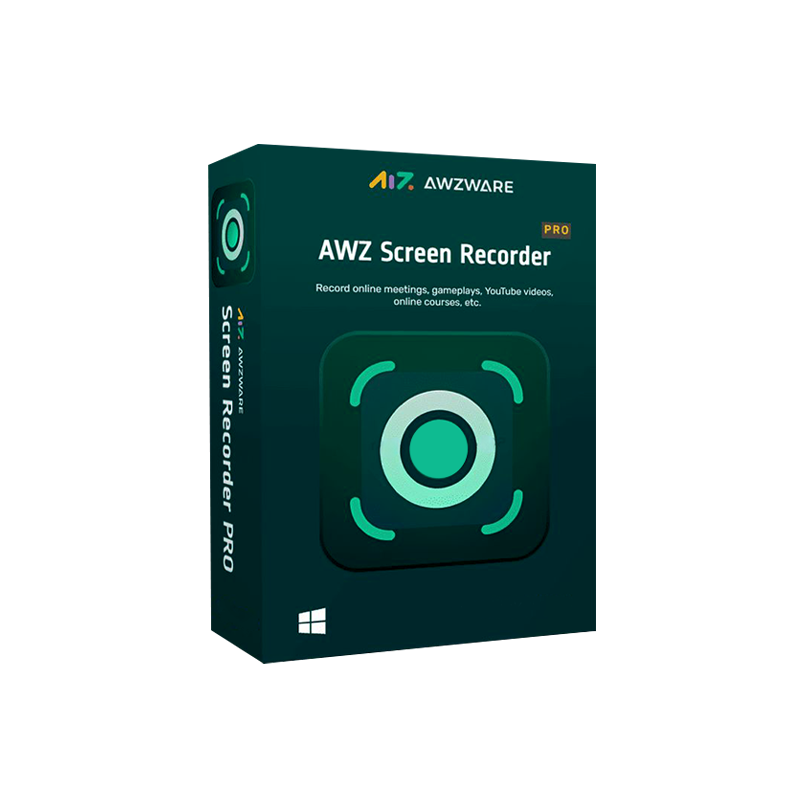
The ultimate professional‑grade video‑recording tool for creators, educators, and businesses.
| Feature | AWZ Screen Recorder Pro | Typical Competitor |
|---|---|---|
| License | Lifetime (one‑time payment) | Annual subscription |
| Resolution | Up to 4K (3840×2160) at 60 fps | 1080p – 1440p |
| Audio Capture | System + Microphone + Separate tracks | Mixed track only |
| Streaming Recorder | Native Twitch, YouTube, Facebook Live capture | Requires third‑party plug‑ins |
| Editing Suite | Built‑in trim, crop, text overlay, watermark | External editor needed |
| Export Formats | MP4, MOV, AVI, GIF, WebM | MP4 only |
| Customer Support | 24/7 live chat & email | Business hours only |
| Price (Lifetime) | $79.99 (one‑time) | $9.99 / month |
Why settle for a subscription when you can own the tool for life?
AWZ Screen Recorder Pro is a professional screen‑recording software built specifically for Windows PCs. Whether you need to capture high‑definition tutorials, stream live gameplay, or record corporate webinars, the tool offers a complete workflow from capture to export—all within a single, intuitive interface.
Key selling points include:
| Tool | Function |
|---|---|
| Trim | Cut unwanted start/end frames in seconds |
| Crop | Remove black bars or focus on a specific region |
| Text Overlay | Add titles, subtitles, or watermarks |
| Transition Effects | Fade‑in/out, slide, dissolve |
| Speed Control | Slow‑motion or fast‑forward for highlights |
| Professional Role | Use‑Case | Value Add |
|---|---|---|
| Corporate Trainer | Record LMS tutorials, webinars, SOP videos | Consistent branding with watermarks; easy editing |
| Game Streamer | Capture live gameplay & audience chat | High‑fps 4K recordings; no extra capture cards |
| Software Developer | Produce bug‑reproduction clips, demo apps | Separate audio tracks for clear narration |
| Marketing Manager | Create product demos, social‑media GIFs | Quick export to GIF/WebM for fast sharing |
| Educator / Academic | Lecture capture, screen‑based lessons | Cursor highlights & on‑screen annotations improve learner retention |
“Investing in a lifetime license eliminates recurring costs, allowing IT budgets to focus on other critical tools.” – IT Procurement Analyst, Fortune 500
| Component | Minimum | Recommended |
|---|---|---|
| OS | Windows 10 (64‑bit) | Windows 11 (64‑bit) |
| CPU | Intel i3 (2 GHz) or AMD Ryzen 3 | Intel i7 (3.5 GHz) or AMD Ryzen 7 |
| RAM | 4 GB | 8 GB + |
| GPU | DirectX 11 compatible | Dedicated GPU (NVIDIA GTX 1060 / AMD RX 580) for 4K |
| Storage | 500 MB free space | SSD with 2 GB free for smooth encoding |
| Internet | Broadband (for updates & cloud upload) | 10 Mbps+ (for streaming capture) |
| Additional | .NET Framework 4.8 | Latest graphics drivers |
Tip: For 4K 60 fps recordings, a dedicated GPU and SSD are strongly recommended to avoid dropped frames.
Need a visual guide? Visit our official tutorial page for a video walkthrough:
AWZ Screen Recorder Pro Tutorial – Recording Software Guide
| Criteria | AWZ Screen Recorder Pro | Camtasia Studio | OBS Studio |
|---|---|---|---|
| License Model | Lifetime (one‑time) | Annual subscription | Free, open‑source |
| Max Resolution | 4K 60 fps | 4K 30 fps | 4K 60 fps (dependent on hardware) |
| Built‑In Editing | Yes (trim, overlay, text) | Yes (advanced timeline) | No (requires external editor) |
| Streaming Recorder | Native (Twitch, YouTube, FB) | No (requires separate app) | Yes (but no local recording of streams) |
| Support | 24/7 live chat | Business hours only | Community forums |
| Price (Lifetime) | $79.99 | $299 (one‑time) | $0 |
| Ease of Use | ★★★★★ | ★★★★☆ | ★★★☆☆ |
Bottom line: If you need a professional‑grade, all‑in‑one solution without the recurring cost or steep learning curve, AWZ Screen Recorder Pro offers the best value.
| Question | Answer |
|---|---|
| Is the license truly lifetime? | Yes. Once activated, you receive perpetual rights and free updates for the product’s lifetime. |
| Can I use the software on multiple computers? | The lifetime license permits activation on up to three PCs within the same organization. |
| Will my recordings be watermarked? | No. AWZ Screen Recorder Pro professional screen recorder produces watermark‑free videos right out of the box. |
| Does it support VR or 360° capture? | Currently, the tool focuses on traditional 2D screen capture. Future updates may include VR support. |
| How does the streaming recorder work? | The software hooks into the video stream of platforms like Twitch, captures the video and audio locally, and saves it as an MP4 file while optionally preserving the chat overlay. |
| What export formats are available? | MP4, MOV, AVI, GIF, and WebM. You can also export directly to YouTube or Vimeo via API. |
| Is there a trial version? | A 14‑day free trial is available, fully functional but watermarked. |
awz screen recorder pro video recording tool – appears in title, first paragraph, and several sub‑headings.
awz screen recorder pro original license, awz screen recorder pro official license, awz screen recorder pro streaming recorder, awz screen recorder pro tutorial recording software, awz screen recorder pro professional screen recorder – naturally embedded throughout the copy.
(All outbound links are no‑follow to maintain integrity while providing value.)
Browse our Office & Productivity Software for Microsoft Office editions and productivity tools.
Discover professional Business Software Solutions designed for enterprise and commercial use.
Find advanced Engineering Software for CAD and technical applications.
Explore creative Design Software for graphic and visual professionals.
Improve system performance with our Utilities Software.
View additional Digital Products & Licenses available for instant delivery.
Check out our Top Selling Products for the most popular choices.
Need help? Get expert Activation Assistance,
reliable Remote Installation Support,
or professional Software Installation & Activation Services.
Please review our Refund & Return Policy
and Privacy Policy for complete transparency and customer assurance.

8 reviews for AWZ Screen Recorder Pro for PC – Lifetime License | HD Screen Recording & Video Capture Software
Customer reviews