

Subtotal: $22.99
24%
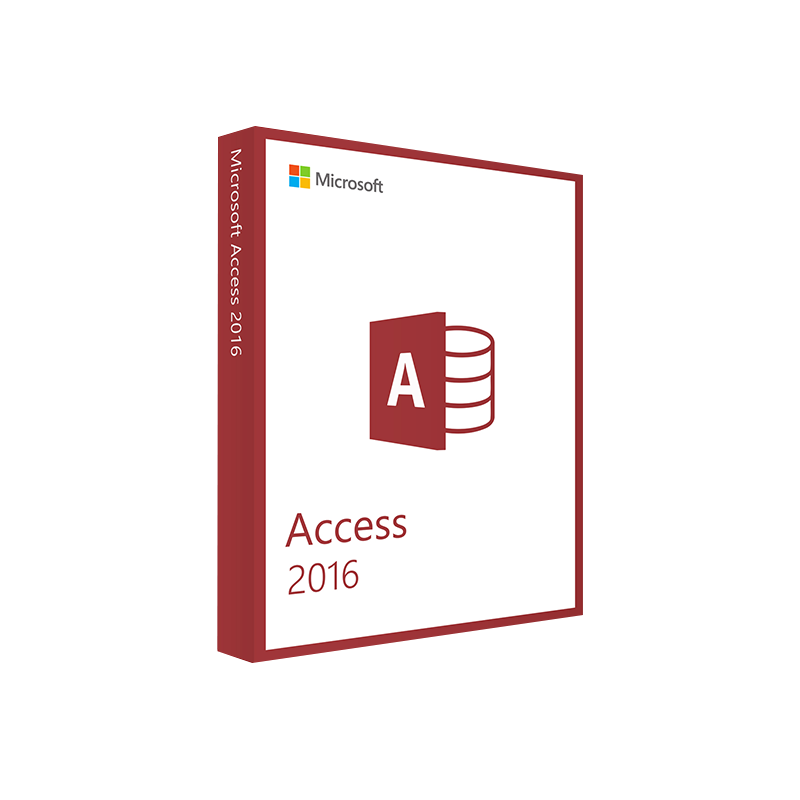



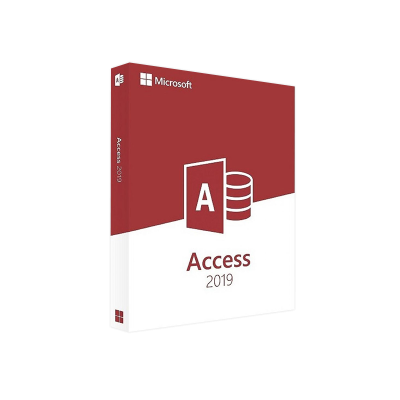
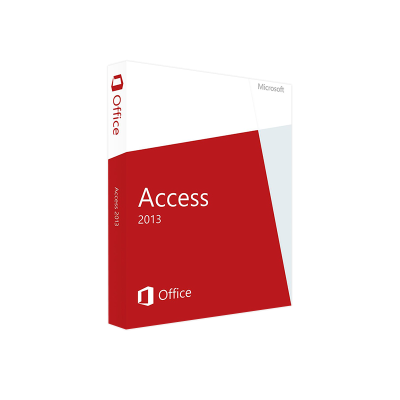
Microsoft Access 2016 Product Key – Full Version License for Windows Instant Digital Delivery
In Stock
✔ Quick Delivery
✔ 100% Original License
✔ Lifetime Warranty
✔ Free Support
In Stock
Description
Microsoft Access 2016 Product Key – Secure, Instant, and Fully‑Featured
Your gateway to a reliable, enterprise‑grade database solution.
Why Choose a Microsoft Access 2016 Product Key?
Professionals who manage data‑intensive projects require a robust, scalable, and cost‑effective tool. Microsoft Access 2016 delivers exactly that—combined with a genuine license key, you unlock the full suite of features, receive regular security updates, and stay compliant with corporate IT policies.
Key benefits of purchasing a Microsoft Access 2016 product key:
- Instant activation – enter the key and start working within minutes.
- Full‑feature access – no functional limits, unlike trial or “lite” versions.
- Official support – direct access to Microsoft’s knowledge‑base and technical assistance.
- Compliance assurance – a genuine license key eliminates audit risks.
- Seamless integration – works natively with Office 365, Excel, Outlook, and SharePoint.
“Access 2016 transformed our data workflow, cutting reporting time by 35%.” – Senior Data Analyst, Fortune 500 firm
What You Receive With Your Purchase
| Item | Description | Why It Matters |
|---|---|---|
| Microsoft Access 2016 product key | 25‑character alphanumeric code, compatible with all Windows 10/11 editions. | Guarantees a genuine license that enables all premium features. |
| Digital download link | Secure, high‑speed download of the full installation package. | No waiting for physical media; you can install on multiple workstations (up to the license limit). |
| Activation guide | Step‑by‑step PDF covering installation, key entry, and troubleshooting. | Reduces downtime and ensures a smooth setup. |
| Lifetime updates (until 2026) | Access to security patches and feature updates via Windows Update. | Keeps your database environment secure and up‑to‑date. |
How to Activate Your Microsoft Access 2016 License
- Download the installer from the digital download link provided in your email.
- Run the setup.exe file and follow the on‑screen prompts.
- When prompted, enter your Microsoft Access 2016 activation key (the 25‑character product key).
- Click Activate – the system validates the key online and completes the process.
- Restart Access to start using the full feature set.
Tip: Store your product key in a secure password manager for future re‑installs or audits.
System Requirements – Ensure Compatibility
| Component | Minimum | Recommended |
|---|---|---|
| OS | Windows 10 (64‑bit) | Windows 11 (64‑bit) |
| Processor | 1 GHz or faster, 32‑bit (x86) or 64‑bit (x64) | 2 GHz or faster, 64‑bit |
| RAM | 2 GB | 4 GB or more |
| Hard Disk | 3 GB free space | 5 GB SSD for optimal performance |
| Display | 1024 × 768 resolution | 1920 × 1080 or higher |
| .NET Framework | Version 4.5 | Version 4.7.2 or later |
| Internet | Required for activation & updates | Broadband connection recommended |
For a deeper dive into compatibility, visit Microsoft’s official System Requirements for Office 2016 page.
Comparison: Access 2016 vs. Competing Database Solutions
| Feature | Microsoft Access 2016 | SQL Server Express | Google Sheets (Pro) |
|---|---|---|---|
| Installation | Desktop application (single click) | Server‑based, requires setup | Cloud‑only, no install |
| Scalability | Up to 2 GB per database | Unlimited size (subject to hardware) | 10 GB per spreadsheet |
| Advanced Queries | VBA, SQL, macros | T‑SQL, stored procedures | Limited QUERY function |
| Integration | Office suite, SharePoint, Outlook | Azure, .NET, Power BI | Google Workspace |
| Cost | One‑time Microsoft Access 2016 product key (≈ $120) | Free (with licensing limits) | $12/user/month (Google Workspace) |
| Support | Microsoft official support | Community & Microsoft | Google support |
Bottom line: For professionals who need quick development, deep Office integration, and a low total cost of ownership, Access 2016 remains the most pragmatic choice.
Frequently Asked Questions (FAQ)
| Question | Answer |
|---|---|
| Can I install Access 2016 on multiple computers? | Yes, a single genuine license key covers the number of installations permitted by the license agreement (typically up to 2 PCs). |
| Is there a trial version before buying? | Microsoft offers a 30‑day trial of Office 2016, but a product key is required for continued use beyond the trial period. |
| Will the product key work with Office 365? | The key activates Access 2016 as a standalone product. It does not convert it to a subscription‑based Office 365 license. |
| What if I lose my product key? | You will receive the key via email and can also retrieve it from your Microsoft Account dashboard. |
Ready to Buy? Secure Your Microsoft Access 2016 License Today
- Buy Microsoft Access 2016 license with confidence – instant digital delivery, no hidden fees.
- Receive a Microsoft Access 2016 activation key that is 100 % genuine and fully supported.
- Enjoy a smooth Microsoft Access 2016 digital download experience with encrypted, high‑speed servers.
Act now – empower your data workflows, stay compliant, and future‑proof your database solutions.
External Resources
- Microsoft’s Official Access 2016 Documentation – https://learn.microsoft.com/en-us/office/access/
- TechRadar Review of Access 2016 – https://www.techradar.com/reviews/microsoft-access-2016
- CIO.com Article on Database Choices for SMEs – https://www.cio.com/article/331123/database-software-for-small-businesses.html
All content is for informational purposes only. Prices and availability are subject to change.
Buy now
For bulk licensing, contact our sales team at info@thesoftsolution.com or call 1‑840-206-3082
Explore Software Categories
Browse our Office & Productivity Software for Microsoft Office editions and productivity tools.
Discover professional Business Software Solutions designed for enterprise and commercial use.
Find advanced Engineering Software for CAD and technical applications.
Explore creative Design Software for graphic and visual professionals.
Improve system performance with our Utilities Software.
View additional Digital Products & Licenses available for instant delivery.
Check out our Top Selling Products for the most popular choices.
Installation & Activation Support
Need help? Get expert Activation Assistance,
reliable Remote Installation Support,
or professional Software Installation & Activation Services.
Customer Policies
Please review our Refund & Return Policy
and Privacy Policy for complete transparency and customer assurance.
Reviews
There are no reviews yet.