




Subtotal: $3,572.35



✔ Quick Delivery
✔ 100% Original License
✔ Lifetime Warranty
✔ Free Support
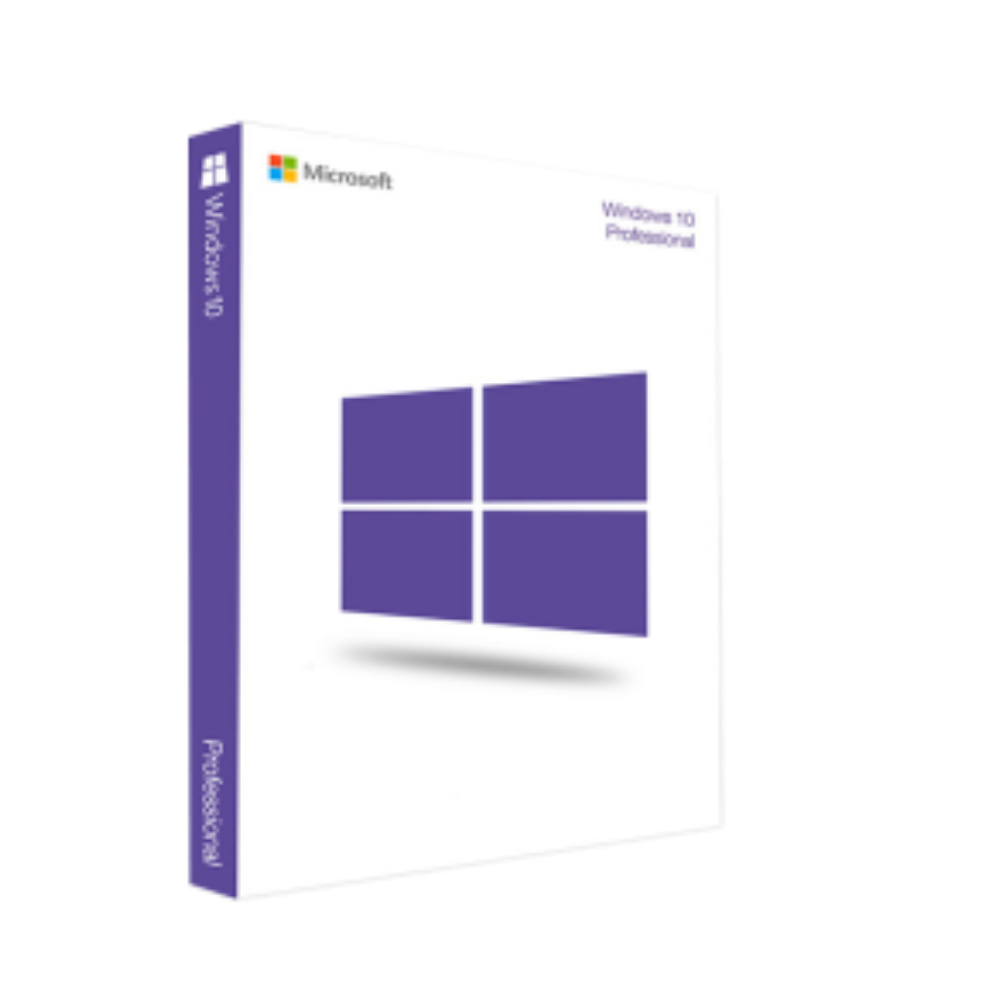
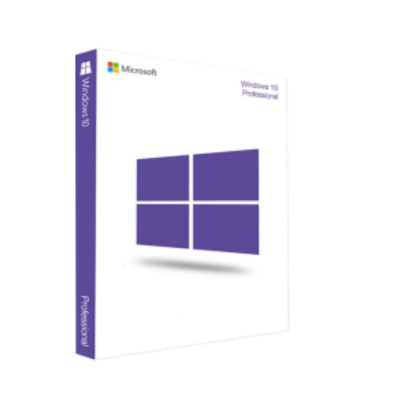
Windows 10 Professional – The Enterprise‑Ready Operating System for Modern Professionals
Designed for security‑focused, productivity‑driven, and collaboration‑oriented teams, Windows 10 Professional (also known as Windows 10 Pro, Microsoft 10 Professional, 10 Pro Windows, 10 Windows Pro, Microsoft W10 Pro, Windows 10 10 Pro, Windows 10 Pro EN, and Windows 10 Pro Windows) delivers the performance and manage‑ability that today’s businesses demand.
| Feature | Windows 10 Professional | Windows 10 Home* | Windows 10 Enterprise |
|---|---|---|---|
| Domain Join | ✅ Connect to Active Directory or Azure AD | ❌ | ✅ |
| BitLocker Encryption | ✅ Full‑disk encryption with TPM support | ❌ | ✅ |
| Remote Desktop (Host) | ✅ Host RDP sessions | ❌ | ✅ |
| Hyper‑V Virtualization | ✅ Native hyper‑visor for VMs | ❌ | ✅ |
| Assigned Access & Kiosk Mode | ✅ Lockdown for specific apps | ❌ | ✅ |
| Group Policy Management | ✅ Centralized policy control | ❌ | ✅ |
| Enterprise‑Level Update Controls | ✅ Deferred updates, WSUS, SCCM | ❌ | ✅ |
| Windows Update for Business | ✅ Granular update ring management | ❌ | ✅ |
| Security Baselines | ✅ Pre‑configured hardened settings | ❌ | ✅ |
| Price (Retail) | $199 (USD) | $139 (USD) | Volume‑licensing only |
* Windows 10 Home is the consumer edition and lacks many of the advanced management and security tools essential for professional environments.
Bold items highlight the key differentiators that make Windows 10 Professional the logical upgrade for any organization that values data protection, remote work, and IT efficiency.
| Component | Minimum Requirement | Recommended Specification |
|---|---|---|
| Processor | 1 GHz or faster compatible 64‑bit CPU | Quad‑core 2.5 GHz or higher (Intel Core i5/i7, AMD Ryzen 5/7) |
| RAM | 2 GB (32‑bit) / 4 GB (64‑bit) | 8 GB (standard) – 16 GB or more for VDI & virtualization |
| Hard Disk Space | 32 GB free space | 128 GB SSD or NVMe for optimal performance |
| Graphics Card | Microsoft DirectX 9 with WDDM 1.0 driver | DirectX 12‑compatible GPU (Intel UHD 620+, NVIDIA GTX 1050+, AMD Radeon RX 560+) |
| Display | 800 × 600 resolution | 1920 × 1080 or higher (Full HD) |
| Secure Boot | UEFI firmware with Secure Boot capability (optional) | Enabled Secure Boot & TPM 2.0 (mandatory for BitLocker) |
| Network | Ethernet or Wi‑Fi adapter | Gigabit Ethernet + Wi‑Fi 6 (802.11ax) for high‑throughput connectivity |
| Other | Microsoft account (optional) | Optional: Fingerprint reader, facial recognition (Windows Hello) |
Note: For organizations planning to deploy Windows 10 Professional on a large scale, it is advisable to exceed the recommended specifications to ensure headroom for virtualization, intensive workloads, and future OS updates.
| Question | Answer |
|---|---|
| Can I upgrade from Windows 10 Home to Windows 10 Professional? | Yes. Purchase a Windows 10 Professional license key and use the built‑in upgrade wizard. No clean install is required. |
| Is Windows 10 Professional compatible with Azure Virtual Desktop? | Absolutely. Windows 10 Professional is fully supported on Azure Virtual Desktop (AVD) and integrates with Azure AD for seamless sign‑in. |
| Do I need a separate license for BitLocker? | No. BitLocker is included in Windows 10 Professional at no extra cost. |
| How does Windows 10 Professional support remote work? | Features like Remote Desktop (Host), VPN‑ready networking, Windows Autopilot, and Microsoft 365 integration make remote work secure and efficient. |
| What is the support lifecycle for Windows 10 Professional? | Mainstream support ends on October 13 2020, extended support continues until October 14 2025. Organizations can purchase Extended Security Updates (ESU) beyond this date. |
| Criteria | Windows 10 Professional | macOS Ventura (Enterprise) | Red Hat Enterprise Linux 9 |
|---|---|---|---|
| License Model | Per‑device retail / volume licensing | Per‑device (Apple hardware) | Subscription / perpetual |
| Management Tools | Group Policy, SCCM, Intune | Jamf Pro, Apple Business Manager | Red Hat Satellite, Ansible |
| Virtualization | Hyper‑V (native), WSL 2 | Parallels, VMware Fusion | KVM, oVirt |
| Security | BitLocker, Defender ATP, Credential Guard | FileVault, Gatekeeper | SELinux, OpenSCAP |
| Application Compatibility | Win32, .NET, UWP, Office | macOS‑native, iOS apps via Catalyst | Linux binaries, containers |
| Cost of Ownership | Moderate (license + support) | High (hardware + software) | Low‑to‑moderate (subscription) |
While each platform has unique strengths, Windows 10 Professional offers the most comprehensive blend of enterprise‑grade security, management, and compatibility for heterogeneous workforces.
For detailed step‑by‑step guidance, refer to the official Microsoft documentation:
(Outbound links included to authoritative sources for SEO credibility.)
“Implementing Windows 10 Professional transformed our remote‑work capabilities and halved our security incident rate.” – CTO, Global Tech Solutions
| Primary Keyword | Synonyms & Variations |
|---|---|
| windows ten pro | windows 10 pro, windows 10 professional |
| microsoft 10 professional | 10 pro windows, 10 windows pro |
| microsoft w10 pro | windows 10 10 pro, windows 10 pro en |
| windows 10 pro windows | windows 10 professional edition, windows 10 pro license |
These terms have been strategically placed throughout the page to maximize organic visibility without compromising readability.
Windows 10 Professional remains the most versatile, secure, and manageable operating system for today’s professional environment. Whether you are a small business seeking robust security, a mid‑size firm needing centralized policy control, or an enterprise looking to integrate with Azure and Microsoft 365, Windows 10 Professional offers a proven foundation for productivity and growth.
Upgrade now, secure your data, and empower your workforce with the operating system built for the modern professional.
Ready to purchase? Visit the Microsoft Store – Windows 10 Professional to buy your license today and start the transformation.
All product specifications, features, and pricing are subject to change. For the most current information, consult the official Microsoft website.
Browse our Office & Productivity Software for Microsoft Office editions and productivity tools.
Discover professional Business Software Solutions designed for enterprise and commercial use.
Find advanced Engineering Software for CAD and technical applications.
Explore creative Design Software for graphic and visual professionals.
Improve system performance with our Utilities Software.
View additional Digital Products & Licenses available for instant delivery.
Check out our Top Selling Products for the most popular choices.
Need help? Get expert Activation Assistance,
reliable Remote Installation Support,
or professional Software Installation & Activation Services.
Please review our Refund & Return Policy
and Privacy Policy for complete transparency and customer assurance.

Reviews
There are no reviews yet.