


Subtotal: $852.93




✔ Quick Delivery
✔ 100% Original License
✔ Lifetime Warranty
✔ Free Support
Empowering engineers, designers, and manufacturers to create, simulate, and fabricate—all on macOS.
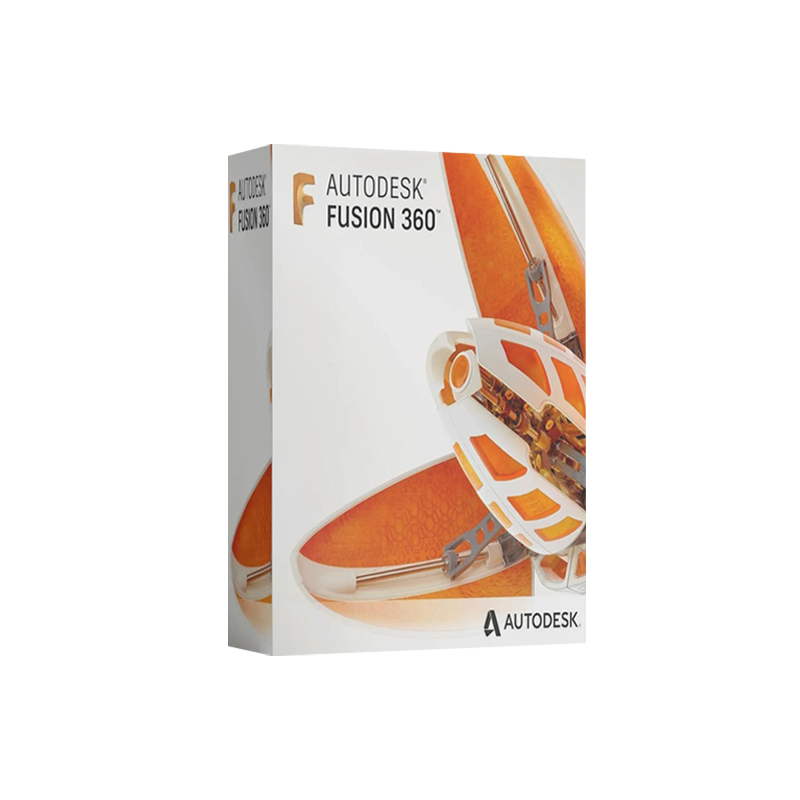
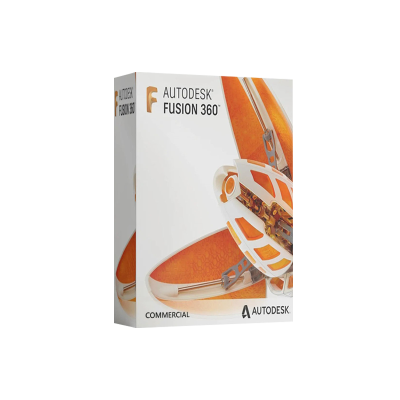
Autodesk Fusion 360 for Mac is a cloud‑based, all‑in‑one product development platform that brings industrial‑strength CAD, CAM, CAE, and PCB tools to the macOS ecosystem. Built on the same robust engine that powers the Windows version, Fusion 360 Mac delivers the full spectrum of design‑to‑manufacturing capabilities without compromising performance or usability.
Whether you are a mechanical engineer, industrial designer, additive‑manufacturing specialist, or educator, Fusion 360 Mac provides a collaborative environment that scales from solo freelancers to large enterprise teams. The software’s subscription model, regular updates, and seamless cloud storage make it the most future‑proof CAD solution for Mac users.
| Feature | Fusion 360 Mac | Competitor CAD (Mac) | Typical Windows‑only CAD |
|---|---|---|---|
| Full CAD, CAM & CAE | ✅ | ❌ (often CAD‑only) | ✅ (but requires separate modules) |
| Cloud‑based collaboration | ✅ | ✅ (limited) | ❌ (local files only) |
| Real‑time simulation | ✅ | ❌ | ✅ (extra license) |
| Generative design | ✅ | ❌ | ✅ (separate add‑on) |
| Additive manufacturing support | ✅ | ✅ (basic) | ✅ |
| Mac‑native UI | ✅ | ✅ | ❌ |
| Automatic updates | ✅ | ❌ | ✅ (manual) |
| Subscription flexibility | ✅ (monthly/annual) | ✅ (often perpetual) | ✅ (perpetual) |
| Cross‑platform licensing | ✅ (Mac ↔ Windows) | ❌ | ✅ (Windows only) |
Bold items highlight the unique advantages of Fusion 360 for Mac, while italic entries indicate comparable features in other solutions.
Bottom line: If you need a single, integrated platform that works natively on macOS, Fusion 360 is the only professional‑grade choice that delivers end‑to‑end product development without a patchwork of third‑party tools.
Tip: The free 30‑day trial provides full access to every feature, allowing you to evaluate the platform before committing to a license.
| License Type | Ideal For | Pricing (USD) | Key Inclusions |
|---|---|---|---|
| Fusion 360 Mac Commercial License | Small‑to‑medium businesses, freelancers | $60/month (annual) | Full CAD/CAM/CAE, cloud storage, 10 GB data, priority support |
| Fusion 360 for Education | Students, educators, academic institutions | Free | All features, limited to non‑commercial use |
| Fusion 360 for Startups | Early‑stage startups (< $100 K revenue) | Free | Full functionality, 10 GB cloud storage |
| Enterprise License | Large corporations, multiple seats | Custom pricing | Centralized admin, SSO, dedicated support, unlimited cloud storage |
Note: All licenses are cross‑platform; a single subscription works on both macOS and Windows machines, ensuring flexibility for mixed‑OS teams.
Autodesk Fusion 360 for Mac is a cloud‑centric, subscription‑based CAD/CAM/CAE suite that eliminates the traditional boundaries between design, analysis, and manufacturing. Built on a native macOS framework, it leverages Metal graphics acceleration for smooth 3‑D modeling, while its cloud‑rendered simulation engine offloads heavy calculations to Autodesk’s secure data centers.
| Module | Primary Functions | Typical Use Cases |
|---|---|---|
| Model | Parametric, direct, and surface modeling; sketch‑based design | Conceptual part design, mechanical assemblies |
| Sculpt | Freeform T‑spline modeling; organic shapes | Industrial design, consumer product ergonomics |
| Render | Photo‑realistic rendering, environment lighting, material libraries | Marketing visuals, client presentations |
| Simulation | Linear static, modal, thermal, nonlinear, and fatigue analysis | Structural validation, performance optimization |
| Generative Design | AI‑driven design space exploration; topology optimization | Lightweight aerospace components, mass‑reduction studies |
| CAM | 2‑5 axis CNC toolpath generation, post‑processor library | Machining, drilling, engraving, additive build preparation |
| Data Management | Cloud‑based file storage, version control, collaboration hub | Multi‑disciplinary team projects, remote work |
All modules are fully integrated—switch from a sketch to a simulation with a single click, and any change propagates automatically through the entire project.
Performance benchmark: On an Apple M1 Pro (8‑core CPU, 14‑core GPU, 16 GB RAM), a 10 million‑triangle assembly loads in under 7 seconds, and a full generative‑design study completes in ~45 minutes—comparable to high‑end Windows workstations.
Fusion 360’s cloud workspace stores every design iteration, simulation result, and toolpath in a secure Autodesk data center. Team members can:
This eliminates the need for email attachments, local version control, and incompatible file formats.
| Component | Minimum Requirement | Recommended Specification |
|---|---|---|
| Operating System | macOS 10.15 (Catalina) or later | macOS 12 (Monterey) or later |
| CPU | 2‑core Intel i5 or Apple M1 | 4‑core Intel i7 or Apple M2 Pro/Max |
| RAM | 4 GB | 16 GB (or more for large assemblies) |
| Graphics | Intel HD Graphics 4000 or Apple M1 integrated GPU | Apple M2 Pro/Max GPU (Metal‑compatible) or AMD Radeon Pro 5500 M |
| Storage | 3 GB free SSD space (for installation) | 10 GB SSD (additional space for cloud cache and local files) |
| Internet | Broadband connection (5 Mbps) for activation & cloud sync | 25 Mbps+ (for large data sets, real‑time simulation) |
| Peripheral | Mouse, trackpad, or stylus (optional) | 3‑Button mouse + external monitor (optional) |
| Additional | Autodesk account, compatible web browser (Chrome/Firefox) | Dual monitors for increased productivity |
Note: Fusion 360 is fully compatible with Apple Silicon (M1, M1 Pro/Max, M2, M2 Pro/Max). Autodesk provides a native ARM build that runs without Rosetta translation, delivering superior performance and battery life on newer Macs.
Q1. Can I run Fusion 360 on an older Mac (e.g., 2015 MacBook Pro)?
A: Yes, as long as it runs macOS 10.15 or later and meets the minimum CPU/RAM specifications. However, for large assemblies or generative design, an upgraded Mac or Apple Silicon device is recommended.
Q2. Is the Mac license interchangeable with a Windows license?
A: Absolutely. Autodesk’s subscription model ties the license to your Autodesk ID, not the operating system. You can activate the same license on any supported device (Mac or PC) without extra cost.
Q3. What happens to my data when my subscription expires?
A: All files remain stored in the cloud, but editing capabilities are limited to view‑only. Reactivating the subscription restores full functionality instantly.
Q4. Do I need a separate license for commercial use?
A: The Autodesk Fusion 360 Mac commercial license covers all commercial activities—design, prototyping, and production. The free Education and Startup licenses are restricted to non‑commercial or revenue‑limited projects.
Q5. Can I integrate Fusion 360 with other Autodesk products (e.g., Inventor, Revit)?
A: Yes. Fusion 360 supports DWG, STEP, IGES, STL, and OBJ formats, and its cloud workspace can import/export directly to Inventor, Revit, and AutoCAD, enabling seamless cross‑product workflows.
| Feature | Fusion 360 (Mac) | SolidWorks (via Parallels) | Rhinoceros 6 (Mac) |
|---|---|---|---|
| Native macOS App | ✅ | ❌ (requires Windows VM) | ✅ |
| Integrated CAM | ✅ | ❌ (requires separate add‑on) | ❌ |
| Generative Design | ✅ | ❌ (requires third‑party) | ❌ |
| Cloud Collaboration | ✅ | ❌ (local files) | ✅ (via plugins) |
| Subscription Model | ✅ (monthly/annual) | ❌ (perpetual, expensive upgrades) | ✅ (perpetual, optional subscription) |
| Learning Curve | Moderate (guided tutorials) | Steep (industry‑standard) | Moderate (scriptable) |
| Price (annual) | $720 (Commercial) | $4,000+ | $995 (perpetual) |
Bold highlights where Fusion 360 delivers distinctive value for Mac‑based professionals.
| Best‑Practice | Description |
|---|---|
| Leverage Cloud Rendering | Offload photorealistic renders to Autodesk’s render farm; free up local GPU resources. |
| Use Version‑Controlled Projects | Organize work into Projects and Folders; enable Branching for design alternatives. |
| Adopt Generative Design Early | Run quick generative studies on concept sketches to explore lightweight options before detailed modeling. |
| Integrate with PLM Systems | Export data to PTC Windchill, Siemens Teamcenter, or Autodesk Vault for enterprise‑level product lifecycle management. |
| Utilize the API | Automate repetitive tasks with Python scripts; customize toolpaths or create custom commands. |
| Stay Updated | Enable automatic updates; new features appear monthly, keeping you ahead of competitors. |
Ready to transform your design workflow? Choose the license that fits your organization’s size and budget.
Special Offer: Sign up today and receive a complimentary 30‑day trial of Fusion 360’s Generative Design add‑on.
Take the next step in your product development journey.
Autodesk Fusion 360 for Mac is not just another CAD tool—it’s a complete, cloud‑
Browse our Office & Productivity Software for Microsoft Office editions and productivity tools.
Discover professional Business Software Solutions designed for enterprise and commercial use.
Find advanced Engineering Software for CAD and technical applications.
Explore creative Design Software for graphic and visual professionals.
Improve system performance with our Utilities Software.
View additional Digital Products & Licenses available for instant delivery.
Check out our Top Selling Products for the most popular choices.
Need help? Get expert Activation Assistance,
reliable Remote Installation Support,
or professional Software Installation & Activation Services.
Please review our Refund & Return Policy
and Privacy Policy for complete transparency and customer assurance.
Lillian (verified owner) –
Great support team. They helped me activate the software in less than 5 minutes.
Juliet (verified owner) –
Very reliable seller. The software works perfectly on my PC.
Keely (verified owner) –
100% working key. Installed and activated without any hassle.