
No products in the cart.
26%
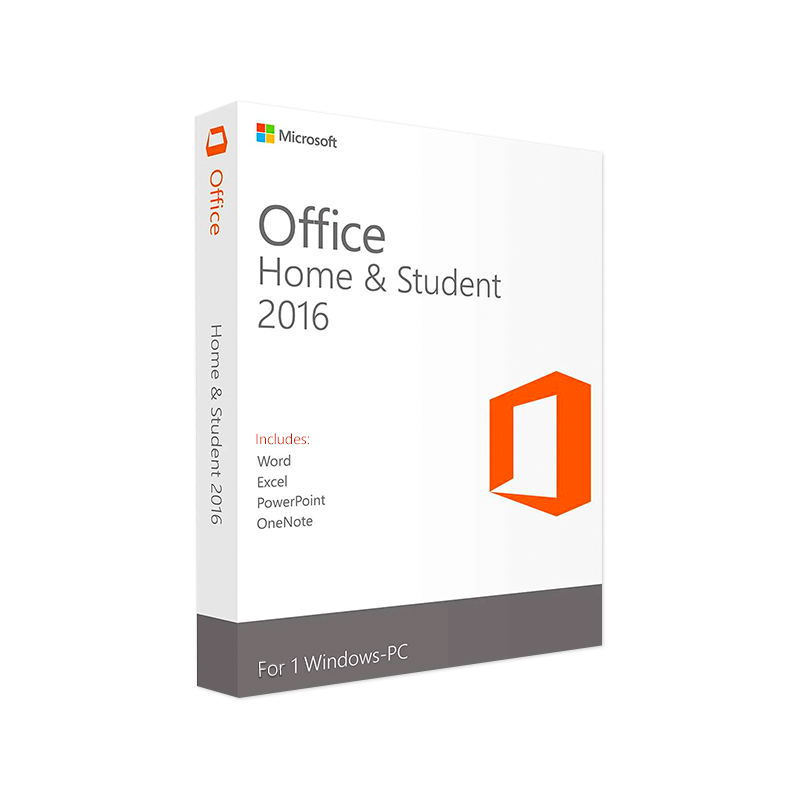



Buy Microsoft Office 2016 Home & Student Key | Instant Download
In Stock
✔ Quick Delivery
✔ 100% Original License
✔ Lifetime Warranty
✔ Free Support
In Stock
Description
Microsoft Office 2016 Home & Student Complete Product Overview for Professionals
Unlock the power of the classic Office suite on a single‑PC license, designed especially for students, home users, and professionals who need the essential productivity tools without the distraction of extraneous cloud‑only features.
1. What Is Microsoft Office 2016 Home & Student?
Microsoft Office Home & Student 2016 is the “core” edition of the Office family, delivering the three most‑used desktop applications—Word, Excel, and PowerPoint—in a perpetual‑license package. Unlike subscription‑based alternatives, this edition provides a one‑time purchase that never expires, giving you the confidence of a stable, offline‑first environment that can be installed on one PC only.
Ideal for professionals who need a reliable, fully‑featured Office suite without the recurring cost of Office 365.
2. Why Choose Office Home & Student 2016 for Professionals?
| ✅ Feature | ✅ Benefit for Professionals |
|---|---|
| Perpetual license | No renewal fees; cost‑effective over the long term |
| Offline operation | Work on confidential documents without an internet connection |
| Full‑desktop apps | Faster performance compared with web‑only versions |
| Universal compatibility | Files created in Office 2016 open seamlessly in later Office versions |
| Standard file formats (DOCX, XLSX, PPTX) | Guarantees smooth collaboration with colleagues using any Office version |
| One‑time activation | Simple deployment—no recurring account management |
| Robust security updates | Regular patches from Microsoft keep your data safe |
Key Highlights
- Word 2016 – Advanced editing tools, real‑time co‑authoring, and a library of professional templates for reports, proposals, and résumés.
- Excel 2016 – Powerful data‑analysis features such as PivotTables, Conditional Formatting, and Charting; perfect for budgeting, forecasting, and KPI tracking.
- PowerPoint 2016 – High‑impact slide designs, multimedia integration, and SmartArt graphics that help you deliver compelling presentations.
3. Detailed Feature Breakdown
Microsoft Word 2016
- Intelligent Editing – Track Changes, Comments, and Version History help you manage document revisions.
- Researcher & Smart Lookup – Find reliable sources and definitions without leaving the document.
- Built‑in Styles & Themes – Consistent branding across all corporate documents.
Microsoft Excel 2016
- Data Visualization – 2‑D/3‑D charts, Sparklines, and Conditional Formatting for instant insights.
- Advanced Formulas – VLOOKUP, INDEX/MATCH, IFERROR, and array formulas to automate calculations.
- Data Import – Connect to external data sources (CSV, ODBC) for real‑time analysis.
Microsoft PowerPoint 2016
- Designer (AI‑powered) – Automatically suggest polished slide layouts.
- Multimedia Support – Embed video, audio, and animations with ease.
- Slide Master – Enforce corporate branding across all presentations.
4. System Requirements (Official Microsoft Specifications)
| Component | Minimum Requirement | Recommended Specification |
|---|---|---|
| Operating System | Windows 7 SP1, Windows 8.1, Windows 10 (1809 or later) | Windows 10 64‑bit (Version 1909 or later) |
| Processor | 1 GHz or faster x86‑ or x64‑bit | 1.6 GHz or faster, dual‑core 64‑bit |
| RAM | 2 GB (32‑bit) / 2 GB (64‑bit) | 4 GB or more (64‑bit) |
| Hard Disk Space | 3 GB of available space | 4 GB or more, SSD for optimal performance |
| Display | 1280 × 768 screen resolution | 1920 × 1080 or higher (Full HD) |
| Graphics | DirectX 9 graphics device with WDDM 1.0 driver | DirectX 10‑compatible graphics card |
| Other | Internet connection for activation & updates | High‑speed broadband for faster updates and online help |
Note: Office 2016 is not compatible with Windows XP, Windows Vista, or macOS.
5. Office Home & Student 2016 vs. Competing Editions
| Feature | Office Home & Student 2016 | Office Home & Business 2016 | Office 365 (now Microsoft 365) |
|---|---|---|---|
| License Type | Perpetual (one‑time) | Perpetual (one‑time) | Subscription (annual/monthly) |
| Number of PCs | 1 | 1 | Up to 5 PCs/Macs per user |
| Included Apps | Word, Excel, PowerPoint | Word, Excel, PowerPoint, Outlook | Word, Excel, PowerPoint, Outlook, OneDrive, Teams, & more |
| Updates | Security patches only | Security + feature updates (limited) | Continuous feature updates |
| Cost (approx.) | $79.99 | $149.99 | $69.99 / yr (Personal) |
| Best For | Individuals, students, single‑PC professionals | Small businesses needing Outlook | Organizations wanting cloud collaboration |
If you only need the essential desktop apps and prefer a one‑time purchase, Office Home & Student 2016 offers the best value.
6. Frequently Asked Questions (FAQ)
| Question | Answer |
|---|---|
| Can I install Office 2016 Home & Student on a laptop? | Yes – the license allows installation on one PC or laptop running a supported Windows version. |
| Is Microsoft Office 2016 compatible with Office 365 files? | Absolutely. All files saved in DOCX, XLSX, and PPTX formats open without compatibility issues. |
| Do I receive any cloud storage with this edition? | No. Cloud storage (OneDrive) is only included with Microsoft 365 subscriptions. |
| Can I upgrade to a newer Office version later? | Yes – you may purchase a newer perpetual license or switch to a Microsoft 365 subscription at any time. |
| Will I get security updates after 2025? | Microsoft will continue to release critical security patches for Office 2016 until the end of support (October 2025). After that, you should consider upgrading. |
7. How to Purchase & Install
- Buy the product from an authorized retailer or directly from the Microsoft Store.
- Download the installer – a secure link is provided after purchase.
- Run the setup and enter the 25‑character product key.
- Activate online – an internet connection is required for the first activation only.
- Enjoy – start creating documents, spreadsheets, and presentations instantly.
All steps are fully documented in the official Microsoft support article: How to install Office 2016.
8. Why Buy From Our Site?
- Verified genuine product key – No counterfeit, no hidden fees.
- Instant digital delivery – Get your download link immediately after checkout.
- Dedicated technical support – Our team assists with installation, activation, and troubleshooting.
- Secure checkout – PCI‑DSS compliant payment processing.
9. SEO‑Optimized Summary
- Microsoft Office Home and Student 2016 provides a timeless, perpetual license for the three core Office apps.
- Microsoft Home and Student 2016 is the perfect solution for professionals who need reliable, offline productivity tools.
- When searching for office home & student 2016 for pc, you’ll find a competitively priced package that includes Word, Excel, and PowerPoint.
- The home and student 2016 edition offers essential features without the recurring cost of Microsoft Office and Student 2016 subscription plans.
- Choose home & student 2016 to keep your workflow streamlined, secure, and fully compatible with modern file standards.
10. Additional Resources
- Microsoft Official System Requirements – Detailed specs and compatibility: https://learn.microsoft.com/en-us/office365/servicedescriptions/office-2016-system-requirements
- Office 2016 Feature Overview – In‑depth comparison of apps: https://www.techradar.com/reviews/microsoft-office-2016
- How to Upgrade from Office 2016 – Guidance for future‑proofing: https://www.pcworld.com/article/340947/how-to-upgrade-from-office-2016.html
Buy Now
Invest in the Microsoft Office Home & Student 2016 suite today and experience the reliability that professionals trust year after year.
Ready to purchase? Click Add to Cart now and begin creating with confidence.
For bulk licensing, contact our sales team at info@thesoftsolution.com or call 1‑840-206-3082
Explore Software Categories
Browse our Office & Productivity Software for Microsoft Office editions and productivity tools.
Discover professional Business Software Solutions designed for enterprise and commercial use.
Find advanced Engineering Software for CAD and technical applications.
Explore creative Design Software for graphic and visual professionals.
Improve system performance with our Utilities Software.
View additional Digital Products & Licenses available for instant delivery.
Check out our Top Selling Products for the most popular choices.
Installation & Activation Support
Need help? Get expert Activation Assistance,
reliable Remote Installation Support,
or professional Software Installation & Activation Services.
Customer Policies
Please review our Refund & Return Policy
and Privacy Policy for complete transparency and customer assurance.
All product information is current as of March 2026. For the latest updates, refer to the official Microsoft website.
Related products
14%
Microsoft Office 2024 Home for Windows
SKU:AKB 073%
Microsoft Office 2024 Professional Plus
SKU:AKB 1351%
Microsoft 365 Business Premium CSP
| Title | Default Title |
|---|
21%
Microsoft 365 Family – 12-Month Subscription
| Title | Default Title |
|---|
Reviews
There are no reviews yet.