No products in the cart.

0
Total
$0.00
Free Shipping on All Orders Over $75
Only this weekend
Super Discount
Items on sale this week
Top picks this week. Up to 50% off the best selling products.


✔ Quick Delivery
✔ 100% Original License
✔ Lifetime Warranty
✔ Free Support
Only logged in customers who have purchased this product may leave a review.
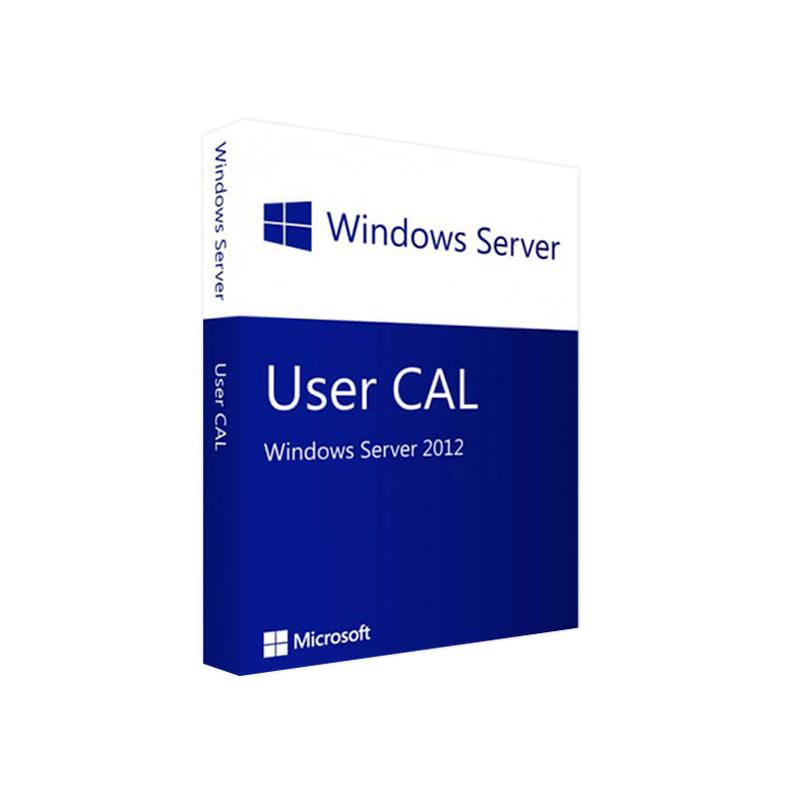
Microsoft Windows Server 2012 User CAL – Professional Overview & Purchase Guide
Designed for IT managers, system administrators, and licensing specialists who demand precision, compliance, and performance.
A Microsoft Windows Server 2012 User CAL (Client Access License) is a legally required entitlement that permits a named user to access the services and features of a Windows Server 2012 environment. Unlike a device‑based CAL, a User CAL follows the individual rather than the workstation, making it the ideal choice for organizations with mobile workforces, shared devices, or remote‑access scenarios.
Key terms: Microsoft Windows Server 2012 User CAL, Windows Server 2012 User CAL License, Microsoft Server 2012 User Access License
| Feature | User CAL | Device CAL |
|---|---|---|
| Scope of Access | Unlimited devices per named user (laptop, tablet, smartphone) | One device, multiple users |
| Best Fit For | Remote workers, BYOD policies, shift‑based teams | Fixed workstations, kiosks, shared terminals |
| Management Overhead | Simpler – track users, not devices | Complex – track device inventory |
| Cost Efficiency | Lower total cost when users exceed devices | Lower cost when devices exceed users |
| Compliance | Aligns with Microsoft licensing rules for mobile users | Must ensure each device is licensed |
If your organization’s workforce is highly mobile or uses multiple devices per user, the User CAL model delivers both flexibility and compliance.
Bold text highlights the primary value propositions for decision‑makers.
Before purchasing, verify that your environment meets the minimum specifications for Microsoft Windows Server 2012. The CAL itself does not impose additional requirements, but the server must be fully functional to leverage the license.
| Category | Minimum Requirement | Recommended |
|---|---|---|
| Processor | 1.4 GHz 64‑bit (x64) | 2.0 GHz or faster, multi‑core |
| RAM | 512 MB (Server Core) / 2 GB (Server with GUI) | 8 GB or more for production workloads |
| Disk Space | 32 GB (additional for updates) | 100 GB+ (SSD) for optimal I/O |
| Network | Gigabit Ethernet adapter | Dual‑port 10 GbE for virtualization |
| Firmware | UEFI (x64) or BIOS | UEFI with Secure Boot |
| Supported Operating Systems for Clients | Windows 7, Windows 8/8.1, Windows 10, Windows Server 2012/2012 R2 | Latest Windows 11, Windows Server 2022 (backward compatible) |
| Virtualization | Hyper‑V, VMware ESXi 5.5+, Citrix XenServer 7.0+ | Hyper‑V Generation 2, VMware vSphere 7+ |
| Additional Services | .NET Framework 3.5, PowerShell 2.0 | .NET 4.8, PowerShell 5.1+ |
Note: The User CAL does not require a separate installation; it is a licensing entitlement attached to the user’s account in Active Directory.
| Purchase Channel | Advantages | Typical Lead Time |
|---|---|---|
| Authorized Microsoft Reseller | Compliance guarantees, volume discounts, support | 1–3 business days |
| Enterprise Agreement (EA) | Bundled pricing, flexible renewal terms | 2–4 weeks (contractual) |
| Online Marketplace (e.g., Amazon Business) | Immediate provisioning, digital delivery | Instant (digital) |
| Microsoft Volume Licensing Service Center (VLSC) | Self‑service, audit‑ready reporting | Immediate (digital) |
Steps to Complete Your Purchase
For detailed procurement guidelines, refer to the official Microsoft Licensing Guide – https://learn.microsoft.com/en-us/licensing/ (outbound link).
| Question | Answer |
|---|---|
| Can a User CAL be transferred between users? | Yes, User CALs may be reassigned when an employee leaves, provided you maintain accurate records in the licensing portal. |
| Do I need a CAL for each server role (e.g., Hyper‑V, RDS)? | No, a single Windows Server 2012 User CAL covers all server roles accessed by that user. |
| Is a CAL required for cloud‑based services (e.g., Azure Virtual Desktop)? | When Azure services connect back to an on‑premises Windows Server 2012 instance, a User CAL is still required for each user. |
| What is the difference between a “User CAL” and a “Client Access License (CAL)”? | User CAL is a specific type of CAL that follows the individual user. The term “CAL” is generic and includes both User and Device CALs. |
| How do I verify that my CALs are genuine? | Purchase only from authorized Microsoft partners and confirm the license key via the VLSC. |
| Criteria | User CAL | Device CAL |
|---|---|---|
| License Model | Per named user | Per physical or virtual device |
| Ideal Use‑Case | Mobile workforce, BYOD, remote access | Fixed workstations, shared terminals |
| Compliance Complexity | Low – track users only | High – track each device |
| Cost When Users > Devices | Lower (fewer CALs) | Higher (many device CALs) |
| Cost When Devices > Users | Higher (many user CALs) | Lower (fewer device CALs) |
| Scalability | Easy – add/remove users | Moderate – adjust device inventory |
| Audit Trail | User‑centric logs | Device‑centric logs |
| Licensing Flexibility | Unlimited device access per user | One device per CAL |
Bottom line: Choose the User CAL if your organization emphasizes user mobility and multiple device usage per employee.
msDS-UserCAL) to automate compliance checks.| Feature | Our Offering |
|---|---|
| Fully Licensed CALs | Delivered directly from Microsoft’s VLSC – no counterfeit risk |
| Instant Digital Delivery | Receive license keys within minutes of order confirmation |
| Expert Support | Access to a dedicated licensing specialist for deployment and compliance queries |
| Volume Discounts | Up to 15 % off for orders of 50+ CALs |
| Compliance Documentation | Complete audit‑ready PDF reports for each purchase |
Your organization deserves a partner that understands both technology and licensing intricacies.
Ready to empower your mobile workforce while staying fully compliant?
Secure the right license, protect your investment, and keep your IT environment running smoothly.
All information presented is accurate as of March 2026. For the latest updates, refer to the official Microsoft documentation.
Browse our Office & Productivity Software for Microsoft Office editions and productivity tools.
Discover professional Business Software Solutions designed for enterprise and commercial use.
Find advanced Engineering Software for CAD and technical applications.
Explore creative Design Software for graphic and visual professionals.
Improve system performance with our Utilities Software.
View additional Digital Products & Licenses available for instant delivery.
Check out our Top Selling Products for the most popular choices.
Need help? Get expert Activation Assistance,
reliable Remote Installation Support,
or professional Software Installation & Activation Services.
Please review our Refund & Return Policy
and Privacy Policy for complete transparency and customer assurance.
| Title |
|---|
| Title |
|---|
| Title |
|---|
| Title |
|---|
| Title |
|---|
| Title |
|---|

19 reviews for Microsoft Windows Server 2012 USER CAL – Product Key
Customer reviews