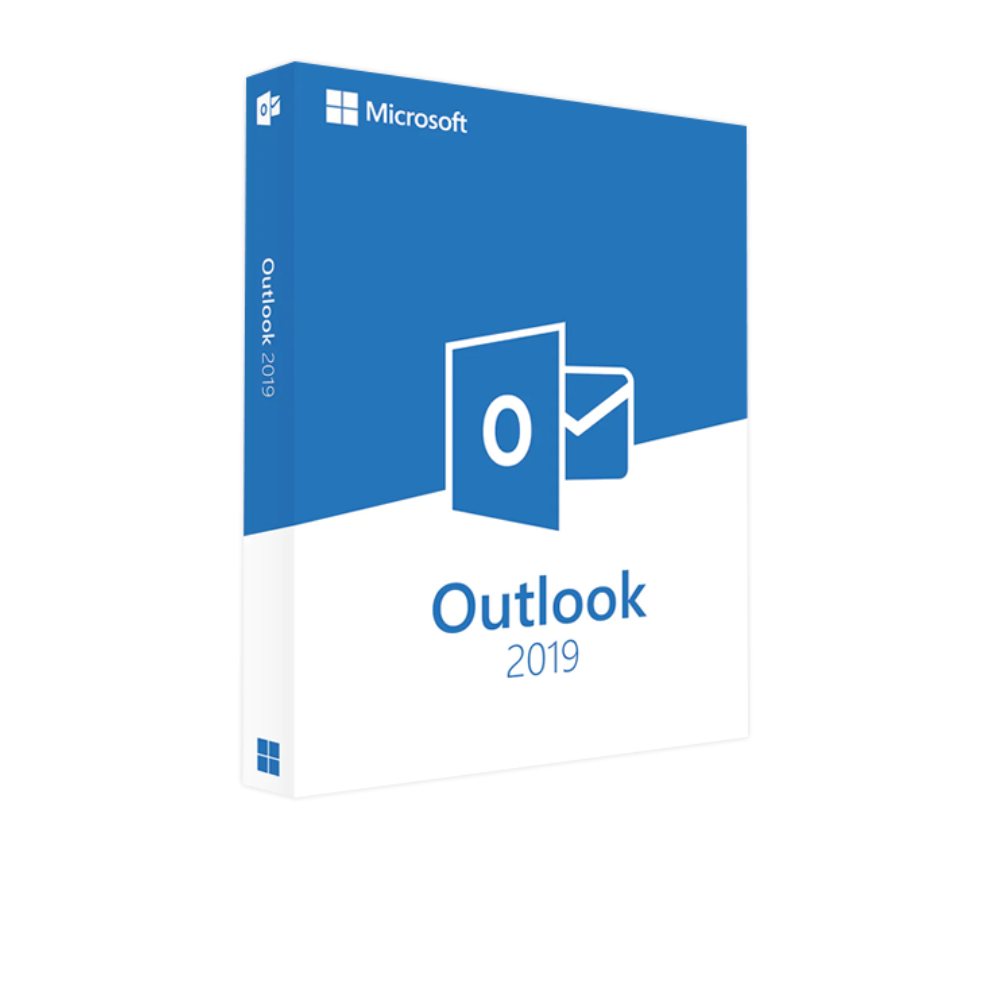
Microsoft Outlook 2019 Product Key – Lifetime License | Genuine Activation Key

SKU: AKB 120
$ USD
  • $ USD
  • € EUR
  • £ GBP
  • $ AUD
  • $ CAD
$49.99 Original price was: $49.99.$39.99Current price is: $39.99.

But 1 Get 1 Free 

✔ Quick Delivery
✔ 100% Original License
✔ Lifetime Warranty
✔ Free Support

33 reviews for Microsoft Outlook 2019 Product Key – Lifetime License | Genuine Activation Key

4.7
Based on 33 reviews
94% of customers recommend the product

Customer reviews

  1. M Miguel Torres
    Verified
    I had a good experience with thesoftsolution.com and everything was handled professionally. Setup was easy.
  2. R Rafael Vega
    Verified
    Microsoft Outlook runs without lag and keeps emails well organized. It is reliable software.
  3. D David Spencer
    Verified
    Microsoft Outlook provides reliable email management with calendar integration. It is stable and easy to use.
  4. W Wyatt Palmer
    Verified
    Think this could be a potential item in the future
  5. L Lucas Turner
    Verified
    Microsoft Outlook is great for handling emails and scheduling meetings. It works perfectly without issues.
  6. E Ethan Harper
    Verified
    Microsoft Outlook is easy to use and helps improve productivity. It handles tasks smoothly.
  7. J Joshua Shaw
    Verified
    Microsoft Outlook provides excellent tools for communication and organization. It is very useful for productivity.
  8. L Lucas Bryant
    Verified
    thesoftsolution.com made the purchase smooth and hassle free. Setup instructions were clear and helpful.
  9. A Adrian Holt
    Verified
    Microsoft Outlook works efficiently for business and personal tasks. It is stable and dependable software.
  10. O Owen Franklin
    Verified
    Microsoft Outlook helps manage emails and schedules efficiently. It runs smoothly and keeps everything organized.

Only logged in customers who have purchased this product may leave a review.

Description

Microsoft Outlook 2019 Product Key – Lifetime License | Genuine Activation Key

Manage your emails, meetings, contacts, calendars, and daily workflow efficiently with Microsoft Outlook 2019 — one of the world’s most trusted email and productivity management applications designed for professionals, businesses, remote workers, and home users.

This genuine Microsoft Outlook 2019 lifetime license key provides secure activation and reliable access to advanced email communication tools, intelligent inbox management, scheduling features, contact organization, and productivity enhancements without monthly subscription fees.


Buy Microsoft Outlook 2019

Microsoft Outlook 2019 Product Highlights

  • Product: Microsoft Outlook 2019
  • License Type: Genuine lifetime activation key
  • Platform: Windows compatible
  • Activation: Secure online activation
  • Delivery: Digital product key delivery via email
  • Main Function: Professional email and calendar management
  • Subscription: No monthly or yearly subscription required
  • Usage: Business, office, personal, and professional productivity
  • Features: Email organization, scheduling, reminders, contacts
  • Performance: Fast, stable, and reliable communication platform

Why Choose Microsoft Outlook 2019?

Microsoft Outlook 2019 is designed to improve communication, scheduling, and workflow management for professionals and businesses. It offers advanced productivity tools, secure email management, and a streamlined interface that helps users stay organized every day.

  • Lifetime License: One-time purchase with no recurring subscription costs.
  • Professional Email Management: Organize emails efficiently using folders, filters, and focused inbox features.
  • Integrated Calendar: Manage meetings, appointments, and reminders from a single platform.
  • Business Productivity: Perfect for offices, freelancers, and remote workers.
  • Secure Communication: Enhanced security and protection features for safer email management.
  • Offline Access: Access emails and schedules even without internet connection.
  • Improved User Experience: Faster and smoother interface compared to older versions.
  • Reliable Microsoft Platform: Trusted worldwide for business communication and organization.

Key Features of Microsoft Outlook 2019

Professional Email Management

Manage business and personal emails efficiently with organized inboxes, folders, search tools, and email filtering features. Outlook 2019 helps users handle communication more effectively.

Integrated Calendar & Scheduling

Schedule meetings, appointments, deadlines, and reminders directly inside Outlook. Calendar synchronization helps users manage time and productivity more efficiently.

Contact Management

Store and organize contacts, customer information, and professional details in one centralized location for quick communication access.

Focused Inbox Feature

Automatically separate important emails from less important messages using intelligent inbox organization for a cleaner workflow.

Offline Access & Data Storage

Access stored emails, contacts, and calendars offline while maintaining reliable synchronization when internet becomes available again.

Enhanced Security Features

Outlook 2019 includes improved protection tools that help users secure emails and reduce risks from suspicious content and spam.

Benefits of Microsoft Outlook 2019

  • Lifetime Access: One-time activation with long-term usage benefits.
  • No Subscription Fees: Avoid monthly or yearly payment plans.
  • Improved Communication: Manage emails professionally and efficiently.
  • Better Time Management: Organize meetings, schedules, and reminders easily.
  • Business Ready: Suitable for offices, freelancers, and remote teams.
  • Secure Email Environment: Enhanced protection against spam and threats.
  • Offline Productivity: Continue working without internet interruptions.
  • Reliable Performance: Stable and optimized for professional use.
  • Modern User Interface: Clean and easy-to-use Outlook experience.
  • Professional Workflow: Improve productivity and organization in daily tasks.

Microsoft Outlook Product Comparison

FeatureOutlook 2019Outlook 2016Microsoft 365 Outlook
License TypeLifetime LicenseLifetime LicenseSubscription
Email ManagementAdvancedStandardAdvanced + Cloud
Offline AccessYesYesLimited Cloud Dependence
UpdatesSecurity UpdatesLimited UpdatesContinuous Updates
Best ForBusiness & ProductivityBasic Email TasksCloud Collaboration
PerformanceImproved SpeedStandardCloud Optimized

System Requirements for Microsoft Outlook 2019

  • Operating System: Windows 10 / Windows 11
  • Processor: 1.6 GHz or faster dual-core processor
  • RAM: 4 GB recommended
  • Storage: Minimum 4 GB available space
  • Display: 1280 × 768 screen resolution
  • Internet: Required for activation and updates
  • Email Account: Microsoft, Gmail, Exchange, or IMAP/POP compatible account

Installation & Activation Guide

  1. Complete your order successfully.
  2. Receive your Outlook 2019 activation key via email.
  3. Download Outlook 2019 setup from official Microsoft source.
  4. Run the installer on your Windows PC.
  5. Complete the installation process.
  6. Enter the genuine activation key when prompted.
  7. Finish online activation and verification.
  8. Launch Outlook 2019 and configure your email account.

Common Uses of Microsoft Outlook 2019

  • Business email communication
  • Meeting scheduling and reminders
  • Office workflow organization
  • Client and customer communication
  • Remote work productivity
  • Contact and address book management
  • Personal email organization
  • Educational and academic communication
  • Task and appointment management
  • Professional project coordination

Frequently Asked Questions (FAQs)

Is this a genuine Outlook 2019 license?

Yes, this product includes a genuine Microsoft Outlook 2019 activation key.

Is this a lifetime license?

Yes, this is a one-time purchase license without recurring subscription fees.

Can I use Outlook without Microsoft 365?

Yes, Outlook 2019 works independently without requiring a Microsoft 365 subscription.

Does Outlook 2019 support Gmail and Yahoo accounts?

Yes, Outlook supports Gmail, Yahoo, Exchange, IMAP, and POP email accounts.

Can I use Outlook offline?

Yes, Outlook allows offline access to stored emails, contacts, and calendars.

Will it work on Windows 11?

Yes, Microsoft Outlook 2019 is compatible with Windows 10 and Windows 11.

How will I receive my product key?

The activation key is delivered digitally via email after purchase.

Do I need internet after activation?

Internet is mainly required for activation and synchronization. Most Outlook features can work offline afterward.

Can Outlook manage multiple email accounts?

Yes, Outlook 2019 supports managing multiple email accounts in one interface.

Is Outlook suitable for businesses?

Yes, Outlook 2019 is widely used by professionals and businesses worldwide.

Final Summary

The Microsoft Outlook 2019 Product Key – Lifetime License is a reliable and professional email management solution designed for businesses, offices, freelancers, and personal users who need efficient communication and productivity tools.https://www.microsoft.com/en-us/microsoft-365/download-office. 

With advanced email organization, scheduling features, calendar management, and secure communication tools, Outlook 2019 helps users stay productive and organized while avoiding recurring subscription costs.

Bulk Licensing & Sales Support

Need multiple software licenses for your office, company, school, or organization? Contact our sales team for commercial licensing solutions.

Email:

info@thesoftsolution.com

Phone:

1-840-206-3082

Explore Software Categories

Browse more professional Microsoft and productivity software solutions available on our store.

Installation & Activation Support

Get official help for installation, activation, and troubleshooting to ensure smooth setup of your Microsoft Office product.

Customer Policies & Security

We ensure secure transactions, transparent policies, and trusted digital delivery for all software products.
  • Product Name: Microsoft Outlook 2019
  • License Type: Lifetime (One-time purchase)
  • Activation Method: Online Activation
  • Device Support: 1 PC (Windows only)
  • Version: Full Version (No trial)
  • Delivery: Instant digital delivery
  • Language: Supports all major languages
  • Updates: Security updates supported
  • Operating System: Windows 10 / Windows 11
  • Processor: 1.6 GHz or faster, dual-core
  • RAM: 2 GB (32-bit) / 4 GB (64-bit)
  • Hard Disk Space: Minimum 4 GB available space
  • Display: 1280 × 768 resolution
  • Internet Connection: Required for activation
  • Download Outlook 2019 from the official Microsoft website.
  • Install the software on your computer.
  • Open Outlook after installation is complete.
  • Enter your Product Key when prompted.
  • Sign in with your Microsoft account (if required).
  • Click Activate to complete the process.
  • Restart the application and start using all features.