No products in the cart.

0
Total
$0.00
Free Shipping on All Orders Over $75
Only this weekend
Super Discount
Items on sale this week
Top picks this week. Up to 50% off the best selling products.



✔ Quick Delivery
✔ 100% Original License
✔ Lifetime Warranty
✔ Free Support
Only logged in customers who have purchased this product may leave a review.
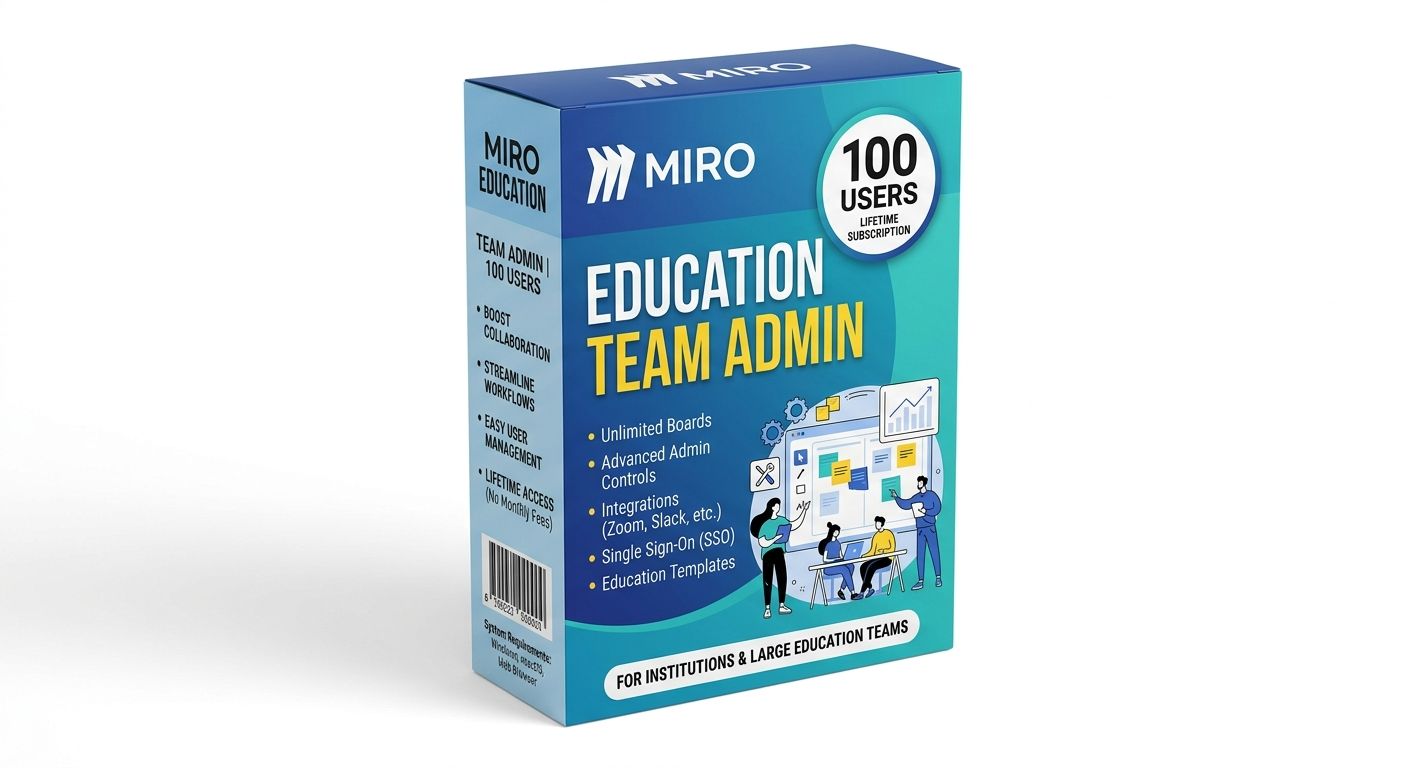
Miro Education Team Admin 100 Users Lifetime Subscription is a powerful collaborative workspace solution designed for teams, educators, and organizations.
It allows seamless visual collaboration, brainstorming, and project planning for up to 100 users under one centralized admin account.
Miro provides a dynamic online whiteboard where teams can brainstorm, draw, and visualize ideas together in real time from anywhere in the world.
This plan allows up to 100 users under a single admin dashboard, making it ideal for schools, universities, and organizations.
Multiple users can edit, comment, and contribute simultaneously, ensuring smooth teamwork and faster decision-making processes.
The admin has full control over user access, permissions, and workspace organization for better security and management.
Access thousands of pre-built templates for brainstorming, planning, UX design, flowcharts, and project management workflows.
Miro integrates with tools like Google Drive, Slack, Zoom, and Microsoft Teams to streamline workflow and communication.
All work is saved in the cloud, allowing users to access projects anytime, anywhere without data loss.
Advanced security features ensure safe data sharing and controlled access for all team members.
| Feature | Miro Education Team Admin | Standard Collaboration Tools |
|---|---|---|
| License Type | Lifetime Education Team Access | Monthly Subscription |
| Users | Up to 100 Users | Limited Users (Plan Dependent) |
| Platform Type | Cloud-Based Visual Workspace | Basic Collaboration Tools |
| Admin Control | Advanced Admin Dashboard | Limited Controls |
| Templates | Thousands Included | Limited Templates |
| Performance | Optimized for Teams & Education | General Purpose |
| Best For | Schools, Universities, Teams | Small Groups |
Yes, this is a lifetime education team admin subscription with no monthly charges.
You can add up to 100 users under one admin account.
Yes, it is specifically designed for educational institutions and large teams.
Users can be managed under the admin dashboard with controlled access.
Yes, it works on mobile, tablet, and desktop devices via browser.
Yes, a stable internet connection is required as it is a cloud-based tool.
Yes, it supports integrations with Slack, Google Drive, Zoom, and more.
Yes, the admin has full control over roles and permissions.
Yes, it is perfect for remote collaboration and online teamwork.
Yes, basic setup and activation support is included.
Miro Education Team Admin 100 Users Lifetime Subscription is a complete collaboration solution for modern teams and educational environments.
It enables seamless communication, brainstorming, and project management for up to 100 users under one powerful admin control system.https://www.microsoft.com/en-us/microsoft-365/download-office.
With lifetime access, cloud-based flexibility, and advanced collaboration tools, it is the perfect choice for schools, universities, and professional teams aiming to improve productivity and teamwork efficiency.
Need multiple software licenses for your office, company, school, or organization? Contact our sales team for commercial licensing solutions.
Email:
info@thesoftsolution.com
Phone:
1-840-206-3082
Browse more professional Microsoft and productivity software solutions available on our store.
Get official help for installation, activation, and troubleshooting to ensure smooth setup of your Microsoft Office product.
We ensure secure transactions, transparent policies, and trusted digital delivery for all software products.
Reviews
Customer reviews
No reviews found