No products in the cart.

0
Total
$0.00
Free Shipping on All Orders Over $75
Only this weekend
Super Discount
Items on sale this week
Top picks this week. Up to 50% off the best selling products.


✔ Quick Delivery
✔ 100% Original License
✔ Lifetime Warranty
✔ Free Support
Only logged in customers who have purchased this product may leave a review.
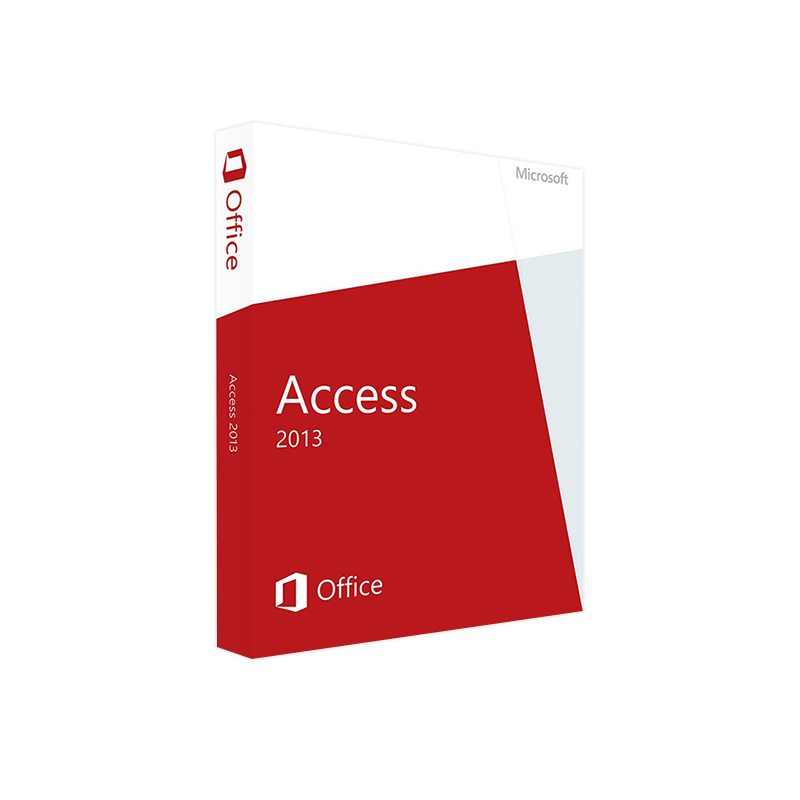
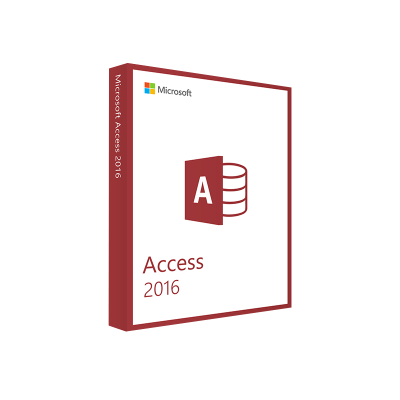
Your single source for a fast, secure, and fully‑featured relational database solution.
Microsoft Access 2013 (often searched as access 2013, ms access 2013 or accessdatabaseengine 2013) is the cornerstone of Microsoft’s Office suite for building custom desktop databases, automating workflows, and generating powerful reports. Whether you’re a data analyst, project manager, or a small‑business IT specialist, the Access 2013 engine delivers a familiar Ribbon interface, modern web‑ready forms, and seamless integration with SQL Server, SharePoint, and Azure.
Why download Microsoft Access 2013 today?
• Enterprise‑grade security — AES‑256 encryption and granular permission control.
• Rich data‑type support — multivalued fields, attachment fields, and complex relationships.
• Scalable architecture — compatible with both Access 2013 32‑bit and Access 2013 64‑bit installations.
The following page provides a‑friendly, professional description, detailed system requirements, feature highlights, and a side‑by‑side comparison with other Access releases. All information is curated for decision‑makers who need confidence before purchasing or deploying Microsoft Access 2013.
| ✅ Benefit | ???? How It Helps Your Business |
|---|---|
| Rapid Application Development | Build functional forms, queries, and reports in hours instead of weeks. |
| Built‑in Data Connectivity | Connect to SQL Server, Oracle, ODBC, and SharePoint with a few clicks. |
| Robust Security Model | Apply user‑level permissions and encrypt .accdb files to protect sensitive data. |
| Cross‑Platform Compatibility | Works on Windows 7, 8.1, 10, and Windows 11 (both Access 2013 32‑bit and Access 2013 64‑bit). |
| Scalable Deployment | From a single‑user desktop database to multi‑user environments via Access Services. |
| Improved User Interface | Modern Ribbon UI, live data previews, and customizable themes. |
| Extensibility with VBA & .NET | Automate tasks, create custom add‑ins, or integrate with external APIs. |
Professional tip: Pair Access 2013 with SQL Server for high‑volume transaction processing while preserving the ease of a desktop front‑end.
When you click the Microsoft Access 2013 Download button, you’ll be prompted to select the appropriate architecture for your environment. Below is a concise comparison to guide your choice.
| Feature | Access 2013 32‑bit | Access 2013 64‑bit |
|---|---|---|
| Memory Limit | Up to 2 GB per process | Up to 4 GB (or more) per process |
| Compatibility | Works with most older COM add‑ins | Requires 64‑bit versions of add‑ins and drivers |
| Performance | Adequate for small‑to‑medium databases | Superior for large data sets & heavy calculations |
| Installation Footprint | ~1.5 GB | ~1.7 GB |
| Recommended For | Legacy VBA projects, mixed‑bit environments | High‑throughput reporting, large tables (>1 M rows) |
| Potential Pitfalls | May encounter “Out of Memory” errors on very large queries | Some third‑party ODBC drivers only support 32‑bit |
How to decide?
Pro tip: Install both versions side‑by‑side only when absolutely necessary; they share the same registry keys and can cause conflicts.
| Category | Minimum Requirement | Recommended Specification |
|---|---|---|
| Operating System | Windows 7 SP1, Windows 8.1, Windows 10 (Version 1507) | Windows 10 (Version 1909) or Windows 11 |
| Processor | 1 GHz or faster (32‑bit) | 1.6 GHz or faster, 64‑bit capable |
| RAM | 1 GB (32‑bit) / 2 GB (64‑bit) | 4 GB or more |
| Hard Disk Space | 3 GB of available space | 5 GB (including room for databases & backups) |
| Display | 1024 × 768 or higher | 1920 × 1080 or higher (for optimal UI) |
| Graphics | DirectX 9 graphics device with WDDM 1.0 driver | DirectX 10+ |
| .NET Framework | Version 4.0 | Version 4.7.2 or later |
| Internet | Required for activation & updates | Broadband connection for cloud integration |
| Supported Languages | 30+ languages (including English, French, German, Spanish) | Same as minimum, with optional language packs |
Note: Access 2013 is part of the Microsoft Office 2013 suite. If you already have Office 2013 installed, the Access component can be added via the Office setup wizard.
| Feature | Access 2010 | Access 2013 | Access 2016 |
|---|---|---|---|
| Ribbon UI | Basic ribbon | Refined ribbon with contextual tabs | Enhanced ribbon with dark mode |
| Web Apps | No native support | Access Services (SharePoint) introduced | Discontinued in favor of Power Apps |
| Data Types | Standard fields only | Multivalued & attachment fields | Same as 2013 (no major changes) |
| Performance | Legacy query engine | accessdatabaseengine 2013 – 20‑30% faster | Slight improvements, but same engine as 2013 |
| Cloud Integration | None | Azure SQL connectivity | Azure AD & OneDrive integration |
| Support Lifecycle | End of mainstream support (Oct 2020) | Extended support ends Oct 2028 | Mainstream support ends Oct 2022 |
| Recommended For | Legacy deployments | Modern desktop + web hybrid solutions | Organizations shifting to Power Platform |
If you’re evaluating a migration path, Access 2013 offers the best balance of modern features and long‑term support.
Security reminder: Always download Microsoft Access 2013 from the official Microsoft website or an authorized reseller to avoid counterfeit software.
| License Type | Typical Use‑Case | Price Range (USD) | Support Options |
|---|---|---|---|
| Retail / Perpetual | Single‑user desktop | $149 – $199 | 5 years of mainstream, 10 years of extended support |
| Volume Licensing (Enterprise) | Multi‑user corporate deployments | Negotiated | Dedicated Microsoft Account Manager, 24/7 phone support |
| Office 365 / Microsoft 365 | Subscription model, includes Access | $12.99 / user / month (Business Premium) | Continuous feature updates, cloud backup, Teams integration |
| Academic | Students & educators | $49 – $79 | Extended technical support for 5 years |
Support resources:
| Question | Answer |
|---|---|
| Can I convert an Access 2010 .mdb file to Access 2013 .accdb? | Yes. Open the .mdb file in Access 2013 and use File → Save As → Access Database (.accdb). |
| Is the Access 2013 runtime available for free? | The Access 2013 Runtime (for users who only need to run Access applications) can be downloaded at no cost from Microsoft. |
| What’s the difference between Access 2013 and Access 2013 64‑bit? | The main differences are memory limits, performance on large data sets, and compatibility with 64‑bit drivers. |
| Do I need a separate license for the Access Database Engine (ACE) 2013? | No. The accessdatabaseengine 2013 is included with the Access installation. |
| Can I use Access 2013 databases with Power Apps? | Directly, no. However, you can migrate data to Azure SQL or SharePoint and then connect to Power Apps. |
| How long will Microsoft support Access 2013? | Extended support ends October 2028, with security updates provided until that date. |
Ready to boost your data‑driven productivity? Click the button below to start your Microsoft Access 2013 Download and unlock a world of rapid application development, secure data management, and seamless integration with Microsoft’s cloud services.
If you have any questions, our technical team is available 24/7 via live chat or email.
Download Microsoft Access 2013 – the professional‑grade database solution. Get system requirements, 32‑bit vs 64‑bit comparison, feature list, and step‑by‑step installation guide. Boost productivity with Access 2013 today.
microsoft access 2013, access 2013, ms access 2013, accessdatabaseengine 2013, access 2013 32 bit, access 2013 64 bit.
Browse our Office & Productivity Software for Microsoft Office editions and productivity tools.
Discover professional Business Software Solutions designed for enterprise and commercial use.
Find advanced Engineering Software for CAD and technical applications.
Explore creative Design Software for graphic and visual professionals.
Improve system performance with our Utilities Software.
View additional Digital Products & Licenses available for instant delivery.
Check out our Top Selling Products for the most popular choices.
Need help? Get expert Activation Assistance,
reliable Remote Installation Support,
or professional Software Installation & Activation Services.
Please review our Refund & Return Policy
and Privacy Policy for complete transparency and customer assurance.
| Title |
|---|
| Title |
|---|
| Title |
|---|
| Title |
|---|
| Title |
|---|
| Title |
|---|
9 reviews for Microsoft Access 2013 Download Product Key | Instant Digital Delivery
Customer reviews