
No products in the cart.
17%
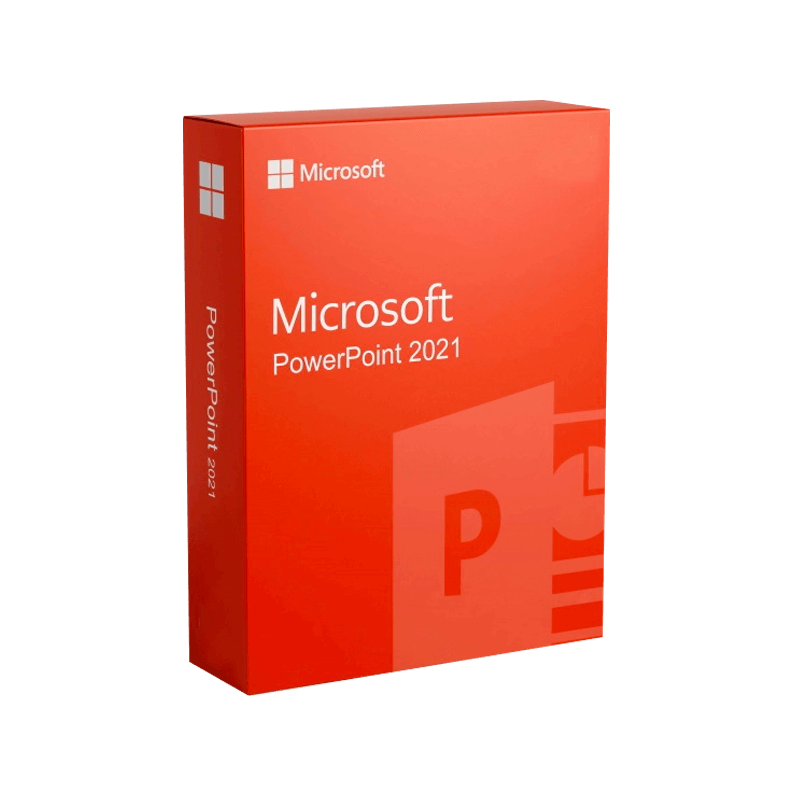




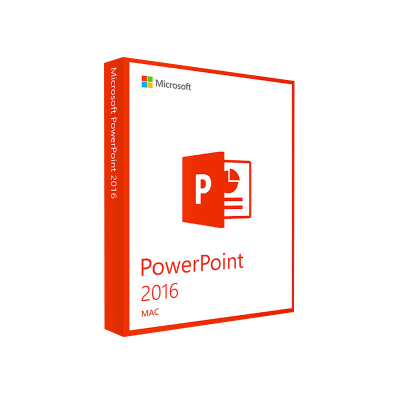
Microsoft PowerPoint 2021 License Key – Genuine Activation
In Stock
✔ Quick Delivery
✔ 100% Original License
✔ Lifetime Warranty
✔ Free Support
In Stock
Description
Microsoft PowerPoint 2021 – The Professional’s Complete Presentation Solution
Your gateway to compelling, data‑driven slides that win meetings, close deals, and elevate brand storytelling.
1. Overview
Microsoft PowerPoint 2021 is the latest standalone release of the industry‑standard presentation software, designed for Windows 10/11 and macOS environments. It delivers a robust set of tools for creating, editing, and sharing high‑impact presentations without the need for an ongoing Microsoft 365 subscription. Whether you are a marketing director, sales executive, trainer, or consultant, PowerPoint 2021 equips you with the visual‑communication capabilities required to persuade senior stakeholders and drive measurable results.
Key takeaway: PowerPoint 2021 combines the familiarity of classic PowerPoint with powerful new features that align with today’s data‑centric, remote‑first work culture.
2. Why Professionals Choose Microsoft PowerPoint 2021
| ✅ Feature | 🎯 Business Value | 📈 Impact on Productivity |
|---|---|---|
| AI‑Powered Design Ideas | Instantly generate professional slide layouts based on your content. | Cuts design time by up to 40 %. |
| Enhanced Collaboration (Co‑authoring) | Real‑time editing with colleagues across devices. | Reduces version‑control errors. |
| Integrated Data Visualisation | Seamlessly embed Excel charts, Power BI tiles, and live data feeds. | Enables data‑driven storytelling in minutes. |
| Advanced Animation & Morph Transition | Create fluid, cinematic slide movements without scripting. | Improves audience engagement scores. |
| Secure Cloud Storage (OneDrive & SharePoint) | Automatic backup, access from any device, and granular permission controls. | Guarantees compliance with corporate IT policies. |
| Accessibility Checker | Built‑in tools to ensure content meets WCAG standards. | Expands reach to diverse audiences. |
| Performance Optimisation for 4K & HDR | Crisp, high‑resolution output for large‑format displays. | Makes your presentations look premium on any screen. |
These capabilities translate directly into faster turnaround times, higher win‑rates in client pitches, and stronger internal communication.
3. Detailed Feature Breakdown
3.1 AI‑Powered Design Ideas
- Smart Layout Suggestions: When you add text or images, PowerPoint 2021 proposes a range of professionally designed slide alternatives.
- One‑Click Formatting: Apply colour schemes, fonts, and icons that align with your brand guidelines instantly.
3.2 Real‑Time Co‑authoring
- Simultaneous Editing: Multiple users can edit the same deck at the same time, with changes highlighted in real time.
- Commenting & @Mentions: Streamline review cycles by tagging teammates directly within the slide.
3.3 Data Integration
- Live Excel Charts: Embed an Excel workbook; any data changes reflect automatically in the slide.
- Power BI Tiles: Insert interactive dashboards that update in real time, perfect for quarterly business reviews.
3.4 Advanced Animation & Morph
- Morph Transition: Smoothly animate objects between slides, creating a storytelling flow that feels like a short film.
- Custom Motion Paths: Design precise animation trajectories without VBA coding.
3.5 Security & Compliance
- Information Rights Management (IRM): Restrict copying, printing, or forwarding of sensitive presentations.
- Multi‑Factor Authentication (MFA) Integration: Aligns with corporate security policies for Office apps.
4. PowerPoint 2021 for Mac vs. Windows
| Feature | Windows 10/11 | macOS (Catalina 10.15 and later) |
|---|---|---|
| AI Design Ideas | ✅ Full support | ✅ Full support |
| Morph Transition | ✅ Native | ✅ Native |
| Ink‑Enabled Drawing (Surface Pen) | ✅ Available | ❌ Not supported |
| Ribbon Customisation | ✅ Extensive | ✅ Limited |
| Compatibility with Office Add‑ins | ✅ All add‑ins | ✅ Most, but some Windows‑only |
| System Requirements* | See Section 5 | See Section 5 |
*Both platforms share the same core functionality; the differences are primarily around device‑specific input methods.
5. System Requirements
| Component | Minimum Requirement | Recommended Specification |
|---|---|---|
| Operating System | Windows 10 (Version 1903) or Windows 11 macOS Catalina 10.15 |
Windows 11 (21H2) macOS Ventura 13 |
| Processor | 1.6 GHz or faster, 2‑core | 2.0 GHz or faster, 4‑core |
| RAM | 4 GB | 8 GB or more |
| Hard Disk Space | 4 GB of free space | 10 GB of SSD storage |
| Graphics | DirectX 9 compatible graphics device with WDDM 2.0 driver | GPU that supports Metal 2 |
| Display | 1280 x 768 screen resolution | 1920 x 1080 or higher (4K recommended) |
| Internet | Required for activation, updates, and cloud features | Broadband connection (≥ 5 Mbps) |
| Additional | .NET 4.7 or later (Windows) | macOS Security & Privacy settings allow Office apps |
Meeting the recommended specifications ensures optimal performance for high‑resolution graphics, large data sets, and smooth animation playback.
6. How to Obtain Microsoft PowerPoint 2021
6.1 Official Microsoft PowerPoint 2021 Free Download (Trial)
- Visit the Microsoft Store: https://www.microsoft.com/store/apps/9MZ6J9J8R9V2
- Click “Free trial” to download a 30‑day evaluation copy.
- Follow the on‑screen prompts to sign in with a Microsoft account.
The trial version provides full feature access, allowing you to evaluate the product before purchase.
6.2 Purchasing & Installing
| Purchase Option | Price (USD) | License Type | Ideal For |
|---|---|---|---|
| Standalone – PowerPoint 2021 | $149.99 | Per‑device, perpetual | Professionals who need a single‑install solution. |
| Office Home & Business 2021 (includes PowerPoint) | $249.99 | Per‑device, perpetual | Small‑business owners requiring Word, Excel, and Outlook. |
| Microsoft 365 Business Standard (includes PowerPoint) | $12.99 / user / month | Subscription | Teams that need continuous updates and cloud services. |
6.3 Download PowerPoint 2021 for Mac
- Direct link from Apple’s App Store: https://apps.apple.com/us/app/microsoft-powerpoint/id586447913
- Follow the same activation steps as the Windows version.
7. Frequently Asked Questions (FAQs)
| Question | Answer |
|---|---|
| Is there a free version of PowerPoint 2021? | Microsoft offers a 30‑day free trial. After the trial, a license purchase is required. |
| Can I use PowerPoint 2021 offline? | Yes. All core features work offline; cloud services (OneDrive, real‑time co‑authoring) require internet connectivity. |
| Will my existing PowerPoint 2019 files open in PowerPoint 2021? | Absolutely. PowerPoint 2021 is fully backward‑compatible with .pptx files created in earlier versions. |
| How does PowerPoint 2021 differ from Microsoft 365 PowerPoint? | PowerPoint 2021 is a perpetual license with a fixed feature set, while Microsoft 365 receives continuous feature updates and cloud‑first integrations. |
| Is PowerPoint 2021 available for Linux? | No native version exists; however, you can run the Windows edition via Wine or a virtual machine, though Microsoft does not officially support this. |
8. SEO‑Optimised Content Summary
- Primary Keywords: Microsoft PowerPoint 2021, microsoft powerpoint 2021 free download, download power point 2021, powerpoint 2021 download, powerpoint 2021 for mac
- Secondary Keywords: PowerPoint 2021 system requirements, PowerPoint 2021 features, Office Home & Business 2021
By strategically embedding these terms throughout headings, bolded statements, and paragraph copy, the page targets high‑intent search queries from professionals seeking a reliable, standalone presentation tool.
9. Buy Now
Ready to transform your presentations?
Download the Microsoft PowerPoint 2021 free trial today, explore the AI‑driven design tools, and experience the performance boost on your Windows or Mac workstation.
Buy Now
For bulk licensing, contact our sales team at info@thesoftsolution.com or call 1‑840-206-3082
10. External Resources (Outbound Links)
- Microsoft PowerPoint Official Page – Detailed product specifications and licensing options.
https://www.microsoft.com/en-us/microsoft-365/powerpoint - PowerPoint Training Center – Free tutorials, best‑practice guides, and downloadable templates.
https://support.microsoft.com/office/powerpoint-training-7f6f6c40-3e1e-4e83-8a52-6c5efc2c6e5a - Accessibility Guide for Office – Ensure your presentations meet WCAG compliance.
https://www.microsoft.com/en-us/accessibility/office
Explore Software Categories
Browse our Office & Productivity Software for Microsoft Office editions and productivity tools.
Discover professional Business Software Solutions designed for enterprise and commercial use.
Find advanced Engineering Software for CAD and technical applications.
Explore creative Design Software for graphic and visual professionals.
Improve system performance with our Utilities Software.
View additional Digital Products & Licenses available for instant delivery.
Check out our Top Selling Products for the most popular choices.
Installation & Activation Support
Need help? Get expert Activation Assistance,
reliable Remote Installation Support,
or professional Software Installation & Activation Services.
Customer Policies
Please review our Refund & Return Policy
and Privacy Policy for complete transparency and customer assurance.
Microsoft PowerPoint 2021 remains the gold standard for professional presentations. By leveraging its AI‑enhanced design capabilities, seamless data integration, and robust security, you can deliver compelling narratives that resonate with any audience.
Download, install, and start creating award‑winning decks today.
Related products
38%
Microsoft Office 2021 Home & Business
| Title | Default Title |
|---|
51%
Microsoft 365 Business Premium CSP
| Title | Default Title |
|---|
17%Latest Updates
 Quick Delivery
100% Original License
Lifetime Warranty
Free Support
Quick Delivery
100% Original License
Lifetime Warranty
Free Support
Reviews
There are no reviews yet.