No products in the cart.

0
Total
$0.00
Free Shipping on All Orders Over $75
Only this weekend
Super Discount
Items on sale this week
Top picks this week. Up to 50% off the best selling products.




✔ Quick Delivery
✔ 100% Original License
✔ Lifetime Warranty
✔ Free Support
Only logged in customers who have purchased this product may leave a review.
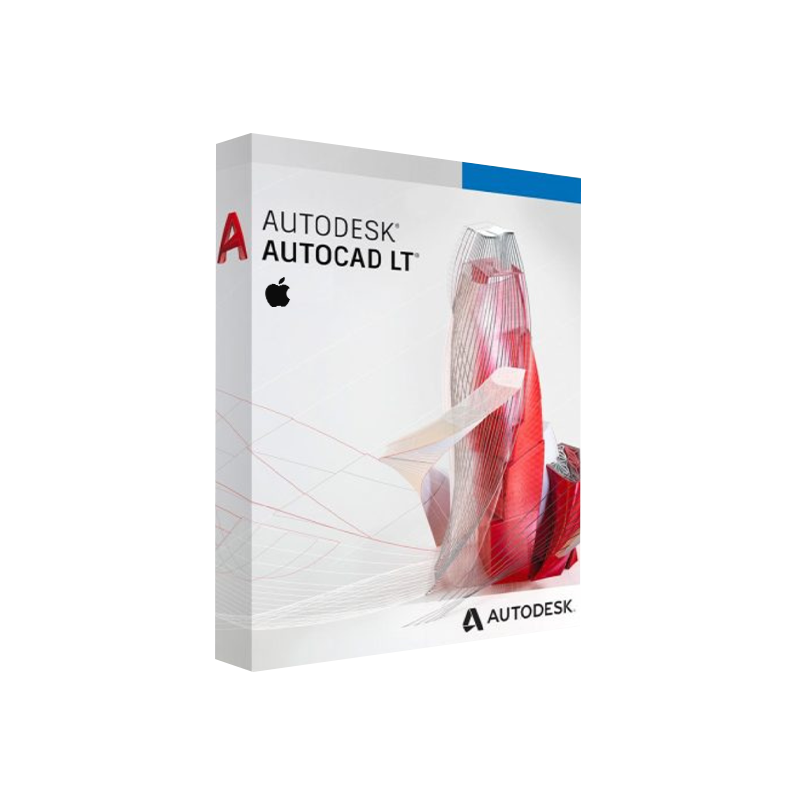
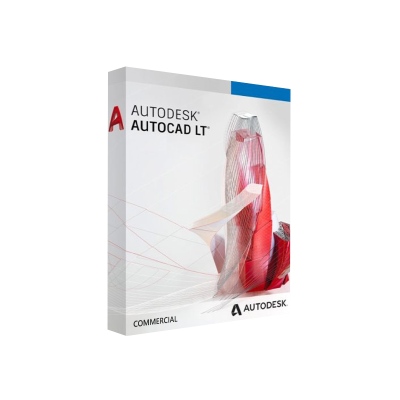
Autodesk AutoCAD LT for Mac – The Professional‑Grade 2‑D Drafting Solution for macOS
Designed for engineers, architects, drafters, and design‑building professionals who demand precision, speed, and reliability on Apple hardware.
Autodesk AutoCAD LT for Mac delivers the industry‑standard 2‑D drafting and detailing capabilities of AutoCAD, fully optimized for the macOS environment. Whether you’re creating construction documents, mechanical schematics, or electrical layouts, AutoCAD LT Lite Mac provides a lightweight, cost‑effective alternative without sacrificing the core toolset that professionals rely on.
“AutoCAD LT on Mac gives me the same exactness of the Windows version, but with the seamless integration I love in macOS.” – Jane D., Senior Architectural Designer
Key advantages:
| ✅ | Benefit |
|---|---|
| Cross‑platform compatibility | Files created on Windows AutoCAD open flawlessly on Mac and vice‑versa. |
| Lower total cost of ownership | Subscription pricing is up to 30 % cheaper than the full AutoCAD suite. |
| Optimized performance on macOS | Native rendering engine leverages Apple’s Metal graphics API for smoother panning and zooming. |
| Industry‑standard DWG format | 100 % DWG compatibility guarantees reliable collaboration with clients and contractors. |
| Secure cloud storage | Integrated Autodesk Drive and Autodesk Docs keep your drawings safe and accessible anywhere. |
Below is a bullet‑pointed snapshot of the most‑used tools that professionals leverage daily.
| Component | Minimum Requirement | Recommended Specification |
|---|---|---|
| Operating System | macOS 10.15 (Catalina) | macOS 13 (Ventura) or later |
| Processor | 2‑core Intel i5 (2 GHz) | 4‑core Intel i7 or Apple M1/M2 (3 GHz) |
| RAM | 8 GB | 16 GB or more |
| Graphics | 1 GB GPU with 256 MB VRAM, supporting OpenGL 4.1 | Dedicated 2 GB GPU (Metal‑compatible) |
| Disk Space | 7 GB free SSD | 10 GB SSD + 20 GB for project archives |
| Display | 1366 × 768 resolution | 1920 × 1080 or higher (Retina recommended) |
| Internet | Broadband connection for activation & updates | High‑speed (≥25 Mbps) for cloud collaboration |
| Other | Keyboard & mouse (or Magic Trackpad) | Optional: Apple Pencil (via third‑party drawing tablet) |
Note: Autodesk continuously updates its AutoCAD LT for Mac system matrix. For the latest hardware guidance, consult the official Autodesk system requirements page.
| Plan | Billing | Cost (USD) | What’s Included |
|---|---|---|---|
| Monthly Subscription | Monthly | $60 / month | Latest version, cloud storage, 1‑year support |
| Annual Subscription | Yearly | $560 / year (≈ $46.67 / mo) | Discounted rate, priority updates |
| 3‑Year Term | 3‑Year | $1,500 | Fixed price, auto‑renewal optional |
| Academic License | Yearly | $35 / year | For qualified students & educators (requires .edu email) |
All subscriptions include access to Autodesk Drive, AutoCAD Web, and Mobile apps. No perpetual licenses are offered.
Tip: Keep the AutoCAD LT for Mac installer in a secure location for future re‑installs—your license is cloud‑based and tied to your Autodesk account.
| Feature | AutoCAD LT (Mac) | AutoCAD (Full, Mac) |
|---|---|---|
| 2‑D Drafting | ✅ | ✅ |
| 3‑D Modeling | ❌ | ✅ |
| Rendering (Ray‑Trace) | ❌ | ✅ |
| Advanced APIs (.NET, ObjectARX) | ❌ | ✅ |
| Sheet Set Manager | ✅ | ✅ |
| DWG Compare | ❌ | ✅ |
| Cost (annual) | $560 | $1,775 |
| Learning Curve | Gentle (focus on 2‑D) | Steeper (3‑D tools) |
| Ideal Users | Drafting, design documentation, construction drawing sets | BIM, mechanical design, complex 3‑D workflows |
Bottom line: If your workflow is exclusively 2‑D, AutoCAD LT on Mac gives you all the essential drafting power at a fraction of the price.
| Question | Answer |
|---|---|
| Can I open a DWG created with Windows AutoCAD LT on my Mac? | Yes – AutoCAD LT for Mac reads and writes the native DWG format without loss of data. |
| Is there a trial version? | Autodesk offers a 30‑day free trial of AutoCAD LT for Mac. Sign up through the Autodesk web portal. |
| Will my subscription work on multiple Macs? | A single user license can be installed on up to three devices simultaneously, but only one can be active at a time. |
| Does AutoCAD LT support Apple M1/M2 chips? | Absolutely. The latest build is a universal binary that runs natively on both Intel‑based and Apple‑silicon Macs. |
| Can I export PDFs with embedded fonts? | Yes – the Publish command allows you to embed TrueType fonts for reliable PDF distribution. |
Ready to accelerate your 2‑D drafting workflow on macOS?
• Download the latest AutoCAD LT Mac installer now.
• Choose a subscription plan that fits your project budget.
• Join thousands of design professionals who trust Autodesk’s flagship drafting tool.
autocad lt on mac, autocad lite mac, autocad lt mac download, autodesk autocad lt for mac, autocad lt for mac price, autocad lt mac os, autodesk lt mac.
Browse our Office & Productivity Software for Microsoft Office editions and productivity tools.
Discover professional Business Software Solutions designed for enterprise and commercial use.
Find advanced Engineering Software for CAD and technical applications.
Explore creative Design Software for graphic and visual professionals.
Improve system performance with our Utilities Software.
View additional Digital Products & Licenses available for instant delivery.
Check out our Top Selling Products for the most popular choices.
Need help? Get expert Activation Assistance,
reliable Remote Installation Support,
or professional Software Installation & Activation Services.
Please review our Refund & Return Policy
and Privacy Policy for complete transparency and customer assurance.

16 reviews for Autodesk AutoCAD LT for Mac Download | Genuine License
Customer reviews