No products in the cart.

0
Total
$0.00
Free Shipping on All Orders Over $75
Only this weekend
Super Discount
Items on sale this week
Top picks this week. Up to 50% off the best selling products.


✔ Quick Delivery
✔ 100% Original License
✔ Lifetime Warranty
✔ Free Support
Only logged in customers who have purchased this product may leave a review.
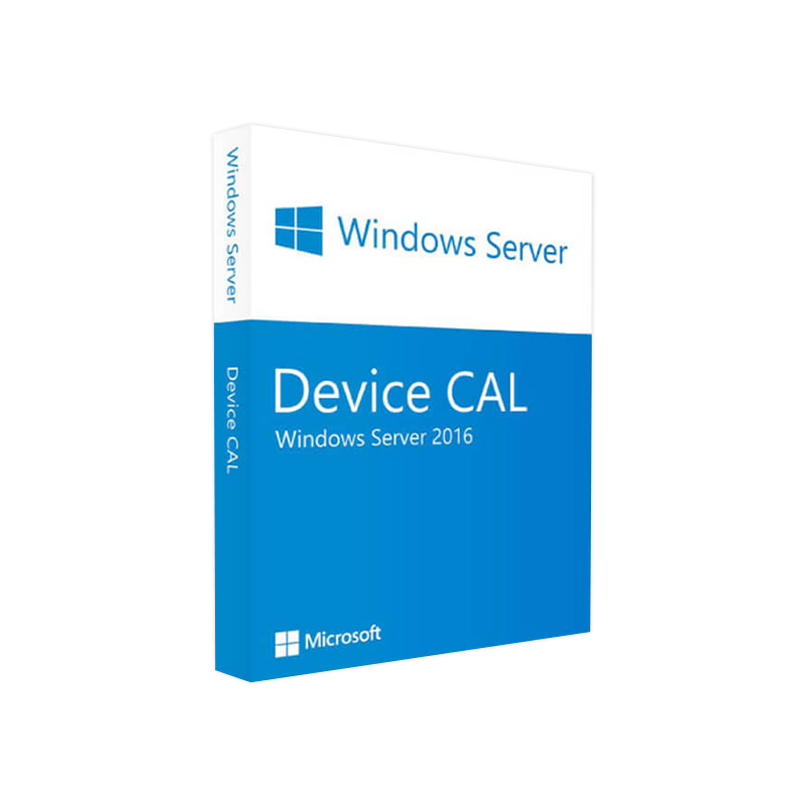
Unlock the full power of Windows Server 2016 for every device in your organization.
A Device Client Access License (CAL) is a per‑device entitlement that grants a specific physical or virtual device the right to connect to a server running Microsoft Windows Server 2016. Unlike the User CAL, which is assigned to a person, the Device CAL follows the hardware, making it ideal for environments where multiple users share a limited number of workstations (e.g., shift‑based factories, call centers, schools, and shared‑desktop deployments).
| Feature | Device CAL | User CAL |
|---|---|---|
| License Scope | Tied to a specific device | Tied to an individual user |
| Best For | Shared‑device scenarios, kiosks, classrooms | Mobile workforce, BYOD, remote users |
| Cost Efficiency | Fewer licenses needed when many users share few devices | Fewer licenses needed when many devices are used by few users |
| Compliance | Guarantees each device is properly licensed | Guarantees each user is properly licensed |
“Choosing the right CAL model is a strategic decision that directly impacts licensing cost, compliance risk, and operational flexibility.” – Microsoft Licensing Specialist
Tip: Maintain an up‑to‑date CAL assignment spreadsheet or use Microsoft’s License Management Tool (LMT) to automate tracking.
| Purchase Channel | Advantages | Typical Use‑Case |
|---|---|---|
| Microsoft Volume Licensing | Volume discounts, centralized agreement, Software Assurance options | Large enterprises, government agencies |
| Authorized Resellers | Immediate delivery, local support, flexible payment terms | Mid‑size businesses, educational institutions |
| Online Marketplaces (e.g., Amazon Business) | Quick procurement, competitive pricing | Small‑to‑medium companies needing a fast rollout |
| OEM Bundles | CALs pre‑installed with server hardware | Organizations buying new server infrastructure |
Action Step: Contact our certified sales team today to receive a customized quote for Windows Server 2016 Device License Key bundles.
While a CAL itself does not have hardware requirements, the server that it grants access to must meet the Windows Server 2016 specifications. Below is a concise checklist to ensure your environment is ready.
| Component | Minimum Requirement | Recommended Specification |
|---|---|---|
| Processor | 1.4 GHz 64‑bit CPU | 2.0 GHz or faster, ≥ 4 cores |
| RAM | 512 MB (core) | 8 GB or more (depends on role) |
| Disk Space | 32 GB | 100 GB SSD (for Hyper‑V, SQL) |
| Network Adapter | Ethernet adapter capable of 1 Gbps | Dual‑port 10 GbE for clustering |
| Firmware | BIOS or UEFI | UEFI with Secure Boot |
| Virtualization | Hyper‑V (optional) | Hyper‑V with Generation 2 VMs |
| Supported OS for Clients | Windows 7 SP1, Windows 8.1, Windows 10, Windows 11, macOS, Linux (via SMB) | Latest OS versions for best security |
All devices that will use a Windows Server 2016 Device CAL must be able to communicate with the server over a supported network protocol (SMB 3.0, HTTP/HTTPS, or RDP).
Below is an expanded side‑by‑side analysis to help IT decision‑makers select the optimal licensing model.
| Criteria | Device CAL | User CAL |
|---|---|---|
| Assignment Model | Device‑centric – one license per workstation, printer, or tablet. | User‑centric – one license per employee, contractor, or partner. |
| Best Fit | Environments with high user‑to‑device ratio (e.g., 10 users per workstation). | Environments with high device‑to‑user ratio (e.g., remote workers using multiple devices). |
| Compliance Complexity | Simple – track devices only. | Moderate – must track both users and devices they use. |
| Typical Cost | Lower when few devices, many users. | Lower when many devices, few users. |
| Software Assurance Benefits | Same SA options (upgrade rights, training) as User CAL. | Same SA options (upgrade rights, training) as Device CAL. |
| Hybrid Scenarios | May require both CAL types to cover mixed usage. | May require both CAL types to cover mixed usage. |
Pro Tip: Run a quick “user‑to‑device ratio” analysis (total active users ÷ total shared devices). If the ratio exceeds 3:1, a Device CAL model is usually more cost‑effective.
| Question | Answer |
|---|---|
| Do I need a CAL for every Windows Server 2016 role? | Yes. A CAL is required for any user or device that accesses any server role, whether it’s File Services, Remote Desktop Services, or Hyper‑V. |
| Can a Device CAL be transferred between devices? | Yes, but only under a license reassignment process documented by Microsoft. The reassignment must be recorded and the previous device’s CAL retired. |
| Is a Windows Server 2016 Device CAL compatible with Windows Server 2019? | No. CALs are version‑specific. To use Server 2019 you must acquire the appropriate Windows Server 2019 Device CAL. |
| How do I obtain the Windows Server 2016 Device License Key? | After purchase, the reseller provides a digital license key (or a volume‑licensing certificate) that you can activate via the Microsoft Volume Licensing Service Center (VLSC). |
| What is Software Assurance (SA) and should I add it? | SA provides upgrade rights, training, and support. It is highly recommended for organizations planning future upgrades or requiring extended support. |
| Do I need a CAL for remote access via VPN? | Yes. Any connection—local, remote, or VPN—requires a valid CAL for the device initiating the connection. |
“Our partnership with Microsoft ensures that every Windows Server 2016 Device CAL we sell meets the strictest standards for security and reliability.” – Chief Compliance Officer
| Step | Estimated Time |
|---|---|
| Assessment | 1‑2 hours |
| Quote Request | < 30 minutes |
| License Delivery | ≤ 24 hours |
| Activation | 15 minutes per device |
(These links provide authoritative, up‑to‑date information that complements the content on this page.)
Investing in Microsoft Windows Server 2016 Device CAL licenses equips your organization with the flexibility, compliance assurance, and cost‑effectiveness needed for modern, shared‑device environments. By aligning your licensing strategy with actual device usage, you minimize waste, simplify management, and ensure that every workstation—whether a workstation on a production line or a classroom PC—has legitimate access to the powerful features of Windows Server 2016.
Ready to secure your infrastructure?
Contact our licensing specialists today and buy Windows Server 2016 Device CAL with confidence.
Microsoft Windows Server 2016 Device CAL, Windows Server 2016 Device CAL License, Buy Windows Server 2016 Device CAL, Microsoft Server 2016 Device Access License, Windows Server 2016 Client Access License, Windows Server 2016 Device License Key
Browse our Office & Productivity Software for Microsoft Office editions and productivity tools.
Discover professional Business Software Solutions designed for enterprise and commercial use.
Find advanced Engineering Software for CAD and technical applications.
Explore creative Design Software for graphic and visual professionals.
Improve system performance with our Utilities Software.
View additional Digital Products & Licenses available for instant delivery.
Check out our Top Selling Products for the most popular choices.
Need help? Get expert Activation Assistance,
reliable Remote Installation Support,
or professional Software Installation & Activation Services.
Please review our Refund & Return Policy
and Privacy Policy for complete transparency and customer assurance.
| Title |
|---|
| Title |
|---|
| Title |
|---|

| Title |
|---|
| Title |
|---|
| Title |
|---|
19 reviews for Microsoft Windows Server 2016 DEVICE CAL – Product Key
Customer reviews