No products in the cart.

0
Total
$0.00
Free Shipping on All Orders Over $75
Only this weekend
Super Discount
Items on sale this week
Top picks this week. Up to 50% off the best selling products.



✔ Quick Delivery
✔ 100% Original License
✔ Lifetime Warranty
✔ Free Support
Only logged in customers who have purchased this product may leave a review.
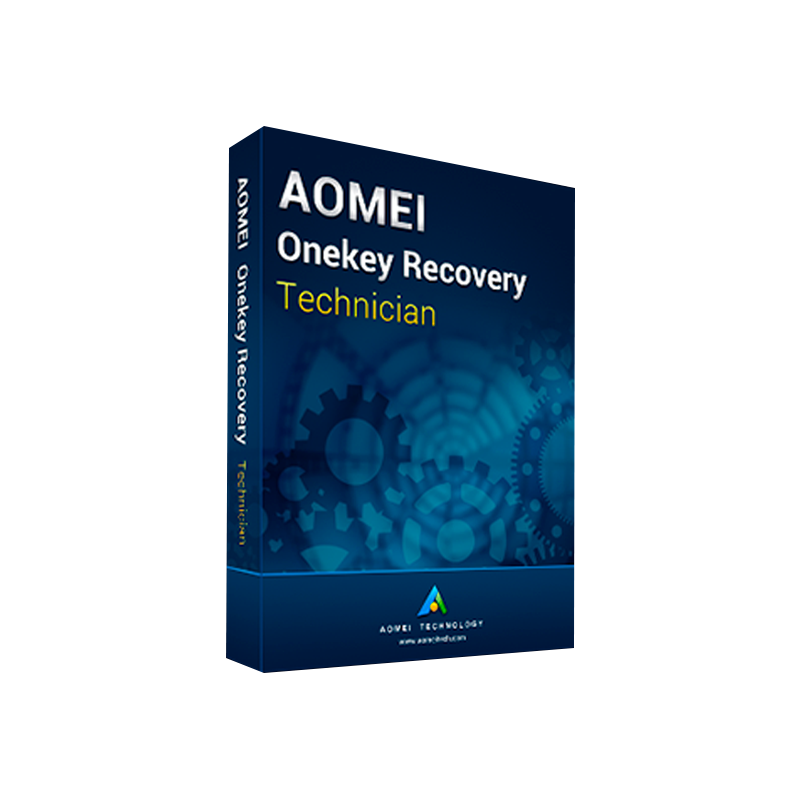
AOMEI OneKey Recovery Technician – Professional‑Grade Backup & Restore Software
Your complete, multi‑PC, enterprise‑ready solution for fast, reliable system recovery.
| Feature | What It Does | Why It Matters for Professionals |
|---|---|---|
| One‑Click System Backup | Captures a full image of the OS, applications, settings & data in a single click. | Eliminates downtime – restore a workstation in minutes, not hours. |
| Automated Scheduling | Set daily, weekly, or monthly backup jobs with custom retention policies. | Guarantees up‑to‑date recovery points without manual intervention. |
| Multi‑PC Management Console | Central dashboard to deploy, monitor, and manage backups across dozens of machines. | Scales effortlessly from a small office to a global enterprise. |
| Official AOMEI License | Each copy comes with a genuine, traceable license key. | Guarantees legal compliance and access to premium support. |
| Enterprise Recovery Features | Network boot, PXE recovery, and encrypted backup storage. | Meets strict IT security & compliance standards. |
The AOMEI OneKey Recovery Technician is engineered for IT administrators, managed service providers, and any organization that demands a rock‑solid, professional backup software solution.
“One click, zero hassle.”
| Schedule Type | Frequency | Retention Policy | Ideal Use Case |
|---|---|---|---|
| Daily | Every 24 h | Keep last 30 backups | High‑transaction servers |
| Weekly | Every Sunday | Keep last 12 weeks | Office workstations |
| Monthly | First of month | Keep last 24 months | Archive for compliance |
| Security Feature | Description | Compliance Mapping |
|---|---|---|
| AES‑256 Encryption | End‑to‑end data protection. | GDPR, HIPAA |
| Password‑Protected Recovery Media | Prevent unauthorized boot. | ISO 27001 |
| Secure Hash Verification | Detects tampering. | NIST SP 800‑53 |
| License Type | PCs Covered | Cost (USD) | Support Level |
|---|---|---|---|
| Technician (Single) | 1 PC | $79 | Standard (email) |
| Technician (Multi‑PC) | 5–50 PCs | $199‑$1,299 | Professional (phone & remote) |
| Enterprise | Unlimited | Custom Quote | Dedicated account manager |
All licenses are official AOMEI OneKey Recovery Technician original license keys, registered through AOMEI’s secure portal.
| Feature | AOMEI OneKey Recovery Technician | Macrium Reflect (Professional) | Acronis Cyber Protect (Advanced) |
|---|---|---|---|
| One‑Click System Restore | ✅ | ✅ (Restore Point) | ✅ (Acronis True Image) |
| Central Management Console | ✅ | ❌ (stand‑alone) | ✅ |
| PXE Network Boot Recovery | ✅ | ❌ | ✅ |
| AES‑256 Encryption | ✅ | ✅ | ✅ |
| Hybrid Cloud Sync | ✅ (Azure/S3) | ✅ (Azure) | ✅ (Acronis Cloud) |
| Official License (no OEM) | ✅ | ✅ | ✅ |
| Price for 10 PCs | $399 | $499 | $1,200 (subscription) |
| Free Lifetime Upgrades | ✅ | ❌ (annual fee) | ✅ (subscription) |
| Support | 24/7 Phone & Remote | Business Hours Email | 24/7 Phone & Chat |
Result: AOMEI OneKey Recovery Technician delivers enterprise‑grade features at a fraction of the cost, with a focus on professional backup software needs and a genuine official license for every installation.
| Component | Minimum | Recommended |
|---|---|---|
| Operating System | Windows 7 SP1 (64‑bit) Windows 8.1 (64‑bit) Windows 10 (64‑bit) Windows Server 2012 R2, 2016, 2019 | Windows 11 (64‑bit) Windows Server 2022 |
| Processor | 1 GHz or faster (dual‑core) | 2 GHz Quad‑core or faster |
| RAM | 2 GB | 4 GB or more |
| Hard Disk Space | 500 MB for installation + space for backup images | 1 GB for installation, plus dedicated storage (SSD/NAS) for backups |
| Network | Ethernet 100 Mbps (for remote backup) | Gigabit Ethernet or 1 Gbps+ Wi‑Fi |
| Additional | DVD‑ROM or USB port for bootable media creation | TPM 2.0 (optional for added security) |
Tip: For optimal performance, store backup images on a dedicated SSD or high‑speed NAS with at least RAID‑1 redundancy.
AOMEI OneKey Recovery Technician is the industry‑leading backup and restore software designed for IT professionals who require a multi‑PC backup solution with enterprise‑grade reliability. With an official AOMEI OneKey Recovery Technician license, each installation is fully authorized, ensuring compliance and access to premium support. The product excels as a professional backup software for small‑to‑large environments, offering one‑click recovery, centralized management, and secure, encrypted backup storage.
Whether you’re looking for an enterprise recovery software to safeguard critical servers, or a technician‑grade tool for rapid workstation restoration, AOMEI OneKey Recovery Technician delivers the speed, security, and scalability that modern IT departments demand.
| Question | Answer |
|---|---|
| Do I need an internet connection to restore? | No. Recovery can be performed locally from a bootable USB/DVD. Internet is only required for cloud sync or license activation. |
| Can I migrate backups between different hardware? | Yes. The software automatically adjusts drivers during restoration, enabling seamless hardware changes. |
| Is the backup image portable? | Absolutely. Images are stored in the proprietary .adi format, which can be moved across NAS, external drives, or cloud storage. |
| How does the technician license differ from a standard home user license? | The technician license includes multi‑PC deployment, a central console, and priority support, which are absent in consumer editions. |
| What backup media does the software support? | USB flash drives, external HDD/SSD, network shares (SMB/CIFS), FTP/SFTP servers, and major cloud services (Azure, Amazon S3). |
Ready to safeguard your organization with the most reliable, officially licensed backup solution on the market?
Take control of your data recovery today – because downtime is not an option.
Meta Description
AOMEI OneKey Recovery Technician is the professional backup software for multi‑PC, enterprise recovery. Get the official license, one‑click system backup, PXE recovery, and 24/7 support. Download now!

Browse our Office & Productivity Software for Microsoft Office editions and productivity tools.
Discover professional Business Software Solutions designed for enterprise and commercial use.
Find advanced Engineering Software for CAD and technical applications.
Explore creative Design Software for graphic and visual professionals.
Improve system performance with our Utilities Software.
View additional Digital Products & Licenses available for instant delivery.
Check out our Top Selling Products for the most popular choices.
Need help? Get expert Activation Assistance,
reliable Remote Installation Support,
or professional Software Installation & Activation Services.
Please review our Refund & Return Policy
and Privacy Policy for complete transparency and customer assurance.


12 reviews for AOMEI OneKey Recovery Technician – Professional One-Click System Backup & Disaster Recovery Software for Windows
Customer reviews