No products in the cart.

0
Total
$0.00
Free Shipping on All Orders Over $75
Only this weekend
Super Discount
Items on sale this week
Top picks this week. Up to 50% off the best selling products.



✔ Quick Delivery
✔ 100% Original License
✔ Lifetime Warranty
✔ Free Support
Only logged in customers who have purchased this product may leave a review.
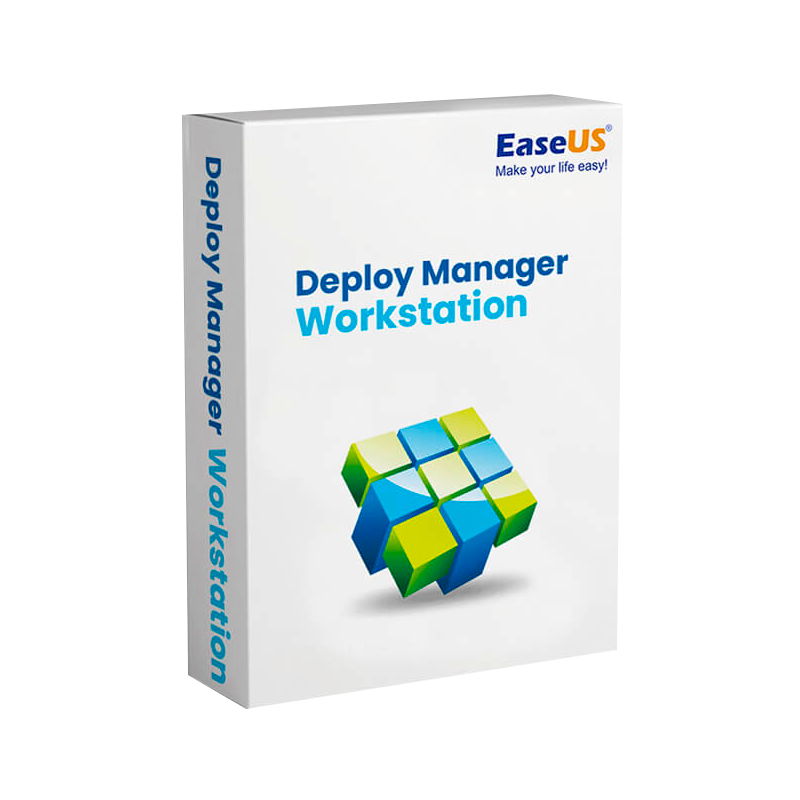
EaseUS Deploy Manager Workstation – Professional‑Grade Deployment for Modern IT Environments
The ultimate multi‑PC deployment tool designed for enterprises that demand speed, reliability, and total control.
In today’s fast‑paced IT landscape, easeus deploy manager enterprise deployment software is the backbone of any large‑scale rollout—whether you’re imaging hundreds of laptops, pushing OS updates across a multi‑site campus, or maintaining a homogeneous software environment in a regulated industry.
Key differentiators that set EaseUS Deploy Manager apart from generic imaging utilities:
“EaseUS Deploy Manager Workstation transformed our rollout process. What used to take days now finishes in hours.” – Senior IT Manager, Global Finance Corp.
| Feature | Description | Business Impact |
|---|---|---|
| Multi‑PC Deployment Engine | Simultaneously push a single image to up to 1,000 PCs using multicast or unicast protocols. | Cuts bandwidth usage by 60 % and speeds up mass rollouts. |
| Device‑Independent Imaging | Captures driver‑free, hardware‑agnostic images that auto‑inject the correct drivers at deployment. | Eliminates post‑deployment driver conflicts. |
| Task Scheduler & Scripts | Integrate PowerShell, batch, or VBScript to run pre‑ and post‑deployment tasks. | Enables custom configuration (e.g., installing line‑of‑business apps). |
| Centralized Management Console | Web‑based dashboard for monitoring, reporting, and real‑time status of all deployment jobs. | Provides full visibility for IT leadership. |
| Rollback & Versioning | Store multiple image versions and revert instantly to a previous build. | Reduces risk of faulty updates and simplifies compliance audits. |
| Hardware Inventory & Asset Tagging | Auto‑detects hardware specs, assigns asset tags, and exports to CSV/Excel. | Streamlines asset management and procurement planning. |
| Secure Licensing – EaseUS Deploy Manager original license & official license | Tamper‑proof license files with online activation, tied to MAC address or hardware ID. | Guarantees legitimate use and entitlement tracking. |
| Integration with Existing ITSM Tools | Connectors for ServiceNow, Microsoft Endpoint Manager, and SCCM. | Improves workflow continuity and reduces duplicate effort. |
Each step is fully automated, allowing IT staff to focus on strategic initiatives instead of repetitive imaging tasks.
| Criteria | EaseUS Deploy Manager Workstation | Microsoft MDT | Acronis Snap Deploy | Symantec Ghost Solution Suite |
|---|---|---|---|---|
| Maximum Concurrent Targets | 1,000 (multicast) | 500 (unicast) | 700 (multicast) | 300 (unicast) |
| Hardware‑Independent Imaging | ✅ | ❌ (requires driver packs) | ✅ | ❌ |
| Built‑in Asset Management | ✅ | ❌ (requires add‑on) | ✅ (separate module) | ✅ (separate module) |
| Role‑Based Access Control | ✅ | ❌ (limited) | ✅ | ✅ |
| License Model | Per‑seat official license (no hidden fees) | Free (but limited support) | Subscription + Per‑Server | Per‑device + annual maintenance |
| Price (per seat, 2026) | $149 | $0 | $199 | $299 |
| Support SLA | 24/7 Phone + Ticket (Enterprise) | Community only | Business Hours | 24/7 (Premium) |
| Scalability | Linear, cloud‑ready | Limited by infrastructure | Good, but requires extra licensing | Poor for >500 devices |
Bottom line: For organizations that need a professional deployment software capable of handling easeus deploy manager multi‑pc deployment tool requirements, EaseUS offers the most balanced mix of performance, cost‑effectiveness, and security.
| License Type | What You Get | Ideal For | Pricing (USD) |
|---|---|---|---|
| EaseUS Deploy Manager Original License (Per‑Seat) | Full feature set, unlimited deployments, 1‑year priority support. | Small‑to‑mid IT teams (≤ 200 devices). | $149 |
| Enterprise Volume License | Unlimited seats, centralized activation server, on‑prem support, custom SLA. | Large enterprises, multi‑site deployments. | Contact sales (discounts start at 30 %). |
| Education / Non‑Profit License | Same as Original License, with 40 % discount & extended 2‑year support. | Schools, NGOs, government bodies. | $89 |
| Trial (30‑day) | All features, limited to 10 devices. | Evaluation & proof‑of‑concept. | Free |
All licenses are official license keys issued directly by EaseUS, ensuring full compatibility with future updates and patches.
| Component | Minimum | Recommended |
|---|---|---|
| Operating System (Server) | Windows Server 2016 (Standard) | Windows Server 2022 (Datacenter) |
| CPU | Intel Core i3 (2 GHz) or equivalent | Intel Xeon E5‑2620 v4 (2.1 GHz) or AMD EPYC 7351 |
| RAM | 4 GB | 16 GB (or more for > 500 concurrent targets) |
| Storage | 150 GB free (SSD preferred) | 500 GB SSD (RAID 1) |
| Network | Gigabit Ethernet (10/100/1000) | 10 GbE (for high‑density multicast) |
| Database | Microsoft SQL Server 2016 Express (optional) | Microsoft SQL Server 2019 Standard |
| Virtualization | Hyper‑V, VMware ESXi 6.5+, or VirtualBox 6.1+ (if deploying from VM) | VMware vSphere 7+ (recommended) |
| Additional | .NET Framework 4.7.2, PowerShell 5.1, Windows Management Framework 5.1 | .NET 6.0, PowerShell 7.x, latest security patches |
Tip: For optimal multicast performance, ensure switches support IGMP snooping and enable Jumbo Frames (9 KB) on the network segment hosting the deployment server.
Q1: Is EaseUS Deploy Manager Workstation compatible with Windows 11 IoT?
A: Yes. The platform supports Windows 11 IoT Enterprise and automatically injects required drivers during deployment.
Q2: How does the official license differ from a trial key?
A: The official license unlocks unlimited deployments, priority support, and entitlement to all future feature updates, whereas the trial is limited to 10 devices and expires after 30 days.
Q3: Can I integrate EaseUS Deploy Manager with Microsoft Endpoint Manager?
A: Absolutely. A built‑in connector synchronizes deployment tasks and inventory data, allowing you to orchestrate imaging from the Endpoint Manager console.
Q4: What backup options are available for my images?
A: Images can be stored on local NAS, cloud storage (AWS S3, Azure Blob), or any SMB/CIFS share. The platform supports incremental backups to reduce storage costs.
| Industry | Example Clients | Deployment Scale |
|---|---|---|
| Finance | Global Finance Corp., MetroBank | 3,200 workstations |
| Healthcare | MedHealth Systems, CareFirst | 1,800 devices (HIPAA‑compliant) |
| Education | State University System | 4,500 lab PCs |
| Manufacturing | Apex Manufacturing | 2,100 shop‑floor terminals |
To learn more about best practices for multi‑PC imaging, see these reputable sources:
Ready to accelerate your deployment cycles and eliminate manual imaging errors?
Empower your IT team with the most reliable, secure, and cost‑effective multi‑PC deployment tool on the market.

Browse our Office & Productivity Software for Microsoft Office editions and productivity tools.
Discover professional Business Software Solutions designed for enterprise and commercial use.
Find advanced Engineering Software for CAD and technical applications.
Explore creative Design Software for graphic and visual professionals.
Improve system performance with our Utilities Software.
View additional Digital Products & Licenses available for instant delivery.
Check out our Top Selling Products for the most popular choices.
Need help? Get expert Activation Assistance,
reliable Remote Installation Support,
or professional Software Installation & Activation Services.
Please review our Refund & Return Policy
and Privacy Policy for complete transparency and customer assurance.



18 reviews for EaseUS Deploy Manager Workstation – Professional Windows Deployment, Disk Cloning & IT Management Software
Customer reviews