No products in the cart.

0
Total
$0.00
Free Shipping on All Orders Over $75
Only this weekend
Super Discount
Items on sale this week
Top picks this week. Up to 50% off the best selling products.



✔ Quick Delivery
✔ 100% Original License
✔ Lifetime Warranty
✔ Free Support
Only logged in customers who have purchased this product may leave a review.
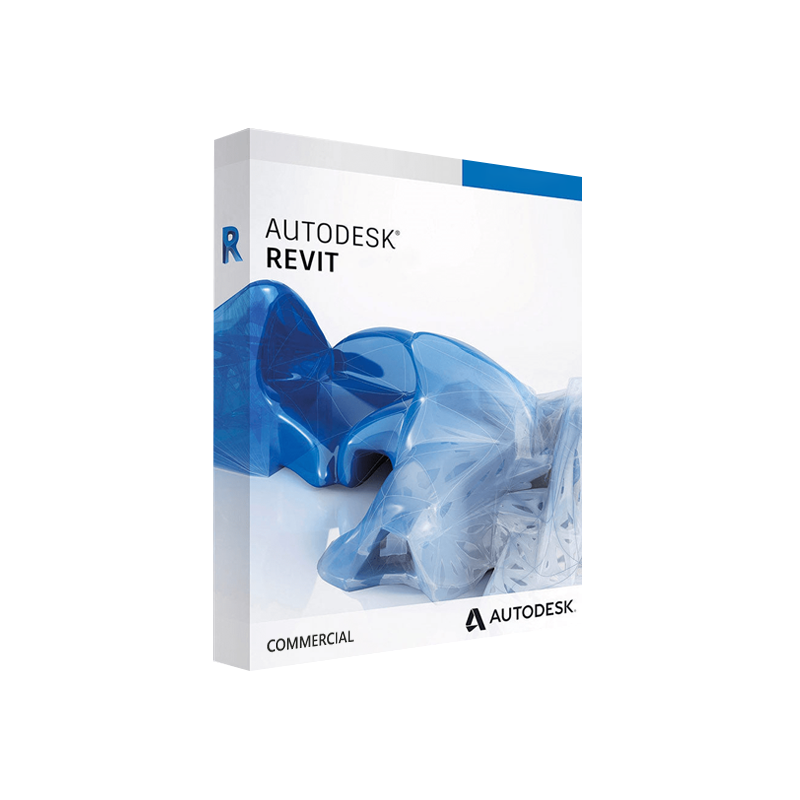
The industry‑leading Revit architecture software that empowers design teams to create, coordinate, and deliver building information models (BIM) faster, smarter, and more collaboratively.
| Feature | Details |
|---|---|
| Product name | Autodesk Revit Commercial (Windows) |
| License type | Digital license – instant activation via a Revit activation code |
| Target sectors | Architecture, structural & MEP engineering, construction management |
| Core engine | 64‑bit Revit 2025 (latest release) |
| Delivery | Autodesk Revit instant download via Autodesk Account portal |
| Support | 24/7 technical support, annual subscription upgrades, access to Autodesk Knowledge Network |
When professionals speak about Revit 3D BIM software, they’re talking about a platform that unifies design, analysis, and documentation in a single, data‑rich environment. Below are the decisive advantages that set Autodesk Revit apart from competing BIM tools.
| Benefit | What It Means for Your Projects |
|---|---|
| Integrated multidisciplinary workflow | Architecture, structural, and MEP models co‑exist, reducing clashes and re‑work. |
| Parametric, data‑driven design | Change one element → the entire model updates automatically. |
| Extensive library & content hub | Access thousands of families, materials, and templates via the Autodesk BIM 360 library. |
| Collaboration in real time | Cloud‑based worksharing lets multiple team members edit simultaneously. |
| Scalable for any project size | From single‑family residential projects to multi‑tower commercial complexes. |
| Future‑proof updates | Subscription includes yearly feature releases and compliance with the latest BIM standards. |
“Revit has become the backbone of our BIM execution plan—its parametric intelligence saves us up to 30 % of design time.” — Senior BIM Manager, Global Architecture Firm
| Feature / Software | Autodesk Revit Commercial | ArchiCAD (GRAPHISOFT) | Tekla Structures | SketchUp Pro |
|---|---|---|---|---|
| Parametric BIM engine | ✅ | ✅ (limited) | ✅ (focus on structural) | ❌ |
| Multidisciplinary (Arch‑Str‑MEP) in one file | ✅ | ❌ (requires add‑ons) | ✅ (structural) | ❌ |
| Cloud worksharing (BIM 360) | ✅ | ✅ (BIMcloud) | ✅ (Trimble Connect) | ❌ |
| Native Revit families library | ✅ (large) | ✅ (GDL) | ✅ (components) | ✅ (3D components) |
| Integrated energy analysis | ✅ | ❌ (requires plug‑ins) | ❌ | ❌ |
| Dynamo visual scripting | ✅ | ❌ | ❌ | ❌ |
| Industry‑standard file format (IFC, RVT) | ✅ | ✅ | ✅ | ✅ |
| License model | Subscription (digital) | Subscription / Perpetual | Subscription | Perpetual / Subscription |
| Typical project size | Large‑scale commercial | Mid‑scale | Heavy‑structural | Small‑to‑medium |
Bottom line: For firms that demand a single, unified BIM platform covering architecture, structure, and MEP, Autodesk Revit Commercial remains the most comprehensive solution.
| Category | Minimum | Recommended |
|---|---|---|
| Operating System | Windows 10 (64‑bit) SP1 | Windows 11 (64‑bit) Pro/Enterprise |
| Processor | 2.5 GHz dual‑core CPU | 3.0 GHz quad‑core or higher (Intel i5/i7, AMD Ryzen 5/7) |
| RAM | 8 GB | 16 GB or more (32 GB for large models) |
| Graphics Card | DirectX 11 compatible GPU with 1 GB VRAM | Dedicated GPU (NVIDIA Quadro/RTX or AMD Radeon Pro) with 4 GB VRAM |
| Hard Disk | 30 GB free HDD space | 30 GB SSD (NVMe) for optimal performance |
| Display | 1280 × 1024 (minimum) | 1920 × 1080 or higher, multi‑monitor support |
| Network | Broadband Internet for activation & updates | High‑speed (≥ 10 Mbps) for BIM 360 collaboration |
| Additional Software | .NET Framework 4.8, Microsoft Visual C++ Redistributable | Latest .NET, Microsoft Office (for reporting) |
Tip: For complex, heavily‑detailed BIM models, Autodesk recommends a workstation with at least 32 GB RAM, a professional‑grade GPU, and an NVMe SSD to ensure smooth navigation and real‑time rendering.
Because the license is digital, you can complete the entire setup in under 15 minutes – perfect for fast‑paced project kick‑offs.
| Resource | What You’ll Find |
|---|---|
| Autodesk Knowledge Network | Step‑by‑step tutorials, troubleshooting articles, and best‑practice guides. |
| Revit University | Free webinars, recorded classes, and community challenges. |
| Autodesk University (AU) 2025 | In‑depth sessions on BIM 360, Dynamo, and advanced rendering techniques. |
| YouTube – Autodesk Building Solutions | Quick‑hit videos on new features, shortcuts, and workflow tips. |
For a deeper dive into BIM standards, consult the BuildingSMART website – a trusted authority on IFC and open BIM specifications.
revit architecture software – appears in title, first paragraph, and multiple headings.
| Metric | Typical Improvement with Revit |
|---|---|
| Design cycle time | ↓ 20‑30 % (thanks to parametric updates) |
| Clash detection | ↓ 15‑25 % re‑work during construction |
| Quantity take‑off accuracy | ↑ 95 % (auto‑generated schedules) |
| Collaboration efficiency | ↑ 30 % (real‑time cloud worksharing) |
| Overall project cost | ↓ 5‑10 % (through reduced errors & faster approvals) |
Case Study: A 150,000 sq ft commercial office building completed using Autodesk Revit Commercial reported a $1.2 M reduction in hard‑costs and a four‑week acceleration in the design phase compared to the previous Autodesk AutoCAD‑based workflow.
If your organization values precision, collaboration, and future‑ready technology, Autodesk Revit Commercial is the logical choice.
| License Type | Delivery | Renewal Cycle | Typical Annual Cost (USD) |
|---|---|---|---|
| Autodesk Revit Commercial – Single‑User | Digital download + activation code | Annual subscription | $2,980 / year |
| Revit + BIM 360 Design | Bundle includes cloud collaboration | Annual subscription | $3,720 / year |
| Enterprise Volume Licensing | Managed via Autodesk Admin Console | 1‑3 year term, discounts available | Custom pricing |
All subscriptions include the latest software updates, technical support, and access to Autodesk’s cloud services.
Ready to transform your design workflow with the industry‑leading Revit 3D BIM software?
“Investing in Autodesk Revit Commercial gave our team the confidence to tackle larger, more complex projects without sacrificing speed or accuracy.” – Project Director, Global Engineering Firm
Q: How does the digital license differ from a perpetual license?
A: The digital license is subscription‑based, delivering continuous updates, cloud services, and support, whereas a perpetual license would require separate upgrades and does not include BIM 360 collaboration.
Q: Can I use the same activation code on multiple machines?
A: The Revit activation code is tied to a single user seat. For multi‑user teams, purchase additional seats or an enterprise license.
Q: Is there a way to migrate existing AutoCAD files into Revit?
A: Yes – Revit provides DWG import tools that preserve layer information and geometry, allowing a seamless transition to a BIM workflow.
Q: What are the hardware recommendations for large‑scale models (> 1 million elements)?
A: A workstation with 16‑32 GB RAM, an NVIDIA Quadro RTX 4000 (or equivalent) and an NVMe SSD is recommended for optimal performance.
Autodesk Revit Commercial for Windows is more than just a design tool; it is a strategic platform that consolidates architecture, structure, and MEP engineering into a coherent, data‑rich environment. By adopting this autodesk revit professional software, firms gain a competitive edge through faster delivery, higher accuracy, and smoother collaboration across every project phase.
Start building the future of your practice today—download, install, and activate the Autodesk Revit instant download that powers the world’s most ambitious built‑environment projects.
Browse our Office & Productivity Software for Microsoft Office editions and productivity tools.
Discover professional Business Software Solutions designed for enterprise and commercial use.
Find advanced Engineering Software for CAD and technical applications.
Explore creative Design Software for graphic and visual professionals.
Improve system performance with our Utilities Software.
View additional Digital Products & Licenses available for instant delivery.
Check out our Top Selling Products for the most popular choices.
Need help? Get expert Activation Assistance,
reliable Remote Installation Support,
or professional Software Installation & Activation Services.
Please review our Refund & Return Policy
and Privacy Policy for complete transparency and customer assurance.
16 reviews for Autodesk Revit Commercial for Windows – Original commercial licence
Customer reviews